Nuxt 4 SEO and Meta Tags in 2026: useHead, useSeoMeta and Interview Questions
Master Nuxt 4 SEO with useHead and useSeoMeta composables. Learn type-safe meta tags, performance optimization, AI crawler compatibility, and common interview questions.
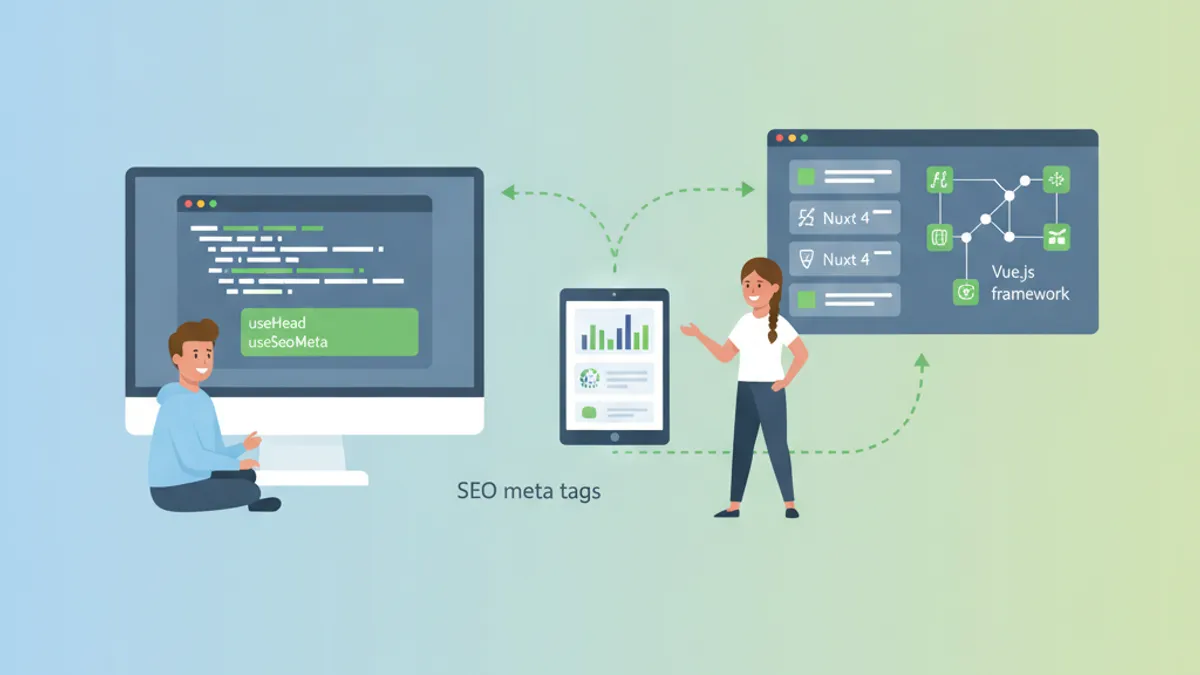
Nuxt 4 provides two composables for managing SEO meta tags: useHead for general head elements and useSeoMeta for type-safe SEO metadata. With Nuxt 3 reaching end of life on July 31, 2026, understanding these composables in Nuxt 4.5 is essential for any Vue developer preparing for technical interviews.
useSeoMeta handles SEO-specific tags (title, description, Open Graph, Twitter Cards) with full TypeScript support. useHead manages everything else: scripts, stylesheets, canonical URLs, and custom meta tags. Use both together for complete head management.
useSeoMeta: Type-Safe SEO Metadata in Nuxt 4
The useSeoMeta composable accepts a flat object with over 100 typed properties. This approach eliminates common mistakes like confusing name with property attributes on Open Graph tags.
<!-- pages/product/[id].vue -->
<script setup lang="ts">
const product = await useFetch(`/api/products/${route.params.id}`)

useSeoMeta({
  title: () => product.data.value?.name,
  description: () => product.data.value?.description,
  ogTitle: () => product.data.value?.name,
  ogDescription: () => product.data.value?.description,
  ogImage: () => product.data.value?.imageUrl,
  ogType: 'product',
  twitterCard: 'summary_large_image',
  twitterTitle: () => product.data.value?.name,
  twitterDescription: () => product.data.value?.description,
  twitterImage: () => product.data.value?.imageUrl,
})
</script>
The arrow function syntax () => value creates reactive getters. When product.data changes, the meta tags update automatically. For static pages where SEO tags never change after initial render, this reactivity adds unnecessary overhead.
Server-Only Meta Tags for Better Performance
Search engine crawlers and AI bots like GPTBot and ClaudeBot only read the initial HTML response. They do not execute JavaScript. This means client-side meta tag updates are invisible to them.
<!-- pages/about.vue -->
<script setup lang="ts">
if (import.meta.server) {
  useSeoMeta({
    title: 'About SharpSkill',
    description: 'Technical interview preparation platform for developers',
    ogTitle: 'About SharpSkill',
    ogDescription: 'Technical interview preparation platform for developers',
    ogImage: 'https://sharpskill.dev/og-about.png',
    robots: 'index, follow',
  })
}
</script>
Wrapping useSeoMeta in import.meta.server ensures the composable only runs during SSR. The meta tags appear in the HTML sent to crawlers, but no reactive watchers are created on the client. This reduces bundle size and improves hydration performance.
useHead for Scripts, Links, and Canonical URLs
While useSeoMeta covers SEO metadata, useHead handles everything else: external scripts, stylesheets, canonical URLs, and HTML/body attributes.
<!-- pages/blog/[slug].vue -->
<script setup lang="ts">
const route = useRoute()
const config = useRuntimeConfig()

useHead({
  link: [
    {
      rel: 'canonical',
      href: `${config.public.siteUrl}/blog/${route.params.slug}`,
    },
    {
      rel: 'alternate',
      hreflang: 'fr',
      href: `${config.public.siteUrl}/fr/blog/${route.params.slug}`,
    },
  ],
  script: [
    {
      type: 'application/ld+json',
      innerHTML: JSON.stringify({
        '@context': 'https://schema.org',
        '@type': 'Article',
        headline: article.value?.title,
        author: { '@type': 'Person', name: 'Anthony Fillion-Maillet' },
        datePublished: article.value?.publishedAt,
      }),
    },
  ],
})
</script>
The link array handles canonical URLs and hreflang tags for internationalization. The script array injects structured data for rich search results. Both are critical for SEO but fall outside the scope of useSeoMeta.
Ready to ace your Vue.js / Nuxt.js interviews?
Practice with our interactive simulators, flashcards, and technical tests.
Meta Tag Hierarchy: App, Layout, and Page Levels
Nuxt 4 merges meta tags from three levels: nuxt.config.ts (app-wide defaults), layouts, and pages. Page-level tags override layout-level tags, which override app-level tags.
export default defineNuxtConfig({
  app: {
    head: {
      titleTemplate: '%s | SharpSkill',
      meta: [
        { charset: 'utf-8' },
        { name: 'viewport', content: 'width=device-width, initial-scale=1' },
      ],
      link: [
        { rel: 'icon', type: 'image/x-icon', href: '/favicon.ico' },
      ],
    },
  },
})<!-- layouts/default.vue -->
<script setup lang="ts">
useSeoMeta({
ogSiteName: 'SharpSkill',
twitterSite: '@sharpskill',
})
</script><!-- pages/index.vue -->
<script setup lang="ts">
useSeoMeta({
title: 'Technical Interview Preparation',
description: 'Prepare for your next technical interview with practice questions and mock interviews',
})
</script>The final rendered title becomes "Technical Interview Preparation | SharpSkill" because the page provides the %s placeholder value and the config provides the template. This hierarchy avoids repetition while allowing page-specific overrides.
Common Nuxt SEO Interview Questions
Technical interviews for Vue/Nuxt positions often include questions about SSR and SEO optimization. Here are the patterns interviewers expect.
When should useSeoMeta use reactive getters versus static values?
Static values work for pages with fixed content: landing pages, about pages, legal pages. Reactive getters are necessary when meta tags depend on fetched data or route parameters. The performance difference matters at scale: 50 pages with unnecessary watchers waste memory and slow hydration.
How do AI crawlers differ from Googlebot?
Googlebot executes JavaScript and waits for client-side rendering. AI crawlers like GPTBot and ClaudeBot fetch raw HTML without executing scripts. Server-rendered meta tags reach both. Client-only meta tags reach neither AI bot nor older search engines.
What breaks Open Graph tags most often?
Missing og:image dimensions. Facebook and LinkedIn cache OG data aggressively. When the image dimensions are missing, platforms may display thumbnails incorrectly or not at all.
<script setup lang="ts">
useSeoMeta({
  ogImage: 'https://example.com/og-image.png',
  ogImageWidth: 1200,
  ogImageHeight: 630,
  ogImageAlt: 'Article preview showing code editor with Vue syntax',
})
</script>
Including ogImageWidth, ogImageHeight, and ogImageAlt prevents rendering issues and improves accessibility scores.
useHeadSafe for User-Generated Content
When meta tags include user input, XSS vulnerabilities become a concern. The useHeadSafe composable sanitizes values before injection.
<!-- pages/profile/[username].vue -->
<script setup lang="ts">
const user = await useFetch(`/api/users/${route.params.username}`)

useHeadSafe({
  title: user.data.value?.displayName,
  meta: [
    { name: 'description', content: user.data.value?.bio },
  ],
})
</script>
A malicious username like <script>alert('xss')</script> gets escaped rather than executed. Standard useHead does not sanitize, so useHeadSafe is mandatory for any untrusted content.
Nuxt SEO Module for Advanced Requirements
The Nuxt SEO module bundles sitemap generation, robots.txt management, schema.org markup, and OG image generation. For projects requiring comprehensive SEO tooling beyond the built-in composables, this module reduces boilerplate.
export default defineNuxtConfig({
  modules: ['@nuxtjs/seo'],
  site: {
    url: 'https://sharpskill.dev',
    name: 'SharpSkill',
  },
})
The module auto-generates sitemaps from routes, handles trailing slash normalization, and provides composables for structured data. Teams maintaining large sites benefit from the centralized configuration.
Start practicing!
Test your knowledge with our interview simulators and technical tests.
Nuxt 4 SEO Best Practices for Production
- Use
useSeoMetafor all SEO tags (title, description, Open Graph, Twitter Cards) with TypeScript autocompletion - Use
useHeadfor canonical URLs, hreflang tags, structured data, and external scripts - Wrap static meta tags in
import.meta.serverto eliminate client-side reactivity overhead - Include
ogImageWidth,ogImageHeight, andogImageAltfor social sharing previews - Use
useHeadSafefor any user-generated content to prevent XSS attacks - Set app-level defaults in
nuxt.config.tsand override at page level only when needed - Test with Google Rich Results Test to validate structured data
- Verify rendering in browser DevTools Network tab with JavaScript disabled to simulate crawler behavior
Can you spot the bug in Vue.js / Nuxt.js?
One real snippet, one hidden bug, one attempt a day. No account needed to try.

Written by
Anthony Fillion-MailletFounder of SharpSkill
Full-stack developer for over 10 years. Runs SharpSkill and answers for everything published here.
Updated on September 12, 2026
Tags
Share
Related articles

Nuxt 4 in 2026: New Directory Structure and Migration from Nuxt 3
Complete guide to Nuxt 4 directory structure, migration from Nuxt 3, data fetching changes, and TypeScript improvements. Step-by-step tutorial with code examples.
Vue 3 Script Setup and defineModel in 2026: Modern Syntax and Interview Questions
Master Vue 3 script setup syntax and defineModel for two-way binding. Learn reactive props destructure, TypeScript patterns, and prepare for Vue interview questions.

Nuxt Nitro and Server Routes in 2026: Full-Stack Vue and API Endpoints
Master Nuxt Nitro server routes to build full-stack Vue applications. Learn API endpoints, middleware, database integration, and production deployment patterns with Nuxt 4.