Combine vs async/await in Swift: Progressive Migration Patterns
Complete guide to migrating from Combine to async/await in Swift: progressive strategies, bridging patterns, and paradigm coexistence in iOS codebases.
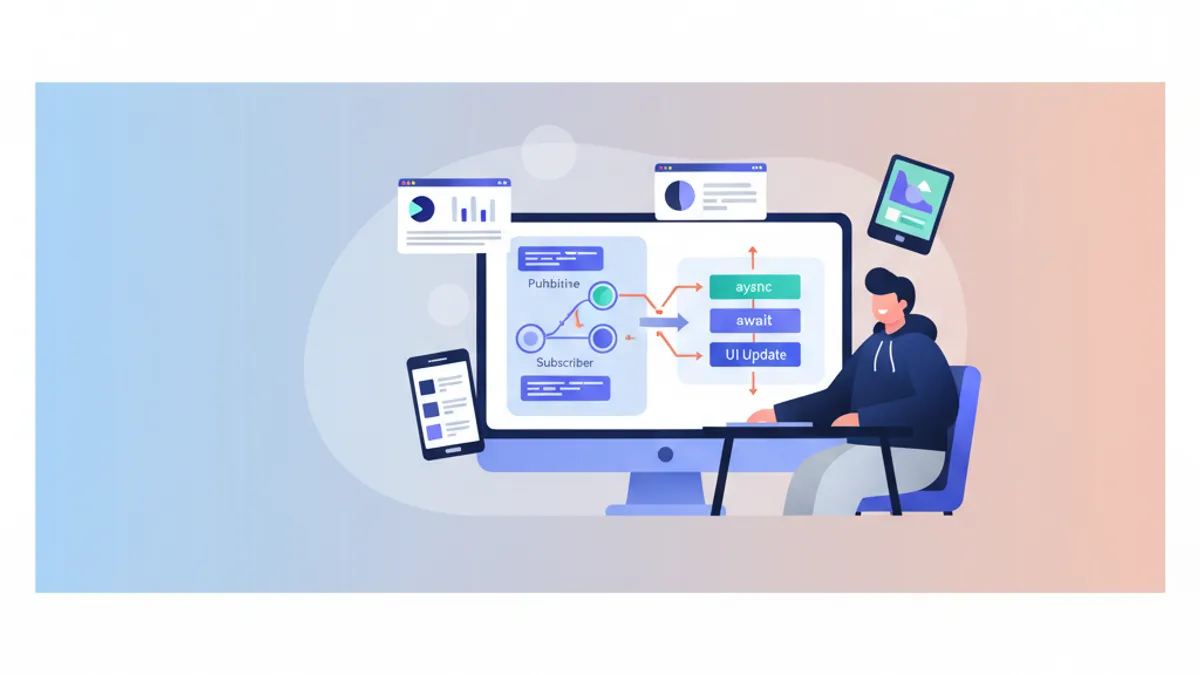
The introduction of Swift Concurrency with async/await has transformed asynchronous programming practices on iOS. For projects using Combine, the migration question naturally arises. Should everything be rewritten? Can both approaches coexist? What patterns enable a smooth transition? This guide explores progressive migration strategies, enabling async/await adoption without abruptly abandoning Combine.
This guide presents concrete patterns for progressively migrating from Combine to async/await, with bidirectional bridging examples and coexistence strategies suited for existing codebases.
Understanding the Fundamental Differences
Before starting a migration, understanding what distinguishes Combine from async/await is essential. These two approaches serve different needs, and certain use cases remain better suited for Combine.
The Combine Mental Model
Combine is based on a data stream model. A Publisher emits values over time, operators transform those values, and a Subscriber receives the final result. This model excels for continuous streams like UI events, notifications, or WebSockets.
// Event stream with Combine - stream-based model
import Combine

class SearchViewModel {
    @Published var searchText = ""
    private var cancellables = Set<AnyCancellable>()

    // Combine excels for continuous streams with transformations
    func setupSearch() {
        $searchText
            // Wait 300ms pause in typing
            .debounce(for: .milliseconds(300), scheduler: RunLoop.main)
            // Ignore consecutive duplicates
            .removeDuplicates()
            // Filter searches that are too short
            .filter { $0.count >= 3 }
            // Transform text into network request
            .flatMap { query in
                self.searchAPI(query: query)
                    // Local error handling
                    .catch { _ in Just([]) }
            }
            // Final subscription
            .sink { results in
                self.updateUI(with: results)
            }
            .store(in: &cancellables)
    }

    private func searchAPI(query: String) -> AnyPublisher<[SearchResult], Error> {
        // Network implementation
    }
}
This code illustrates Combine's strength: chaining declarative operators to process a continuous event stream.
The async/await Mental Model
Async/await adopts a sequential model: an operation starts, the code awaits its result, then continues. This model is more intuitive for one-off operations like isolated network requests or file reads.
// One-off operations with async/await - sequential model
import Foundation

actor SearchService {
    // async/await excels for sequential operations
    func performSearch(query: String) async throws -> [SearchResult] {
        // Pre-validation - clear sequential reading
        guard query.count >= 3 else {
            return []
        }

        // Network request with await
        let url = URL(string: "https://api.example.com/search?q=\(query)")!
        let (data, response) = try await URLSession.shared.data(from: url)

        // Response verification
        guard let httpResponse = response as? HTTPURLResponse,
              httpResponse.statusCode == 200 else {
            throw SearchError.invalidResponse
        }

        // Result decoding
        let results = try JSONDecoder().decode([SearchResult].self, from: data)
        return results
    }
}
The reading is linear, errors propagate naturally with try, and the execution flow is immediately understandable.
Combine remains relevant for continuous streams (UI events, timers, WebSockets). Async/await is better suited for one-off operations (API requests, file reading, isolated computations).
Bridging Combine to async/await
The first step in a migration often involves consuming existing Publishers in async/await code. Swift provides native tools for this bridging.
Using AsyncSequence with Publisher.values
Since Swift 5.5, every Publisher exposes a .values property that returns an AsyncPublisher. This asynchronous sequence allows iterating over emitted values with a for await loop.
// Publisher → AsyncSequence conversion via .values
import Combine

class NotificationObserver {
    private let notificationPublisher: AnyPublisher<Notification, Never>

    init() {
        // Existing Combine Publisher
        notificationPublisher = NotificationCenter.default
            .publisher(for: UIApplication.didBecomeActiveNotification)
            .eraseToAnyPublisher()
    }

    // Consuming the Publisher with async/await
    func observeNotifications() async {
        // .values converts the Publisher to AsyncSequence
        for await notification in notificationPublisher.values {
            // Process each notification
            await handleAppBecameActive(notification)
        }
        // This line is never reached for an infinite Publisher
    }

    private func handleAppBecameActive(_ notification: Notification) async {
        // Async processing logic
    }
}
This approach preserves the original Publisher while allowing its consumption in an async context.
Getting a Single Value with firstValue
For Publishers that emit a single value (like a network request), the .values.first(where:) property or a custom extension simplifies bridging.
// Extension to extract a single value from a Publisher
import Combine

extension Publisher where Failure == Never {
    // Awaits and returns the first emitted value
    var firstValue: Output {
        get async {
            await withCheckedContinuation { continuation in
                var cancellable: AnyCancellable?
                cancellable = self.first()
                    .sink { value in
                        continuation.resume(returning: value)
                        cancellable?.cancel()
                    }
            }
        }
    }
}

extension Publisher {
    // Throwing version for Publishers with errors
    var firstValueThrowing: Output {
        get async throws {
            try await withCheckedThrowingContinuation { continuation in
                var cancellable: AnyCancellable?
                cancellable = self.first()
                    .sink(
                        receiveCompletion: { completion in
                            if case .failure(let error) = completion {
                                continuation.resume(throwing: error)
                            }
                            cancellable?.cancel()
                        },
                        receiveValue: { value in
                            continuation.resume(returning: value)
                        }
                    )
            }
        }
    }
}

// Usage in async code
class UserRepository {
    private let apiClient: APIClient

    func fetchCurrentUser() async throws -> User {
        // Consume an existing Publisher asynchronously
        try await apiClient.userPublisher().firstValueThrowing
    }
}
This extension encapsulates bridging complexity and offers a clean API.
Ready to ace your iOS interviews?
Practice with our interactive simulators, flashcards, and technical tests.
Bridging async/await to Combine
The reverse migration is also necessary: consuming async code in existing Combine pipelines.
Creating a Publisher from an async Function
The most direct approach uses Future combined with a Task to encapsulate the async call.
// async → Publisher conversion via Future
import Combine

extension Publisher {
    // async flatMap operator for Combine pipelines
    func asyncMap<T>(
        _ transform: @escaping (Output) async throws -> T
    ) -> AnyPublisher<T, Error> {
        flatMap { value in
            Future { promise in
                Task {
                    do {
                        // Execute the async transformation
                        let result = try await transform(value)
                        promise(.success(result))
                    } catch {
                        promise(.failure(error))
                    }
                }
            }
        }
        .eraseToAnyPublisher()
    }
}

// Usage in a Combine pipeline
class ImageProcessor {
    @Published var selectedImageURL: URL?
    private var cancellables = Set<AnyCancellable>()

    func setupProcessingPipeline() {
        $selectedImageURL
            .compactMap { $0 }
            // Use an async function in the Combine pipeline
            .asyncMap { url in
                // downloadImage is an async function
                try await self.downloadImage(from: url)
            }
            .asyncMap { imageData in
                // processImage is also async
                try await self.processImage(imageData)
            }
            .receive(on: DispatchQueue.main)
            .sink(
                receiveCompletion: { completion in
                    if case .failure(let error) = completion {
                        print("Error: \(error)")
                    }
                },
                receiveValue: { processedImage in
                    self.displayImage(processedImage)
                }
            )
            .store(in: &cancellables)
    }

    private func downloadImage(from url: URL) async throws -> Data {
        let (data, _) = try await URLSession.shared.data(from: url)
        return data
    }

    private func processImage(_ data: Data) async throws -> UIImage {
        // Async image processing
    }
}
Custom Publisher for Async Streams
For more advanced needs, a custom Publisher can encapsulate a complete AsyncSequence stream.
// Publisher wrapper for AsyncSequence
import Combine

struct AsyncSequencePublisher<S: AsyncSequence>: Publisher {
    typealias Output = S.Element
    typealias Failure = Error

    private let sequence: S

    init(_ sequence: S) {
        self.sequence = sequence
    }

    func receive<Sub>(subscriber: Sub) where Sub: Subscriber,
                                              Failure == Sub.Failure,
                                              Output == Sub.Input {
        let subscription = AsyncSubscription(
            sequence: sequence,
            subscriber: subscriber
        )
        subscriber.receive(subscription: subscription)
    }
}

private final class AsyncSubscription<S: AsyncSequence, Sub: Subscriber>: Subscription
where Sub.Input == S.Element, Sub.Failure == Error {

    private var task: Task<Void, Never>?
    private var subscriber: Sub?
    private let sequence: S

    init(sequence: S, subscriber: Sub) {
        self.sequence = sequence
        self.subscriber = subscriber
    }

    func request(_ demand: Subscribers.Demand) {
        // Start asynchronous iteration
        task = Task {
            do {
                for try await element in sequence {
                    // Check subscription is still active
                    guard subscriber != nil else { break }
                    _ = subscriber?.receive(element)
                }
                subscriber?.receive(completion: .finished)
            } catch {
                subscriber?.receive(completion: .failure(error))
            }
        }
    }

    func cancel() {
        task?.cancel()
        subscriber = nil
    }
}

// Convenience extension for any AsyncSequence
extension AsyncSequence {
    var publisher: AsyncSequencePublisher<Self> {
        AsyncSequencePublisher(self)
    }
}
Coexistence Strategies in a Codebase
Complete migration of a large codebase takes time. Here are patterns for harmoniously coexisting Combine and async/await.
Layered Architecture with Abstraction
Defining protocols that abstract the implementation allows progressive migration without modifying calling code.
// Abstraction enabling two implementations
import Combine

// Protocol defining the contract
protocol UserRepositoryProtocol {
    // Modern async interface
    func fetchUser(id: String) async throws -> User

    // Legacy Combine interface (optional with default implementation)
    func fetchUserPublisher(id: String) -> AnyPublisher<User, Error>
}

// Default Publisher implementation based on async
extension UserRepositoryProtocol {
    func fetchUserPublisher(id: String) -> AnyPublisher<User, Error> {
        Future { promise in
            Task {
                do {
                    let user = try await self.fetchUser(id: id)
                    promise(.success(user))
                } catch {
                    promise(.failure(error))
                }
            }
        }
        .eraseToAnyPublisher()
    }
}

// Modern implementation - async first
class UserRepository: UserRepositoryProtocol {
    private let apiClient: APIClient

    init(apiClient: APIClient) {
        self.apiClient = apiClient
    }

    func fetchUser(id: String) async throws -> User {
        // Native async implementation
        let url = URL(string: "https://api.example.com/users/\(id)")!
        let (data, _) = try await URLSession.shared.data(from: url)
        return try JSONDecoder().decode(User.self, from: data)
    }

    // fetchUserPublisher is provided by the default extension
}
This approach allows new callers to use async/await while legacy code continues using Publishers.
When bridging, created Tasks can outlive the objects that created them. Always use [weak self] or explicitly cancel tasks to avoid memory leaks.
Hybrid ViewModel
A ViewModel can expose both interfaces during the transition period.
// ViewModel supporting both Combine and async/await
import Combine
import SwiftUI

@MainActor
class ProfileViewModel: ObservableObject {
    // Published state for SwiftUI (Combine)
    @Published private(set) var user: User?
    @Published private(set) var isLoading = false
    @Published private(set) var errorMessage: String?

    private let repository: UserRepositoryProtocol
    private var cancellables = Set<AnyCancellable>()
    private var loadTask: Task<Void, Never>?

    init(repository: UserRepositoryProtocol) {
        self.repository = repository
    }

    // Async interface for modern UIKit or SwiftUI with .task
    func loadUser(id: String) async {
        isLoading = true
        errorMessage = nil

        do {
            user = try await repository.fetchUser(id: id)
        } catch {
            errorMessage = error.localizedDescription
        }

        isLoading = false
    }

    // Combine interface for legacy code
    func loadUserPublisher(id: String) {
        isLoading = true
        errorMessage = nil

        repository.fetchUserPublisher(id: id)
            .receive(on: DispatchQueue.main)
            .sink(
                receiveCompletion: { [weak self] completion in
                    self?.isLoading = false
                    if case .failure(let error) = completion {
                        self?.errorMessage = error.localizedDescription
                    }
                },
                receiveValue: { [weak self] user in
                    self?.user = user
                }
            )
            .store(in: &cancellables)
    }

    // Clean cancellation
    func cancelLoading() {
        loadTask?.cancel()
        cancellables.removeAll()
        isLoading = false
    }
}
Migrating Common Combine Operators
Some Combine operators have no direct async/await equivalent. Here's how to reproduce them.
Debounce Equivalent with async
// Debounce implementation with async/await
import Foundation

actor Debouncer {
    private var task: Task<Void, Never>?
    private let duration: Duration

    init(duration: Duration) {
        self.duration = duration
    }

    // Cancels previous execution and schedules a new one
    func debounce(_ operation: @escaping @Sendable () async -> Void) {
        task?.cancel()

        task = Task {
            do {
                // Wait for the specified duration
                try await Task.sleep(for: duration)
                // Execute operation if not cancelled
                await operation()
            } catch {
                // Task cancelled - expected behavior
            }
        }
    }
}

// Usage in a ViewModel
@MainActor
class SearchViewModel: ObservableObject {
    @Published var searchText = ""
    @Published private(set) var results: [SearchResult] = []

    private let debouncer = Debouncer(duration: .milliseconds(300))
    private let searchService: SearchService

    init(searchService: SearchService) {
        self.searchService = searchService
    }

    func onSearchTextChanged(_ text: String) {
        Task {
            await debouncer.debounce { [weak self] in
                guard let self else { return }
                await self.performSearch(text)
            }
        }
    }

    private func performSearch(_ query: String) async {
        guard query.count >= 3 else {
            results = []
            return
        }

        do {
            results = try await searchService.search(query: query)
        } catch {
            // Error handling
        }
    }
}
Merge Equivalent with TaskGroup
// Combining multiple async streams with TaskGroup
import Foundation

struct AsyncMerge {
    // Executes multiple async operations in parallel and returns all results
    static func merge<T>(
        _ operations: [@Sendable () async throws -> T]
    ) async throws -> [T] {
        try await withThrowingTaskGroup(of: T.self) { group in
            // Launch all operations in parallel
            for operation in operations {
                group.addTask {
                    try await operation()
                }
            }

            // Collect results
            var results: [T] = []
            for try await result in group {
                results.append(result)
            }
            return results
        }
    }

    // Streaming version that emits results as they arrive
    static func mergeStream<T: Sendable>(
        _ operations: [@Sendable () async throws -> T]
    ) -> AsyncThrowingStream<T, Error> {
        AsyncThrowingStream { continuation in
            Task {
                await withThrowingTaskGroup(of: T.self) { group in
                    for operation in operations {
                        group.addTask {
                            try await operation()
                        }
                    }

                    do {
                        for try await result in group {
                            continuation.yield(result)
                        }
                        continuation.finish()
                    } catch {
                        continuation.finish(throwing: error)
                    }
                }
            }
        }
    }
}

// Usage
class DataAggregator {
    func fetchAllData() async throws -> AggregatedData {
        // Execute three requests in parallel
        let results = try await AsyncMerge.merge([
            { try await self.fetchUsers() },
            { try await self.fetchPosts() },
            { try await self.fetchComments() }
        ])

        return AggregatedData(
            users: results[0] as! [User],
            posts: results[1] as! [Post],
            comments: results[2] as! [Comment]
        )
    }
}
Ready to ace your iOS interviews?
Practice with our interactive simulators, flashcards, and technical tests.
Use Cases Where Combine Remains Preferable
Despite async/await advantages, certain scenarios remain better served by Combine.
Reactive UI Event Streams
SwiftUI and UIKit generate continuous event streams where Combine operators (debounce, throttle, combineLatest) shine.
// Combine remains optimal for reactive UI events
import Combine
import SwiftUI

class FormViewModel: ObservableObject {
    @Published var email = ""
    @Published var password = ""
    @Published var confirmPassword = ""

    // Derived states computed via Combine
    @Published private(set) var isEmailValid = false
    @Published private(set) var isPasswordStrong = false
    @Published private(set) var passwordsMatch = false
    @Published private(set) var canSubmit = false

    private var cancellables = Set<AnyCancellable>()

    init() {
        setupValidation()
    }

    private func setupValidation() {
        // Email validation with debounce
        $email
            .debounce(for: .milliseconds(300), scheduler: RunLoop.main)
            .map { email in
                let regex = /^[\w-\.]+@([\w-]+\.)+[\w-]{2,4}$/
                return email.wholeMatch(of: regex) != nil
            }
            .assign(to: &$isEmailValid)

        // Password strength validation
        $password
            .map { password in
                password.count >= 8 &&
                password.rangeOfCharacter(from: .uppercaseLetters) != nil &&
                password.rangeOfCharacter(from: .decimalDigits) != nil
            }
            .assign(to: &$isPasswordStrong)

        // Password matching
        Publishers.CombineLatest($password, $confirmPassword)
            .map { password, confirm in
                !password.isEmpty && password == confirm
            }
            .assign(to: &$passwordsMatch)

        // Final combination to enable submit button
        Publishers.CombineLatest3($isEmailValid, $isPasswordStrong, $passwordsMatch)
            .map { $0 && $1 && $2 }
            .assign(to: &$canSubmit)
    }
}
This declarative pattern would be much more verbose with async/await.
WebSocket Connection Management
WebSockets emit messages continuously, a natural use case for Combine.
// WebSocket with Combine for continuous stream
import Combine
import Foundation

class WebSocketManager: ObservableObject {
    @Published private(set) var messages: [ChatMessage] = []
    @Published private(set) var connectionState: ConnectionState = .disconnected

    private var webSocketTask: URLSessionWebSocketTask?
    private let messageSubject = PassthroughSubject<ChatMessage, Never>()
    private var cancellables = Set<AnyCancellable>()

    // Exposed Publisher for consumers
    var messagePublisher: AnyPublisher<ChatMessage, Never> {
        messageSubject.eraseToAnyPublisher()
    }

    func connect(to url: URL) {
        webSocketTask = URLSession.shared.webSocketTask(with: url)
        webSocketTask?.resume()
        connectionState = .connected

        // Start reception loop
        receiveMessages()

        // Message processing pipeline
        messageSubject
            // Buffer messages to avoid too frequent UI updates
            .collect(.byTime(RunLoop.main, .milliseconds(100)))
            // Accumulate in history
            .scan([ChatMessage]()) { accumulated, new in
                accumulated + new
            }
            .assign(to: &$messages)
    }

    private func receiveMessages() {
        webSocketTask?.receive { [weak self] result in
            switch result {
            case .success(let message):
                if case .string(let text) = message,
                   let data = text.data(using: .utf8),
                   let chatMessage = try? JSONDecoder().decode(ChatMessage.self, from: data) {
                    self?.messageSubject.send(chatMessage)
                }
                // Continue reception
                self?.receiveMessages()

            case .failure(let error):
                self?.connectionState = .error(error.localizedDescription)
            }
        }
    }
}
Progressive Migration Checklist
A successful migration follows a methodical approach. Here are the recommended steps.
Phase 1: Preparation
- ✅ Identify Publishers used in the codebase
- ✅ Categorize: continuous streams vs one-off operations
- ✅ Create bridging extensions (firstValue, asyncMap)
- ✅ Define abstract protocols for repositories
Phase 2: One-off Operations Migration
- ✅ Convert simple network requests to async/await
- ✅ Migrate file reads
- ✅ Transform database operations
- ✅ Preserve Publishers via default implementations
Phase 3: ViewModel Adaptation
- ✅ Add async methods to existing ViewModels
- ✅ Use
.taskin SwiftUI for new screens - ✅ Maintain @Published bindings for compatibility
Phase 4: Cleanup
- ✅ Remove Combine methods that became unused
- ✅ Remove unused bridging extensions
- ✅ Document intentionally preserved Combine patterns
Conclusion
Migrating from Combine to async/await represents a natural evolution for modern Swift projects. The progressive approach, using bidirectional bridging patterns, enables adopting async/await advantages without abrupt disruption.
Key takeaways:
- ✅ Combine and async/await serve different needs
- ✅
.valuesconverts a Publisher to AsyncSequence - ✅
Future+Taskencapsulates async code in a Publisher - ✅ Abstract protocols facilitate coexistence
- ✅ Combine remains relevant for reactive UI streams
- ✅ Operators like debounce can be recreated in async
- ✅ Progressive migration reduces regression risks
The goal is not to eliminate Combine, but to choose the right tool for each context: async/await for one-off operations, Combine for continuous event streams.
Start practicing!
Test your knowledge with our interview simulators and technical tests.
Can you spot the bug in iOS?
One real snippet, one hidden bug, one attempt a day. No account needed to try.

Written by
Anthony Fillion-MailletFounder of SharpSkill
Full-stack developer for over 10 years. Runs SharpSkill and answers for everything published here.
Updated on March 28, 2026
Tags
Share
Related articles
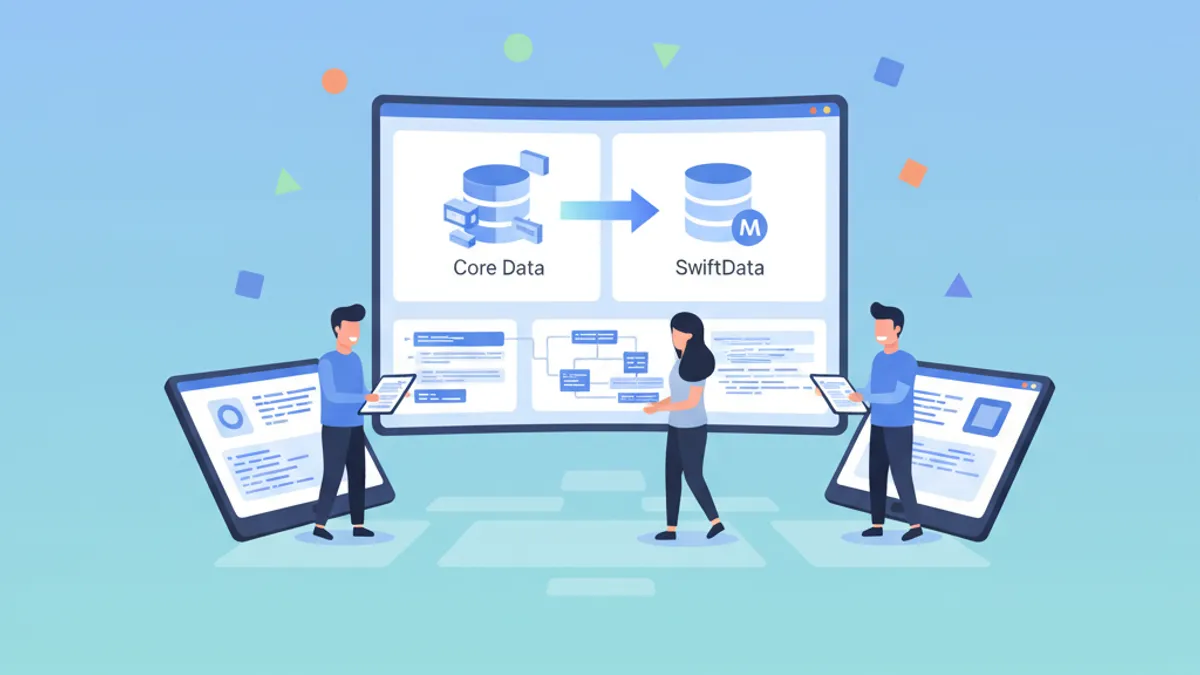
Core Data to SwiftData Migration: Step-by-Step Guide 2026
Complete guide to migrate your iOS app from Core Data to SwiftData with practical examples, coexistence strategies, and best practices.
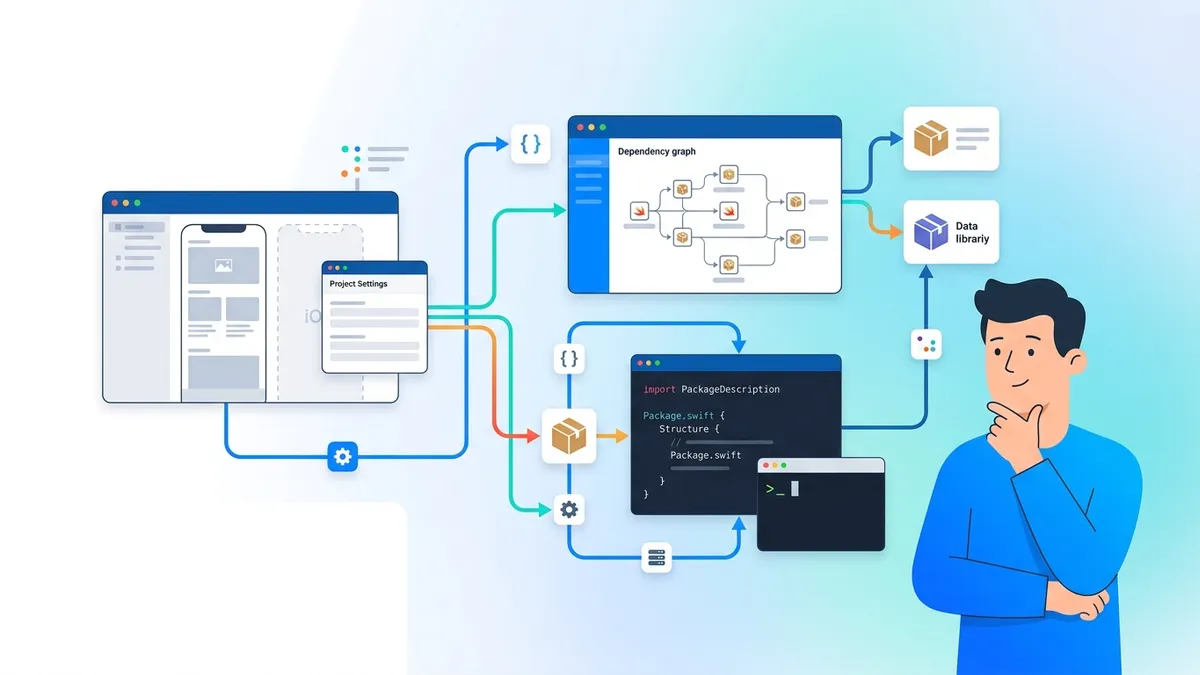
Swift Package Manager in 2026: Creating, Publishing and Interview Questions
Master Swift Package Manager with this comprehensive tutorial. Learn to create packages, manage dependencies, publish libraries, and prepare for iOS interview questions about SPM.

iOS Accessibility Interview Questions in 2026: VoiceOver and Dynamic Type
Prepare for iOS interviews with key accessibility questions: VoiceOver, Dynamic Type, semantic traits, and accessibility audits.