Vue 3 Teleport และ Suspense: รูปแบบขั้นสูงและคำถามสัมภาษณ์ 2026
เรียนรู้รูปแบบขั้นสูงของ Vue 3 Teleport และ Suspense สำหรับการสัมภาษณ์ developer ระดับ senior คู่มือฉบับสมบูรณ์พร้อมตัวอย่างโค้ดและ best practices 2026
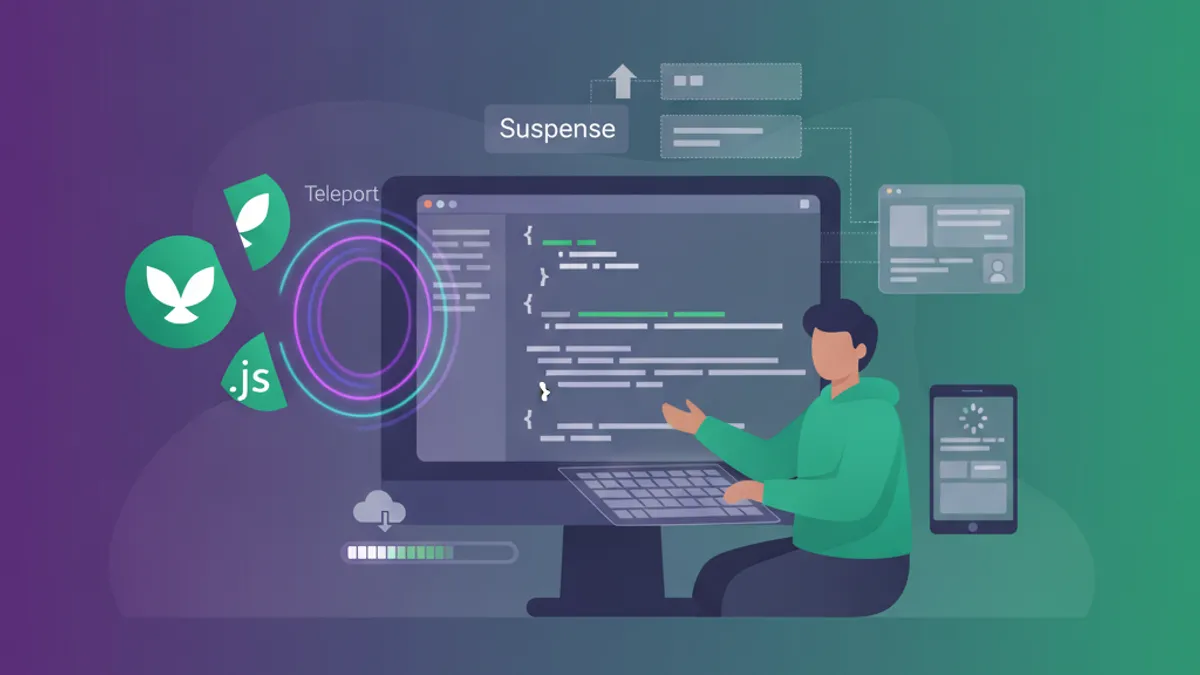
Vue 3 Teleport และ Suspense แก้ไขความท้าทายในการ render สองประเภทที่แตกต่างกัน: การวาง component นอก hierarchy ของ DOM และการประสานงาน dependency แบบ async ทั้งสองเป็น component ในตัวที่ไม่ต้อง import และทั้งสองมักปรากฏในการสัมภาษณ์ developer Vue ระดับ senior
Vue 3.5 เพิ่ม prop defer ให้กับ Teleport ซึ่งอนุญาตให้ target ถูก render ในภายหลังใน component tree สิ่งนี้แก้ไขปัญหา timing SSR ที่พบบ่อยเมื่อ target ของ portal ไม่มีอยู่ในเวลา mount
พื้นฐาน Teleport และ Prop defer
Teleport ย้ายเนื้อหาที่ render แล้วไปยังตำแหน่ง DOM อื่นในขณะที่ยังคงรักษา component tree ของ Vue Component ยังคงเป็น child เชิงตรรกะของ parent: props, events และ provide/inject ทั้งหมดทำงานปกติ Vue DevTools แสดง component ที่ถูก teleport ซ้อนอยู่ภายใต้ parent ไม่ใช่ภายใต้ element target
<!-- ModalTrigger.vue -->
<script setup>
import { ref } from 'vue'

const isOpen = ref(false)
</script>

<template>
  <button @click="isOpen = true">Open Modal</button>

  <Teleport to="#modal-root">
    <div v-if="isOpen" class="modal-overlay" @click.self="isOpen = false">
      <div class="modal-content">
        <slot />
        <button @click="isOpen = false">Close</button>
      </div>
    </div>
  </Teleport>
</template>
Prop to รับ string CSS selector หรือการอ้างอิง element DOM เมื่อ target ไม่มีอยู่ในเวลา mount Teleport จะส่ง warning และไม่ render อะไรเลย สิ่งนี้สร้างปัญหากับ SSR และ layout แบบไดนามิก
Prop defer (Vue 3.5+)
Prop defer บอก Teleport ให้รอจนกว่าส่วนอื่นของแอปพลิเคชันจะ mount ก่อนที่จะ resolve target สิ่งนี้ทำให้สามารถ teleport ไปยัง element ที่ render ในภายหลังใน component เดียวกันหรือใน component พี่น้อง
<!-- App.vue -->
<template>
  <Teleport defer to="#dynamic-target">
    <NotificationBanner />
  </Teleport>

  <!-- Target ถูก render หลังจาก Teleport -->
  <div id="dynamic-target"></div>
</template>
หากไม่มี defer โค้ดนี้จะล้มเหลวเพราะ #dynamic-target ไม่มีอยู่เมื่อ Teleport mount ด้วย defer Vue จะ resolve target หลังจากทุก component ใน tick เดียวกันได้ mount แล้ว Target ยังต้อง render ในรอบ mount หรือ update เดียวกัน
หลาย Teleport และ Conditional Rendering
หลาย component Teleport สามารถกำหนดเป้าหมายไปยัง element เดียวกัน เนื้อหาถูกเพิ่มตามลำดับการประกาศ:
<template>
  <Teleport to="#notifications">
    <Toast message="First" />
  </Teleport>

  <Teleport to="#notifications">
    <Toast message="Second" />
  </Teleport>
</template>

<!-- ผลลัพธ์ใน #notifications:
  <div>First</div>
  <div>Second</div>
-->
Prop disabled ควบคุมว่าจะเกิด teleportation หรือไม่ เมื่อ disabled เนื้อหาจะ render inline Pattern นี้จัดการ layout ที่ตอบสนองซึ่ง modal ควร overlay บน desktop แต่ render inline บน mobile:
<script setup>
import { useMediaQuery } from '@vueuse/core'

const isMobile = useMediaQuery('(max-width: 768px)')
</script>

<template>
  <Teleport to="body" :disabled="isMobile">
    <MobileDrawer />
  </Teleport>
</template>
Suspense สำหรับการประสานงาน Component Async
Suspense ประสานงาน dependency async ทั่วทั้ง component tree เมื่อ component ลูกหลานใดมี dependency async ที่ยังไม่ resolve Suspense จะแสดงเนื้อหา slot fallback เมื่อทุก dependency resolve แล้ว Suspense จะสลับไปที่ slot default
Suspense ยังคงเป็นฟีเจอร์ทดลองใน Vue 3.5 API อาจเปลี่ยนแปลงก่อนที่จะถึงสถานะเสถียร การใช้งานใน production ต้องยอมรับความเสี่ยงนี้
<!-- Dashboard.vue -->
<template>
  <Suspense>
    <template #default>
      <DashboardContent />
    </template>

    <template #fallback>
      <LoadingSpinner />
    </template>
  </Suspense>
</template>
Suspense ติดตาม dependency async สองประเภท: component ที่มี async setup() และ async component ที่สร้างด้วย defineAsyncComponent
Async Setup ด้วย Top-Level Await
Vue 3 script setup รองรับ top-level await component ใดก็ตามที่ใช้ top-level await จะกลายเป็น dependency async ที่ Suspense สามารถติดตามได้:
<!-- UserProfile.vue -->
<script setup>
const response = await fetch('/api/user/profile')
const user = await response.json()
</script>

<template>
  <div class="profile">
    <h1>{{ user.name }}</h1>
    <p>{{ user.email }}</p>
  </div>
</template>
Component นี้ไม่สามารถ render ได้จนกว่า fetch จะเสร็จสมบูรณ์ Suspense boundary ของ parent จะแสดง fallback จนกว่าจะ resolve หากไม่มี Suspense boundary component จะไม่ render
Nested Suspense ด้วย Prop suspensible
แอปพลิเคชันที่ซับซ้อนมักมีหลาย async boundary Vue 3.3 แนะนำ prop suspensible เพื่อควบคุมวิธีที่ component Suspense ที่ซ้อนกันโต้ตอบกับ parent
<!-- PageLayout.vue -->
<template>
  <Suspense>
    <template #default>
      <header>
        <AsyncNavigation />
      </header>

      <main>
        <!-- Inner Suspense ด้วย fallback ของตัวเอง -->
        <Suspense suspensible>
          <template #default>
            <AsyncContent />
          </template>
          <template #fallback>
            <ContentSkeleton />
          </template>
        </Suspense>
      </main>
    </template>

    <template #fallback>
      <PageSkeleton />
    </template>
  </Suspense>
</template>
เมื่อตั้งค่า suspensible Suspense ภายในจะลงทะเบียนกับ Suspense boundary ของ parent Parent จะรอทั้ง AsyncNavigation และ AsyncContent ให้ resolve ก่อนที่จะซ่อน fallback Suspense ภายในยังคงทำหน้าที่เป็น boundary ท้องถิ่น: หาก AsyncContent ใช้เวลานานกว่า ContentSkeleton จะแสดงในขณะที่ AsyncNavigation ยังคงมองเห็นได้
หากไม่มี suspensible Suspense ภายในจะทำงานอย่างอิสระ Parent จะแสดง fallback เฉพาะเมื่อ AsyncNavigation กำลังโหลด โดยไม่สนใจ AsyncContent เลย
พร้อมที่จะพิชิตการสัมภาษณ์ Vue.js / Nuxt.js แล้วหรือยังครับ?
ฝึกฝนด้วยตัวจำลองแบบโต้ตอบ, flashcards และแบบทดสอบเทคนิคครับ
การรวม Teleport, Suspense และ Transitions
แอปพลิเคชันจริงรวม pattern เหล่านี้เข้าด้วยกัน Modal ที่โหลดเนื้อหาแบบ async ได้รับประโยชน์จากทั้งสาม:
<!-- AsyncModal.vue -->
<script setup>
import { ref, defineAsyncComponent } from 'vue'

const isOpen = ref(false)

const AsyncModalContent = defineAsyncComponent({
  loader: () => import('./ModalContent.vue'),
  loadingComponent: () => import('./ModalSkeleton.vue'),
  delay: 200,
  timeout: 10000
})
</script>

<template>
  <button @click="isOpen = true">Open</button>

  <Teleport to="body">
    <Transition name="modal">
      <div v-if="isOpen" class="modal-wrapper">
        <Suspense>
          <template #default>
            <AsyncModalContent @close="isOpen = false" />
          </template>
          <template #fallback>
            <ModalSkeleton />
          </template>
        </Suspense>
      </div>
    </Transition>
  </Teleport>
</template>

<style>
.modal-enter-active,
.modal-leave-active {
  transition: opacity 0.3s ease;
}

.modal-enter-from,
.modal-leave-to {
  opacity: 0;
}
</style>
ลำดับการซ้อนมีความสำคัญ: Teleport ครอบ Transition ซึ่งครอบ element แบบมีเงื่อนไข ซึ่งมี Suspense สิ่งนี้ทำให้ transition ทำ animation กับ modal ทั้งหมดรวมถึง loading state
การจัดการ Error ด้วย Suspense
Suspense ไม่จัดการ error Dependency async ที่ล้มเหลวจะ reject promise และเผยแพร่ error ขึ้นไปใน component tree Lifecycle hook onErrorCaptured จับ error เหล่านี้ที่ boundary:
<!-- ErrorBoundary.vue -->
<script setup>
import { ref, onErrorCaptured } from 'vue'

const error = ref(null)

onErrorCaptured((err) => {
  error.value = err
  return false // ป้องกันการเผยแพร่
})
</script>

<template>
  <div v-if="error" class="error-state">
    <p>Failed to load: {{ error.message }}</p>
    <button @click="error = null">Retry</button>
  </div>

  <Suspense v-else>
    <template #default>
      <slot />
    </template>
    <template #fallback>
      <slot name="loading" />
    </template>
  </Suspense>
</template>
Pattern นี้ครอบ component tree async ใดก็ตามด้วยทั้ง loading และ error state ปุ่ม retry จะล้าง error ทำให้ Vue render ใหม่และลองการดำเนินการ async อีกครั้ง
คำถามสัมภาษณ์เกี่ยวกับ Teleport และ Suspense
ตำแหน่ง Vue senior ทดสอบ pattern เหล่านี้มากขึ้น ต่อไปนี้คือคำถามทั่วไปและสิ่งที่แยกคำตอบที่แข็งแกร่ง:
Q: เมื่อใดควรใช้ Teleport แทน CSS positioning?
คำตอบที่อ่อน: "เมื่อ z-index ไม่ทำงาน"
คำตอบที่แข็งแกร่ง: Teleport แก้ไขปัญหา hierarchy DOM ที่ CSS ไม่สามารถแก้ไขได้ Modal ภายใน container ที่มี overflow: hidden หรือ transform สร้าง stacking context ใหม่ ทำลาย position: fixed Teleport ย้าย modal ไปที่ body หลุดพ้นจากข้อจำกัดเหล่านี้ในขณะที่ยังคงรักษา component tree เชิงตรรกะของ Vue
Q: Suspense แตกต่างจาก loading state ในแต่ละ component อย่างไร?
คำตอบที่อ่อน: "Suspense สะอาดกว่า"
คำตอบที่แข็งแกร่ง: Suspense ประสานงานหลาย dependency async สิบ component ที่มี loading state แต่ละตัวจะแสดงสิบ spinner ในเวลาที่แตกต่างกัน Suspense แสดง spinner หนึ่งตัวจนกว่าทั้งสิบจะ resolve แล้วแสดงทั้งหมดพร้อมกัน สิ่งนี้สร้างประสิทธิภาพที่รับรู้ได้ราบรื่นกว่าและโค้ด component ที่ง่ายกว่าเนื่องจาก component async ไม่ต้องจัดการ loading state ของตัวเอง
Q: เกิดอะไรขึ้นเมื่อ target ของ Teleport ไม่มีอยู่?
เนื้อหาไม่ render และ Vue บันทึก warning Prop defer ของ Vue 3.5 แก้ไขสิ่งนี้โดยรอให้ component อื่นๆ mount ก่อน หากไม่มี defer ให้แน่ใจว่า target มีอยู่ใน index.html หรือใน component parent ที่ mount ก่อน children
Q: Suspense ทำงานกับ Options API ได้หรือไม่?
ได้ Component ใดก็ตามที่มี async setup() จะ trigger Suspense โดยไม่คำนึงว่าใช้ Composition API หรือ Options API ที่อื่น ฟังก์ชัน setup คือ async boundary ไม่ใช่ style ของ component
Teleport และ Suspense ใน Nuxt 3
Nuxt 3 ขยาย pattern เหล่านี้ด้วยการพิจารณา SSR เอกสาร Nuxt เกี่ยวกับ SSR ครอบคลุม timing ของ hydration
สำหรับ Teleport Nuxt ต้องการให้ target มีอยู่ก่อน hydration เพิ่ม target ของ portal ไปที่ app.vue หรือใช้ prop defer:
<!-- app.vue -->
<template>
  <NuxtLayout>
    <NuxtPage />
  </NuxtLayout>

  <!-- Target ของ portal สำหรับ SSR -->
  <div id="modal-root"></div>
  <div id="toast-root"></div>
</template>
สำหรับ Suspense useFetch และ useAsyncData ของ Nuxt รวมเข้าโดยอัตโนมัติ Component หน้าที่ใช้ composable เหล่านี้ทำงานกับ Suspense ในตัวของ Nuxt โดยไม่ต้องกำหนดค่าด้วยตนเอง ดู module Vue composables ของ SharpSkill สำหรับการเตรียมสัมภาษณ์ที่เกี่ยวข้อง
Pattern Production สำหรับ Vue 3.5
- Target ของ Teleport ใน index.html: สร้าง target ของ portal ที่เสถียรซึ่งมีอยู่ก่อนที่โค้ด Vue ใดๆ จะทำงาน สิ่งนี้หลีกเลี่ยงปัญหา timing โดยสิ้นเชิง
- Suspense boundary ที่ละเอียด: หนึ่ง Suspense ต่อหนึ่งหน่วยการโหลดที่เป็นอิสระ Dashboard ที่มี widget แยกกันได้รับประโยชน์จาก Suspense boundary แยกเพื่อให้ widget ที่เร็วปรากฏทันที
- Error boundary เหนือ Suspense: ครอบ Suspense ด้วยการจัดการ error เสมอ Network failure และ API error ต้องไม่ทำให้ tree ทั้งหมด crash
- Timing ของ transition: เมื่อรวม Suspense กับ Transition ให้ตั้ง
mode="out-in"เพื่อป้องกันการทับซ้อนระหว่างการเปลี่ยนแปลง state
เริ่มฝึกซ้อมเลย!
ทดสอบความรู้ของคุณด้วยตัวจำลองสัมภาษณ์และแบบทดสอบเทคนิคครับ
คุณหาบั๊กใน Vue.js / Nuxt.js เจอไหม
โค้ดจริงหนึ่งชิ้น บั๊กที่ซ่อนอยู่หนึ่งจุด วันละหนึ่งครั้ง ลองได้โดยไม่ต้องมีบัญชี

เขียนโดย
Anthony Fillion-Mailletผู้ก่อตั้ง SharpSkill
เป็นนักพัฒนาฟูลสแตกมากว่า 10 ปี ดูแล SharpSkill และรับผิดชอบทุกสิ่งที่เผยแพร่ที่นี่
อัปเดตเมื่อ 28 สิงหาคม 2569
แชร์
บทความที่เกี่ยวข้อง
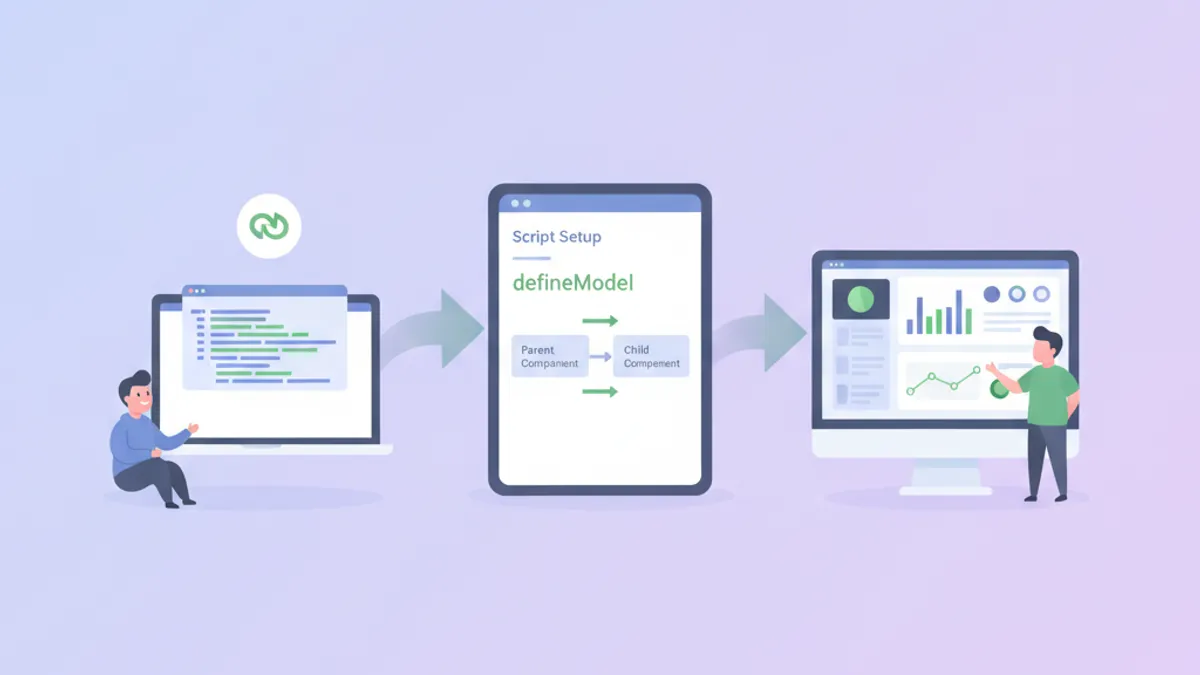
Vue 3 Script Setup และ defineModel ในปี 2026: ไวยากรณ์สมัยใหม่และคำถามสัมภาษณ์งาน
คู่มือฉบับสมบูรณ์เกี่ยวกับไวยากรณ์ script setup ของ Vue 3, defineModel สำหรับ two-way binding, reactive props destructure ใน Vue 3.5 และคำถามสัมภาษณ์ที่พบบ่อย
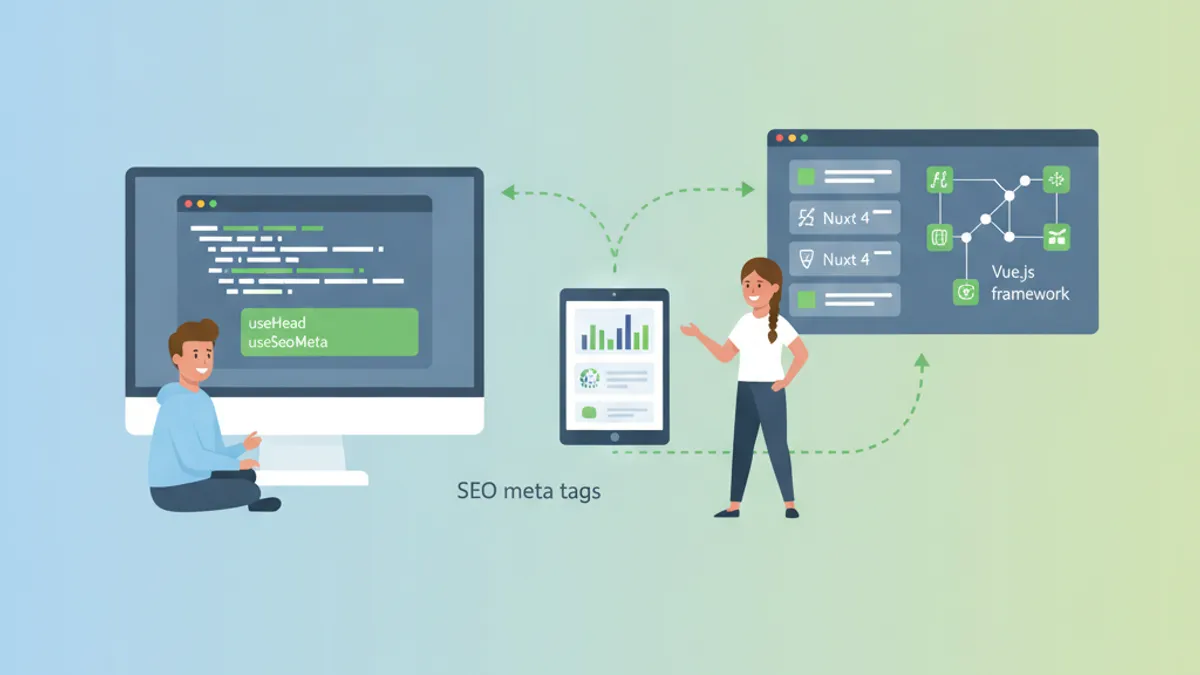
Nuxt 4 SEO และ Meta Tags 2026: คู่มือ useHead, useSeoMeta สำหรับสัมภาษณ์งาน
เรียนรู้วิธีใช้ useHead และ useSeoMeta ใน Nuxt 4 เพื่อเพิ่มประสิทธิภาพ SEO คู่มือฉบับสมบูรณ์พร้อมตัวอย่างโค้ดและคำถามสัมภาษณ์เทคนิค Vue/Nuxt
Vue 3 Reactivity Transform ในปี 2026: $ref, $computed และคำถามสัมภาษณ์งาน
คู่มือเชิงลึกเกี่ยวกับ Reactivity Transform ใน Vue 3 ครอบคลุม $ref, $computed และคำถามสัมภาษณ์ที่พบบ่อยสำหรับนักพัฒนา Vue ระดับสูง