Django Channels in 2026: WebSockets, Real-Time and Interview Questions
Master Django Channels 4.x with WebSocket consumers, Redis channel layers, and common interview questions. Production-ready code examples with ASGI deployment.
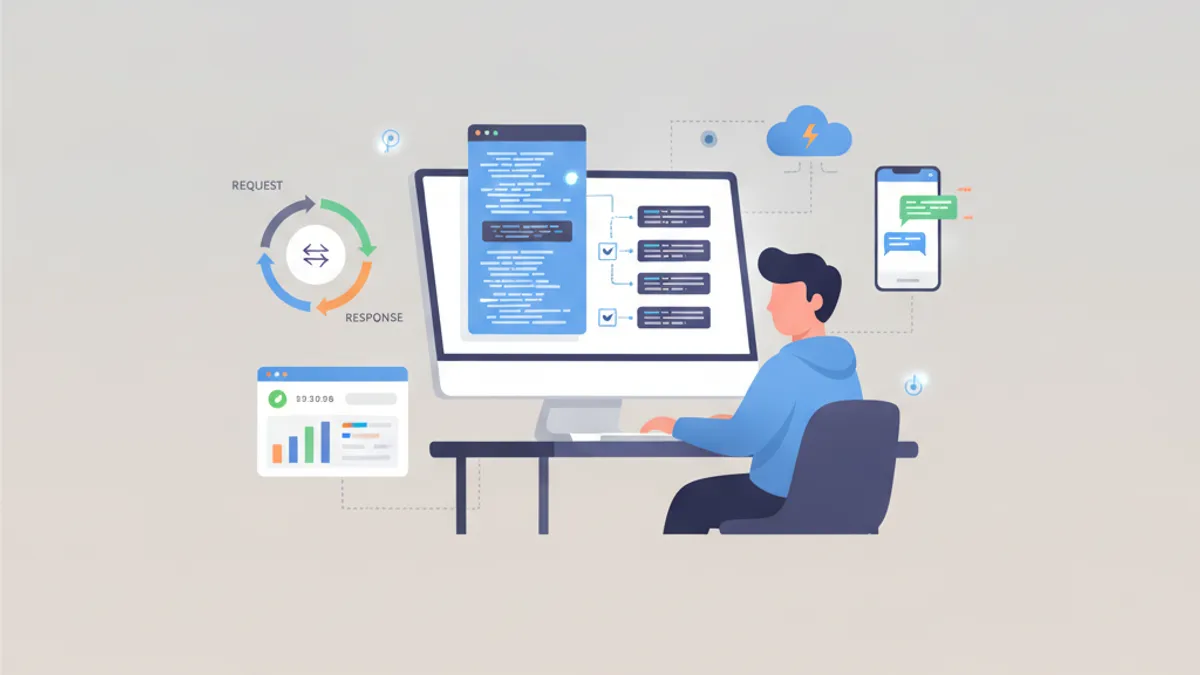
Django Channels 4.x extends Django beyond HTTP to handle WebSockets, enabling real-time features like chat, notifications, and live dashboards. This tutorial covers consumer patterns, channel layers with Redis, and the interview questions that separate mid-level candidates from seniors.
Install with pip install channels channels-redis, switch your ASGI_APPLICATION to point at your routing config, and run with Uvicorn instead of Gunicorn. Redis is required for any multi-process deployment.
Why Django Needs Channels for WebSockets
Django's architecture builds on WSGI, a synchronous request-response protocol. WSGI has no concept of persistent connections. Django 4.1 added async views, but async views still follow the request-response pattern, closing the connection after each response.
WebSocket support requires ASGI, which handles long-lived connections and bidirectional communication. Django Channels 4.x provides this ASGI layer, wrapping Django's native async support with routing and consumer abstractions.
# asgi.py
import os
from django.core.asgi import get_asgi_application
from channels.routing import ProtocolTypeRouter, URLRouter
from channels.auth import AuthMiddlewareStack
import chat.routing

os.environ.setdefault('DJANGO_SETTINGS_MODULE', 'project.settings')

application = ProtocolTypeRouter({
    "http": get_asgi_application(),
    "websocket": AuthMiddlewareStack(
        URLRouter(
            chat.routing.websocket_urlpatterns
        )
    ),
})
The ProtocolTypeRouter dispatches incoming connections based on protocol type. HTTP requests go to Django's standard ASGI handler, while WebSocket connections route through the URLRouter to the appropriate consumer.
AsyncWebsocketConsumer: The Core Building Block
Consumers are the WebSocket equivalent of Django views. The AsyncWebsocketConsumer class provides three hooks: connect, disconnect, and receive. Each runs as a coroutine, allowing non-blocking I/O operations.
# consumers.py
import json
from channels.generic.websocket import AsyncWebsocketConsumer

class NotificationConsumer(AsyncWebsocketConsumer):
    async def connect(self):
        # Extract user from session via AuthMiddlewareStack
        self.user = self.scope["user"]
        if self.user.is_anonymous:
            await self.close()
            return

        # Create user-specific channel group
        self.group_name = f"notifications_{self.user.id}"
        await self.channel_layer.group_add(
            self.group_name,
            self.channel_name
        )
        await self.accept()

    async def disconnect(self, close_code):
        # Clean up group membership
        await self.channel_layer.group_discard(
            self.group_name,
            self.channel_name
        )

    async def receive(self, text_data):
        # Handle incoming messages from client
        data = json.loads(text_data)
        await self.send(text_data=json.dumps({
            "type": "ack",
            "id": data.get("id")
        }))

    async def notification_message(self, event):
        # Handler for messages sent via channel layer
        await self.send(text_data=json.dumps({
            "type": "notification",
            "payload": event["payload"]
        }))
The scope dictionary contains connection metadata, including the authenticated user when using AuthMiddlewareStack. The channel_name is a unique identifier for this specific connection, while groups allow broadcasting to multiple connections.
Routing WebSocket Connections
Routing maps URL paths to consumers, similar to Django's URL configuration. The as_asgi() method returns an ASGI application instance for each consumer class.
# routing.py
from django.urls import re_path
from . import consumers

websocket_urlpatterns = [
    re_path(
        r"ws/notifications/$",
        consumers.NotificationConsumer.as_asgi()
    ),
    re_path(
        r"ws/chat/(?P<room_name>\w+)/$",
        consumers.ChatConsumer.as_asgi()
    ),
]
URL parameters captured by regex groups appear in self.scope["url_route"]["kwargs"]. This allows dynamic routing, such as joining different chat rooms based on the URL path.
Redis Channel Layer for Production
The in-memory channel layer works for development but fails in production. Each process maintains its own layer, preventing cross-process communication. The channels-redis package provides the production-grade solution.
# settings.py
CHANNEL_LAYERS = {
    "default": {
        "BACKEND": "channels_redis.core.RedisChannelLayer",
        "CONFIG": {
            "hosts": [("redis", 6379)],
            "capacity": 1500,
            "expiry": 10,
        },
    },
}
The capacity setting limits the message queue per channel (default: 100). The expiry setting controls how long messages wait before being dropped (default: 60 seconds). For high-throughput applications, increase capacity and reduce expiry to prevent memory buildup.
Sending Messages from Django Views
Channel layers enable sending WebSocket messages from anywhere in the application, including synchronous Django views and Celery tasks.
# views.py
from channels.layers import get_channel_layer
from asgiref.sync import async_to_sync

def create_order(request):
    order = Order.objects.create(user=request.user, **form.cleaned_data)

    # Send notification to user's WebSocket connection
    channel_layer = get_channel_layer()
    async_to_sync(channel_layer.group_send)(
        f"notifications_{request.user.id}",
        {
            "type": "notification_message",
            "payload": {
                "title": "Order Created",
                "order_id": order.id
            }
        }
    )
    return redirect("order_detail", pk=order.id)
The type field maps to a handler method on the consumer. notification_message becomes notification_message() after replacing dots with underscores.
Ready to ace your Django interviews?
Practice with our interactive simulators, flashcards, and technical tests.
Database Access in Async Consumers
Django's ORM is synchronous by default. Calling synchronous ORM methods from an async consumer blocks the event loop, degrading performance. Two solutions exist: database_sync_to_async and Django's native async ORM methods.
# consumers.py
from channels.db import database_sync_to_async
from .models import Message

class ChatConsumer(AsyncWebsocketConsumer):
    @database_sync_to_async
    def save_message(self, content):
        return Message.objects.create(
            room=self.room,
            user=self.user,
            content=content
        )

    async def receive(self, text_data):
        data = json.loads(text_data)
        message = await self.save_message(data["content"])

        await self.channel_layer.group_send(
            self.room_group_name,
            {
                "type": "chat_message",
                "content": data["content"],
                "user_id": self.user.id,
                "message_id": message.id
            }
        )
Django 4.1+ provides async ORM methods prefixed with a: aget(), acreate(), afilter(). These eliminate the need for database_sync_to_async in many cases.
# Using Django's native async ORM (Django 4.1+)
async def receive(self, text_data):
    data = json.loads(text_data)
    message = await Message.objects.acreate(
        room=self.room,
        user=self.user,
        content=data["content"]
    )
Deploying with Uvicorn and Nginx
Daphne was the original ASGI server for Channels. Uvicorn with uvloop offers better performance for WebSocket workloads and has a larger community.
# Production deployment
uvicorn project.asgi:application \
    --host 0.0.0.0 \
    --port 8000 \
    --workers 4 \
    --ws websockets \
    --loop uvloop
Nginx requires specific configuration for WebSocket proxying. The Upgrade and Connection headers must be forwarded to enable the protocol switch from HTTP to WebSocket.
# nginx.conf
upstream channels {
    server 127.0.0.1:8000;
}

server {
    listen 80;
    server_name example.com;

    location /ws/ {
        proxy_pass http://channels;
        proxy_http_version 1.1;
        proxy_set_header Upgrade $http_upgrade;
        proxy_set_header Connection "upgrade";
        proxy_set_header Host $host;
        proxy_set_header X-Real-IP $remote_addr;
        proxy_read_timeout 86400;
    }

    location / {
        proxy_pass http://channels;
        proxy_set_header Host $host;
        proxy_set_header X-Real-IP $remote_addr;
    }
}
The proxy_read_timeout setting prevents Nginx from closing idle WebSocket connections. Set it to match your application's expected connection duration.
Interview Questions: Django Channels
These questions appear frequently in senior Python developer interviews. The expected answers go beyond surface-level definitions.
Why can't Django handle WebSockets natively?
Django uses WSGI, a synchronous protocol where each request gets a response and the connection closes. WebSockets require persistent, bidirectional connections. WSGI has no specification for this. Django's async views (added in 4.1) still follow request-response semantics. Channels adds ASGI support, which handles long-lived connections and event-driven communication.
What's the difference between a channel and a channel layer?
A channel is a named queue where messages wait for a consumer. Each WebSocket connection gets a unique channel name. A channel layer is the transport backend (Redis, in-memory) that routes messages between channels. The layer handles cross-process communication, group membership, and message serialization.
When would you use database_sync_to_async vs Django's async ORM?
Use Django's async ORM methods (aget, acreate, afilter) for simple operations, as they integrate cleanly with async code. Use database_sync_to_async when calling synchronous code that cannot be easily converted, such as third-party libraries, complex QuerySet chains, or methods that trigger additional synchronous operations like signals.
How do you scale WebSocket connections horizontally?
Redis channel layer enables horizontal scaling. All Uvicorn workers and all server instances communicate through Redis. Each connection's channel name is unique, and Redis tracks group membership. Sticky sessions are not required because the channel layer, not the server, maintains connection state. The consumer only needs the channel name to send messages.
What happens if Redis goes down?
New connections succeed because connect() runs before group membership. Existing connections remain open but lose group messaging. group_send raises an exception or silently fails depending on configuration. For critical applications, implement connection health checks and graceful reconnection on the client side. Consider Redis Sentinel or Redis Cluster for high availability.
For more Django interview preparation, see the Django middleware module and Django signals module on SharpSkill.
Start practicing!
Test your knowledge with our interview simulators and technical tests.
Production Checklist for Django Channels
- Use
channels-rediswith Redis 6+ for the channel layer. The in-memory layer is development-only. - Set
capacitybased on expected message throughput. 100 (default) works for most applications. - Run Uvicorn with multiple workers:
--workers 4for a 4-core server. - Configure Nginx with
proxy_read_timeoutmatching your longest expected connection. - Implement client-side reconnection logic with exponential backoff.
- Monitor Redis memory usage. High message volumes with slow consumers cause memory growth.
- Use Django's async ORM methods where possible to avoid thread pool overhead.
- Test with realistic connection counts. WebSocket connections are more resource-intensive than HTTP requests.
Can you spot the bug in Django?
One real snippet, one hidden bug, one attempt a day. No account needed to try.

Written by
Anthony Fillion-MailletFounder of SharpSkill
Full-stack developer for over 10 years. Runs SharpSkill and answers for everything published here.
Updated on August 23, 2026
Tags
Share
Related articles

Django Async Views and ASGI in 2026: Performance and Interview Questions
A deep dive into Django async views and ASGI in 2026: how they work under the hood, which server to deploy, the async ORM and SynchronousOnlyOperation trap, plus interview questions.

Django and PostgreSQL in 2026: Indexing, Full-Text Search and Interview Questions
A practical guide to Django PostgreSQL optimization: B-tree, partial and covering indexes, full-text search with SearchVector and GIN, plus 2026 interview questions.
Django 6.0 in 2026: Composite Primary Keys, Background Tasks and Interview Questions
Complete guide to Django's latest features: composite primary keys from Django 5.2, the built-in background tasks framework in Django 6.0, template partials, CSP middleware, and common interview questions.