NgRx Signal Store vs Classic NgRx in 2026: Which Should You Choose?
A comprehensive comparison of NgRx Signal Store and Classic NgRx for Angular state management. Learn when to use each approach with practical code examples.
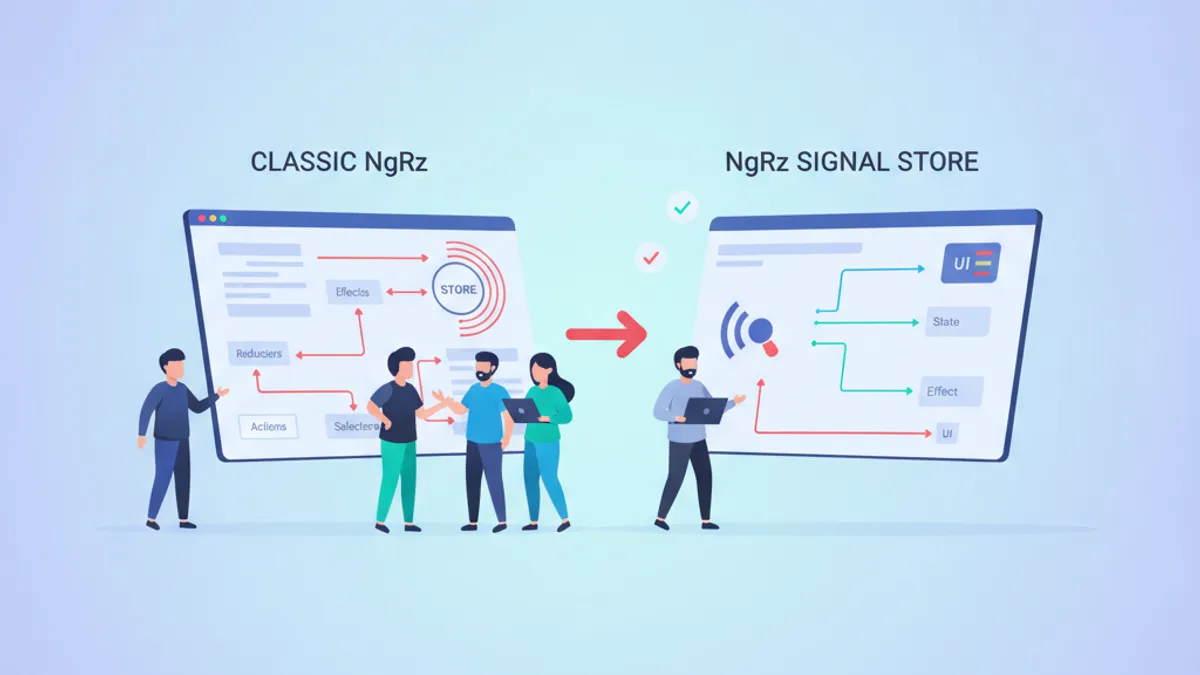
NgRx Signal Store represents a fundamental shift in Angular state management, replacing the traditional Redux-inspired actions-reducers-selectors pattern with a signal-based reactive approach. This comparison examines both solutions to help Angular developers make informed architectural decisions in 2026.
Use Signal Store for feature-level state and medium-complexity apps where boilerplate reduction matters. Use Classic NgRx for enterprise applications requiring strict audit trails, complex side effects, and extensive DevTools debugging.
Understanding the Architectural Differences
Classic NgRx follows the Redux pattern: actions describe events, reducers produce new immutable state, and selectors extract data. Every state change flows through a predictable, traceable pipeline.
Signal Store takes a different approach. Instead of dispatching actions through reducers, state lives in reactive signals. Updates happen through methods that call patchState(), and derived values come from computed signals rather than memoized selectors.
| Aspect | Classic NgRx | Signal Store |
|---|---|---|
| Mental Model | Redux/Flux | Reactive Services |
| Boilerplate | High (actions, reducers, selectors, effects) | Low (state, methods, computed) |
| Reactivity | RxJS Observables | Angular Signals |
| DevTools | Full Redux DevTools | Signal Store DevTools (via plugin) |
| Learning Curve | Steep | Moderate |
| Bundle Size | Larger | Smaller |
For developers already familiar with Angular Signals, Signal Store feels like a natural extension of the framework's reactive primitives.
Classic NgRx: The Redux Pattern in Angular
Classic NgRx organizes state management around actions, reducers, selectors, and effects. This separation enforces predictability at the cost of verbosity.
import { createActionGroup, emptyProps, props } from '@ngrx/store';
import { Book } from './book.model';

export const BooksActions = createActionGroup({
  source: 'Books',
  events: {
    'Load Books': emptyProps(),
    'Load Books Success': props<{ books: Book[] }>(),
    'Load Books Failure': props<{ error: string }>(),
    'Add Book': props<{ book: Book }>(),
    'Remove Book': props<{ id: string }>(),
  },
});
The createActionGroup API groups related actions under a single source, improving DevTools readability and reducing boilerplate compared to individual createAction calls.
import { createReducer, on } from '@ngrx/store';
import { BooksActions } from './books.actions';
import { Book } from './book.model';

export interface BooksState {
  books: Book[];
  loading: boolean;
  error: string | null;
}

const initialState: BooksState = {
  books: [],
  loading: false,
  error: null,
};

export const booksReducer = createReducer(
  initialState,
  on(BooksActions.loadBooks, (state) => ({
    ...state,
    loading: true,
    error: null,
  })),
  on(BooksActions.loadBooksSuccess, (state, { books }) => ({
    ...state,
    books,
    loading: false,
  })),
  on(BooksActions.loadBooksFailure, (state, { error }) => ({
    ...state,
    loading: false,
    error,
  }))
);
Reducers remain pure functions that return new state objects. The on() function handles action matching and state updates concisely.
import { createFeatureSelector, createSelector } from '@ngrx/store';
import { BooksState } from './books.reducer';

export const selectBooksState = createFeatureSelector<BooksState>('books');

export const selectAllBooks = createSelector(
  selectBooksState,
  (state) => state.books
);

export const selectBooksLoading = createSelector(
  selectBooksState,
  (state) => state.loading
);

export const selectPublishedBooks = createSelector(
  selectAllBooks,
  (books) => books.filter((book) => book.published)
);
Selectors provide memoization automatically. The selectPublishedBooks selector only recomputes when the books array changes, making reads efficient even in frequently-updated stores.
NgRx Signal Store: Signals-First State Management
Signal Store consolidates state, computed values, and methods into a single injectable service. The official NgRx documentation describes it as a "fully-featured state management solution with native support for Angular Signals."
import { computed, inject } from '@angular/core';
import { patchState, signalStore, withComputed, withMethods, withState } from '@ngrx/signals';
import { BooksService } from './books.service';
import { Book } from './book.model';

interface BooksState {
  books: Book[];
  loading: boolean;
  error: string | null;
}

const initialState: BooksState = {
  books: [],
  loading: false,
  error: null,
};

export const BooksStore = signalStore(
  { providedIn: 'root' },
  withState(initialState),
  withComputed(({ books }) => ({
    publishedBooks: computed(() => books().filter((book) => book.published)),
    totalBooks: computed(() => books().length),
  })),
  withMethods((store, booksService = inject(BooksService)) => ({
    async loadBooks() {
      patchState(store, { loading: true, error: null });
      try {
        const books = await booksService.getAll();
        patchState(store, { books, loading: false });
      } catch (error) {
        patchState(store, { loading: false, error: 'Failed to load books' });
      }
    },
    addBook(book: Book) {
      patchState(store, ({ books }) => ({ books: [...books, book] }));
    },
    removeBook(id: string) {
      patchState(store, ({ books }) => ({
        books: books.filter((book) => book.id !== id),
      }));
    },
  }))
);
The entire feature's state management fits in one file. State properties become signals automatically, computed signals replace selectors, and methods replace action dispatches.
Entity Management with withEntities
Both approaches support entity collections, but Signal Store's withEntities feature dramatically reduces code.
import { computed, inject } from '@angular/core';
import { patchState, signalStore, withComputed, withMethods } from '@ngrx/signals';
import {
  addEntity,
  removeEntity,
  setAllEntities,
  updateEntity,
  withEntities,
} from '@ngrx/signals/entities';
import { BooksService } from './books.service';
import { Book } from './book.model';

export const BooksEntityStore = signalStore(
  { providedIn: 'root' },
  withEntities<Book>(),
  withComputed(({ entities }) => ({
    publishedBooks: computed(() => entities().filter((book) => book.published)),
  })),
  withMethods((store, booksService = inject(BooksService)) => ({
    async loadBooks() {
      const books = await booksService.getAll();
      patchState(store, setAllEntities(books));
    },
    addBook(book: Book) {
      patchState(store, addEntity(book));
    },
    updateBook(id: string, changes: Partial<Book>) {
      patchState(store, updateEntity({ id, changes }));
    },
    removeBook(id: string) {
      patchState(store, removeEntity(id));
    },
  }))
);
The withEntities feature provides ids, entityMap, and entities signals automatically. Entity updaters like addEntity, removeEntity, and updateEntity handle collection mutations.
Ready to ace your Angular interviews?
Practice with our interactive simulators, flashcards, and technical tests.
Custom Store Features for Reusability
Signal Store's signalStoreFeature function enables cross-cutting concerns to be extracted and reused across stores.
import { computed } from '@angular/core';
import { signalStoreFeature, withComputed, withState } from '@ngrx/signals';

type RequestStatus = 'idle' | 'pending' | 'fulfilled' | 'error';

export function withRequestStatus() {
  return signalStoreFeature(
    withState<{ requestStatus: RequestStatus }>({ requestStatus: 'idle' }),
    withComputed(({ requestStatus }) => ({
      isPending: computed(() => requestStatus() === 'pending'),
      isFulfilled: computed(() => requestStatus() === 'fulfilled'),
      isError: computed(() => requestStatus() === 'error'),
    }))
  );
}

export function setPending(): { requestStatus: RequestStatus } {
  return { requestStatus: 'pending' };
}

export function setFulfilled(): { requestStatus: RequestStatus } {
  return { requestStatus: 'fulfilled' };
}

export function setError(): { requestStatus: RequestStatus } {
  return { requestStatus: 'error' };
}
This custom feature can now be composed into any store that needs loading state tracking.
import { inject } from '@angular/core';
import { patchState, signalStore, withMethods } from '@ngrx/signals';
import { setAllEntities, withEntities } from '@ngrx/signals/entities';
import { withRequestStatus, setFulfilled, setPending, setError } from './with-request-status';
import { BooksService } from './books.service';
import { Book } from './book.model';

export const BooksStore = signalStore(
  { providedIn: 'root' },
  withEntities<Book>(),
  withRequestStatus(),
  withMethods((store, booksService = inject(BooksService)) => ({
    async loadBooks() {
      patchState(store, setPending());
      try {
        const books = await booksService.getAll();
        patchState(store, setAllEntities(books), setFulfilled());
      } catch {
        patchState(store, setError());
      }
    },
  }))
);
The composed store now exposes isPending(), isFulfilled(), and isError() computed signals without duplicating logic.
Component Integration Patterns
Signal Store integrates naturally with Angular's template syntax through signal reads.
import { Component, inject } from '@angular/core';
import { BooksStore } from './books.store';

@Component({
  selector: 'app-books-list',
  standalone: true,
  template: `
    @if (store.isPending()) {
      <div class="loading-spinner">Loading books...</div>
    }

    @if (store.isError()) {
      <div class="error-message">Failed to load books</div>
    }

    @for (book of store.entities(); track book.id) {
      <div class="book-card">
        <h3>{{ book.title }}</h3>
        <p>{{ book.author }}</p>
        <button (click)="store.removeBook(book.id)">Remove</button>
      </div>
    }

    <p>Total: {{ store.totalBooks() }} books</p>
  `,
})
export class BooksListComponent {
  readonly store = inject(BooksStore);

  constructor() {
    this.store.loadBooks();
  }
}
No subscription management. No async pipes. Signals integrate with Angular's zoneless change detection for optimal performance.
Performance and Bundle Size Considerations
Signal Store's lighter architecture translates to smaller bundles. The core @ngrx/signals package adds roughly 4KB gzipped, compared to 15-20KB for the full classic NgRx stack (@ngrx/store, @ngrx/effects, @ngrx/entity).
Signal Store also benefits from Angular's signal-based change detection. Computed signals only recalculate when dependencies change, and components only re-render when consumed signals update. This granular reactivity eliminates unnecessary change detection cycles common in Observable-based patterns.
For applications already using RxJS heavily, classic NgRx's Observable-based selectors integrate seamlessly with existing pipelines.
Migration Strategy from Classic to Signal Store
Migrating an existing classic NgRx application doesn't require a big-bang rewrite. Both solutions can coexist, allowing incremental adoption.
- Start with new features using Signal Store
- Migrate isolated feature modules one at a time
- Keep complex, heavily-effectful features on classic NgRx if the migration cost exceeds the benefit
- Use the NgRx Signals interop utilities to bridge between Observable-based and signal-based state
Classic NgRx Store and Signal Store can run side-by-side in the same application. The NgRx team officially supports both approaches and provides interop utilities for bridging between them.
When to Choose Each Approach
Choose Signal Store when:
- Building new Angular 20+ applications
- Managing feature-level or component-level state
- Prioritizing developer experience and reduced boilerplate
- The team has limited NgRx experience
- Bundle size matters
Choose Classic NgRx when:
- Maintaining existing NgRx applications
- Requiring strict action logging and audit trails
- Building complex workflows with extensive side effects
- Needing full Redux DevTools time-travel debugging
- The team has deep NgRx expertise
For state management fundamentals, understanding both approaches prepares developers for diverse Angular codebases.
Start practicing!
Test your knowledge with our interview simulators and technical tests.
Conclusion
- Signal Store reduces state management boilerplate by 60-70% compared to classic NgRx
- Classic NgRx remains the better choice for enterprise applications requiring strict audit trails and complex side effects
- Both approaches can coexist in the same application, enabling incremental migration
- Signal Store's computed signals provide automatic memoization without explicit selector definitions
- Custom store features (
signalStoreFeature) enable reusable cross-cutting concerns - For new Angular 20+ projects in 2026, Signal Store should be the default choice unless specific requirements demand classic NgRx
Can you spot the bug in Angular?
One real snippet, one hidden bug, one attempt a day. No account needed to try.

Written by
Anthony Fillion-MailletFounder of SharpSkill
Full-stack developer for over 10 years. Runs SharpSkill and answers for everything published here.
Updated on July 11, 2026
Tags
Share
Related articles

RxJS in Angular 2026: Operators, Subjects and Signals Interop
RxJS in Angular 2026: master the operators, Subjects, and Signals interop patterns Angular developers use in production, plus the interview questions that come up most.

Angular Signals and Computed in 2026: Fine-Grained Reactivity and Interview Questions
Master Angular Signals, computed, effect, and linkedSignal in Angular 20+. Learn fine-grained reactivity patterns, performance optimizations, and prepare for technical interviews.

Angular 20 in 2026: Resource API, httpResource and Interview Questions
Angular 20 introduces httpResource and stabilizes the Resource API for signal-based data fetching. A hands-on tutorial covering resource(), rxResource(), httpResource(), Zod validation, and common interview questions.