ASP.NET Core Minimal APIs 2026: Kiến Trúc, Hiệu Năng và Câu Hỏi Phỏng Vấn
Hướng dẫn toàn diện về ASP.NET Core Minimal APIs với kiến trúc hiện đại, tối ưu hiệu năng Native AOT và các câu hỏi phỏng vấn thường gặp cho developer .NET.
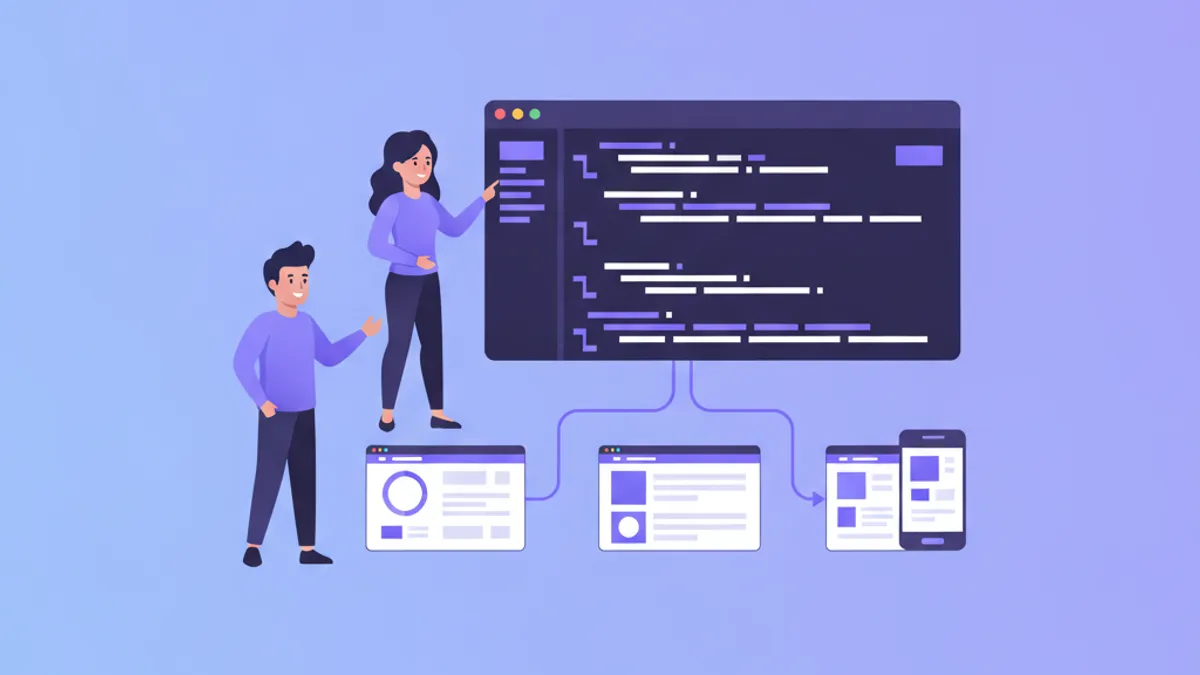
ASP.NET Core Minimal APIs loại bỏ phần lớn boilerplate code từ các MVC controller truyền thống, mang đến cách tiếp cận gọn nhẹ hơn để xây dựng HTTP endpoints. Được giới thiệu trong .NET 6 và liên tục cải tiến qua .NET 8, 9 và hiện tại là .NET 10, Minimal APIs đã trưởng thành thành lựa chọn production-ready cho microservices, serverless functions và lightweight web services.
Minimal APIs sử dụng top-level route handlers được định nghĩa trực tiếp trong Program.cs, trong khi MVC controllers yêu cầu định nghĩa class, attributes và convention-based routing. Đối với các thao tác CRUD đơn giản hoặc microservices với ít hơn 20 endpoints, Minimal APIs thường giảm code từ 40-60%.
Kiến Trúc Minimal API và Request Pipeline
Request pipeline của ASP.NET Core xử lý HTTP requests thông qua các middleware components trước khi đến endpoint handlers. Minimal APIs tích hợp liền mạch với pipeline này đồng thời cung cấp cú pháp khai báo rõ ràng hơn cho việc định nghĩa route.
var builder = WebApplication.CreateBuilder(args);

// Register services for dependency injection
builder.Services.AddEndpointsApiExplorer();
builder.Services.AddSwaggerGen();
builder.Services.AddScoped<IProductRepository, ProductRepository>();

var app = builder.Build();

// Middleware pipeline configuration
app.UseExceptionHandler("/error");
app.UseHttpsRedirection();
app.UseAuthorization();

// Minimal API endpoint definitions
app.MapGet("/products", async (IProductRepository repo) =>
    Results.Ok(await repo.GetAllAsync()));

app.MapGet("/products/{id:int}", async (int id, IProductRepository repo) =>
    await repo.GetByIdAsync(id) is Product product
        ? Results.Ok(product)
        : Results.NotFound());

app.Run();
Mẫu thiết kế này tập trung các định nghĩa route trong khi vẫn duy trì quyền truy cập đầy đủ vào dependency injection container. Tham số IProductRepository minh họa constructor-less injection trực tiếp vào handler delegates.
Route Groups và Tổ Chức Endpoint
Khi ứng dụng phát triển, việc tổ chức endpoints trở nên quan trọng. Route groups, được giới thiệu trong .NET 7, cung cấp namespacing và cấu hình chung mà không ảnh hưởng đến cách tiếp cận tối giản.
public static class ProductEndpoints
{
    public static void MapProductEndpoints(this WebApplication app)
    {
        var group = app.MapGroup("/api/products")
            .WithTags("Products")
            .RequireAuthorization();

        group.MapGet("/", GetAllProducts);
        group.MapGet("/{id:int}", GetProductById);
        group.MapPost("/", CreateProduct)
            .Accepts<CreateProductRequest>("application/json")
            .Produces<Product>(StatusCodes.Status201Created);
        group.MapPut("/{id:int}", UpdateProduct);
        group.MapDelete("/{id:int}", DeleteProduct)
            .RequireAuthorization("AdminOnly");
    }

    private static async Task<IResult> GetAllProducts(
        IProductRepository repo,
        CancellationToken ct)
    {
        var products = await repo.GetAllAsync(ct);
        return Results.Ok(products);
    }

    private static async Task<IResult> GetProductById(
        int id,
        IProductRepository repo,
        CancellationToken ct)
    {
        var product = await repo.GetByIdAsync(id, ct);
        return product is not null
            ? Results.Ok(product)
            : Results.NotFound();
    }

    private static async Task<IResult> CreateProduct(
        CreateProductRequest request,
        IProductRepository repo,
        IValidator<CreateProductRequest> validator,
        CancellationToken ct)
    {
        var validation = await validator.ValidateAsync(request, ct);
        if (!validation.IsValid)
            return Results.ValidationProblem(validation.ToDictionary());

        var product = await repo.CreateAsync(request.ToProduct(), ct);
        return Results.Created($"/api/products/{product.Id}", product);
    }
}
Việc gọi app.MapProductEndpoints() trong Program.cs đăng ký tất cả product routes với shared authorization requirements và OpenAPI metadata. Cấu trúc này có khả năng mở rộng tốt cho các ứng dụng có hàng trăm endpoints.
Parameter Binding và Validation
Minimal APIs hỗ trợ nhiều binding sources: route parameters, query strings, headers, request bodies và services từ DI. Hiểu rõ binding precedence giúp tránh những sai lầm phổ biến trong phỏng vấn.
app.MapGet("/search", (
    [FromQuery] string? query,           // Explicit query string
    [FromQuery] int page = 1,            // Default value
    [FromQuery] int pageSize = 20,       // Default value
    [FromHeader(Name = "X-Correlation-Id")] string? correlationId,
    ILogger<Program> logger) =>
{
    logger.LogInformation("Search request: {Query}, Page: {Page}, CorrelationId: {CorrelationId}",
        query, page, correlationId);

    return Results.Ok(new { query, page, pageSize, correlationId });
});

// Complex model binding with validation
app.MapPost("/orders", async (
    [FromBody] CreateOrderRequest request,
    [FromServices] IValidator<CreateOrderRequest> validator,
    [FromServices] IOrderService orderService,
    HttpContext context,
    CancellationToken ct) =>
{
    var validationResult = await validator.ValidateAsync(request, ct);

    if (!validationResult.IsValid)
    {
        return Results.ValidationProblem(
            validationResult.Errors
                .GroupBy(e => e.PropertyName)
                .ToDictionary(
                    g => g.Key,
                    g => g.Select(e => e.ErrorMessage).ToArray()));
    }

    var userId = context.User.FindFirstValue(ClaimTypes.NameIdentifier);
    var order = await orderService.CreateOrderAsync(request, userId!, ct);

    return Results.Created($"/orders/{order.Id}", order);
});
Attribute [FromBody] là tùy chọn cho complex types nhưng cải thiện khả năng đọc code. FluentValidation tích hợp tự nhiên thông qua dependency injection, tách biệt logic validation khỏi endpoint handlers.
Khi không có attribute nào được chỉ định, Minimal APIs suy luận binding sources: route parameters trước, sau đó query strings cho simple types, và request body cho complex types. Các explicit attributes như [FromQuery] hoặc [FromBody] ghi đè hành vi này.
Tối Ưu Hiệu Năng với Native AOT
.NET 8 giới thiệu hỗ trợ Native AOT (Ahead-of-Time) compilation cho Minimal APIs, tạo ra các executable độc lập với thời gian khởi động dưới một mili-giây. Khả năng này làm cho Minimal APIs trở nên lý tưởng cho serverless deployments nơi cold start latency rất quan trọng.
var builder = WebApplication.CreateSlimBuilder(args);

// AOT-friendly JSON serialization
builder.Services.ConfigureHttpJsonOptions(options =>
{
    options.SerializerOptions.TypeInfoResolverChain.Insert(0, AppJsonContext.Default);
});

var app = builder.Build();

app.MapGet("/health", () => Results.Ok(new HealthResponse("Healthy", DateTime.UtcNow)));

app.Run();

// Source-generated JSON serializer context
[JsonSerializable(typeof(HealthResponse))]
[JsonSerializable(typeof(Product))]
[JsonSerializable(typeof(List<Product>))]
internal partial class AppJsonContext : JsonSerializerContext { }

public record HealthResponse(string Status, DateTime CheckedAt);
Method CreateSlimBuilder loại trừ các tính năng framework không cần thiết, trong khi source-generated JsonSerializerContext loại bỏ runtime reflection cho JSON serialization. Published AOT binaries cho simple APIs thường có kích thước 10-15 MB so với 80+ MB cho standard self-contained deployments.
Typed Results và Response Metadata
.NET 7 giới thiệu TypedResults cho việc xác minh compile-time của response types, cải thiện độ chính xác của tài liệu OpenAPI và phát hiện type mismatches trong quá trình development.
// Strongly-typed results with OpenAPI metadata
app.MapGet("/products/{id:int}", async Task<Results<Ok<Product>, NotFound, ProblemHttpResult>> (
    int id,
    IProductRepository repo,
    CancellationToken ct) =>
{
    try
    {
        var product = await repo.GetByIdAsync(id, ct);

        return product is not null
            ? TypedResults.Ok(product)
            : TypedResults.NotFound();
    }
    catch (Exception ex)
    {
        return TypedResults.Problem(
            detail: "An error occurred retrieving the product",
            statusCode: StatusCodes.Status500InternalServerError);
    }
})
.WithName("GetProductById")
.WithOpenApi(operation =>
{
    operation.Summary = "Retrieves a product by ID";
    operation.Description = "Returns the product details or 404 if not found";
    return operation;
});
Union type Results<T1, T2, T3> khai báo tất cả các response types có thể có, được Swagger/OpenAPI generators sử dụng để tạo tài liệu chính xác. Pattern này đặc biệt có giá trị khi chuẩn bị cho các câu hỏi phỏng vấn về API design.
Sẵn sàng chinh phục phỏng vấn .NET?
Luyện tập với mô phỏng tương tác, flashcards và bài kiểm tra kỹ thuật.
Endpoint Filters cho Cross-Cutting Concerns
Endpoint filters cung cấp chức năng tương tự middleware được giới hạn cho các endpoints hoặc groups cụ thể, xử lý các concerns như logging, caching và request transformation.
public class ValidationFilter<T> : IEndpointFilter where T : class
{
    public async ValueTask<object?> InvokeAsync(
        EndpointFilterInvocationContext context,
        EndpointFilterDelegate next)
    {
        var validator = context.HttpContext
            .RequestServices
            .GetService<IValidator<T>>();

        if (validator is null)
            return await next(context);

        var argument = context.Arguments
            .OfType<T>()
            .FirstOrDefault();

        if (argument is null)
            return await next(context);

        var validationResult = await validator.ValidateAsync(argument);

        if (!validationResult.IsValid)
        {
            return Results.ValidationProblem(
                validationResult.Errors
                    .GroupBy(e => e.PropertyName)
                    .ToDictionary(
                        g => g.Key,
                        g => g.Select(e => e.ErrorMessage).ToArray()));
        }

        return await next(context);
    }
}

// Usage in Program.cs
app.MapPost("/products", CreateProduct)
    .AddEndpointFilter<ValidationFilter<CreateProductRequest>>();

// Global filter registration via route group
var api = app.MapGroup("/api")
    .AddEndpointFilter(async (context, next) =>
    {
        var logger = context.HttpContext
            .RequestServices
            .GetRequiredService<ILogger<Program>>();

        var stopwatch = Stopwatch.StartNew();
        var result = await next(context);
        stopwatch.Stop();

        logger.LogInformation(
            "Endpoint {Method} {Path} completed in {ElapsedMs}ms",
            context.HttpContext.Request.Method,
            context.HttpContext.Request.Path,
            stopwatch.ElapsedMilliseconds);

        return result;
    });
Các filters được thực thi theo thứ tự đăng ký, với innermost filter gần nhất với endpoint handler. Kiến trúc này cho phép tách biệt rõ ràng logic validation, logging và authorization.
Các Pattern Authentication và Authorization
Minimal APIs hỗ trợ các cơ chế authentication và authorization tương tự như MVC controllers, với cú pháp cấu hình khai báo hơn.
builder.Services.AddAuthentication(JwtBearerDefaults.AuthenticationScheme)
    .AddJwtBearer(options =>
    {
        options.TokenValidationParameters = new TokenValidationParameters
        {
            ValidateIssuer = true,
            ValidateAudience = true,
            ValidateLifetime = true,
            ValidateIssuerSigningKey = true,
            ValidIssuer = builder.Configuration["Jwt:Issuer"],
            ValidAudience = builder.Configuration["Jwt:Audience"],
            IssuerSigningKey = new SymmetricSecurityKey(
                Encoding.UTF8.GetBytes(builder.Configuration["Jwt:Key"]!))
        };
    });

builder.Services.AddAuthorizationBuilder()
    .AddPolicy("AdminOnly", policy =>
        policy.RequireRole("Admin"))
    .AddPolicy("PremiumUser", policy =>
        policy.RequireClaim("subscription", "premium", "enterprise"));

var app = builder.Build();

app.UseAuthentication();
app.UseAuthorization();

// Protected endpoints
app.MapGet("/admin/users", async (IUserService userService) =>
    Results.Ok(await userService.GetAllUsersAsync()))
    .RequireAuthorization("AdminOnly");

app.MapGet("/profile", async (ClaimsPrincipal user, IUserService userService) =>
{
    var userId = user.FindFirstValue(ClaimTypes.NameIdentifier);
    var profile = await userService.GetProfileAsync(userId!);
    return Results.Ok(profile);
})
.RequireAuthorization();

// Anonymous endpoint within protected group
var protectedGroup = app.MapGroup("/api/secure")
    .RequireAuthorization();

protectedGroup.MapGet("/public-info", () => Results.Ok("This is public"))
    .AllowAnonymous();
Extension method RequireAuthorization chấp nhận tên policy hoặc có thể được gọi không có đối số để yêu cầu bất kỳ user đã xác thực nào. Hiểu các patterns này rất quan trọng cho các câu hỏi phỏng vấn về authentication và authorization.
Câu Hỏi Phỏng Vấn: Các Pattern Phổ Biến
Các cuộc phỏng vấn kỹ thuật thường khám phá sự khác biệt giữa Minimal APIs và traditional controllers. Bảng dưới đây tóm tắt các điểm khác biệt chính:
| Khía Cạnh | Minimal APIs | MVC Controllers |
|---|---|---|
| Boilerplate | Thấp - handler delegates trực tiếp | Cao hơn - class + method + attributes |
| Routing | Inline với MapGet, MapPost | Attribute hoặc convention-based |
| Model Binding | Tự động với optional attributes | Convention + attributes |
| Filters | Endpoint filters | Action filters + middleware |
| Hỗ trợ AOT | Đầy đủ từ .NET 8 | Hạn chế, reflection-heavy |
| Testability | Function-based, dễ unit test | Yêu cầu khởi tạo controller |
| Phù hợp cho | Microservices, simple APIs | Ứng dụng lớn, complex workflows |
Khi được hỏi "Khi nào nên chọn controllers thay vì Minimal APIs?", hãy đề cập đến các ứng dụng phức tạp yêu cầu action filters, tùy chỉnh model binding, hoặc codebases hiện có với các patterns MVC đã được thiết lập. Minimal APIs xuất sắc cho greenfield microservices và serverless functions.
Testing Các Endpoint Minimal API
Integration testing với WebApplicationFactory cung cấp xác minh endpoint thực tế mà không cần deploy ứng dụng.
public class ProductEndpointsTests : IClassFixture<WebApplicationFactory<Program>>
{
    private readonly HttpClient _client;
    private readonly WebApplicationFactory<Program> _factory;

    public ProductEndpointsTests(WebApplicationFactory<Program> factory)
    {
        _factory = factory.WithWebHostBuilder(builder =>
        {
            builder.ConfigureServices(services =>
            {
                // Replace real repository with mock
                services.RemoveAll<IProductRepository>();
                services.AddScoped<IProductRepository, MockProductRepository>();
            });
        });
        _client = _factory.CreateClient();
    }

    [Fact]
    public async Task GetProducts_ReturnsOkWithProductList()
    {
        // Act
        var response = await _client.GetAsync("/api/products");

        // Assert
        response.StatusCode.Should().Be(HttpStatusCode.OK);

        var products = await response.Content
            .ReadFromJsonAsync<List<Product>>();

        products.Should().NotBeNull();
        products.Should().HaveCountGreaterThan(0);
    }

    [Fact]
    public async Task GetProductById_WithInvalidId_ReturnsNotFound()
    {
        // Act
        var response = await _client.GetAsync("/api/products/99999");

        // Assert
        response.StatusCode.Should().Be(HttpStatusCode.NotFound);
    }

    [Fact]
    public async Task CreateProduct_WithValidRequest_ReturnsCreated()
    {
        // Arrange
        var request = new CreateProductRequest("Test Product", 29.99m, "Test Description");

        // Act
        var response = await _client.PostAsJsonAsync("/api/products", request);

        // Assert
        response.StatusCode.Should().Be(HttpStatusCode.Created);
        response.Headers.Location.Should().NotBeNull();
    }
}
Để khám phá sâu hơn về clean architecture patterns trong các ứng dụng .NET, service layer nên được test độc lập với unit tests, trong khi integration tests xác minh toàn bộ request pipeline.
Kết Luận
Minimal APIs đại diện cho cách tiếp cận hiện đại để xây dựng HTTP services trong ASP.NET Core:
- Route groups và tổ chức endpoint có khả năng mở rộng từ microservices đơn giản đến các ứng dụng phức tạp
- Endpoint filters cung cấp sự tách biệt rõ ràng của cross-cutting concerns như validation và logging
- TypedResults cho phép xác minh compile-time response type và tài liệu OpenAPI chính xác
- Native AOT compilation mang đến thời gian khởi động dưới mili-giây cho serverless deployments
- Integration testing với WebApplicationFactory đảm bảo xác minh endpoint thực tế
Để chuẩn bị phỏng vấn, hãy tập trung vào việc trình bày khi nào Minimal APIs phù hợp so với traditional controllers, và thể hiện sự hiểu biết về request pipeline, dependency injection và authentication patterns.
Bắt đầu luyện tập!
Kiểm tra kiến thức với mô phỏng phỏng vấn và bài kiểm tra kỹ thuật.
Bạn có tìm ra lỗi trong .NET không?
Một đoạn mã thật, một lỗi ẩn, mỗi ngày một lượt. Không cần tài khoản để thử.

Viết bởi
Anthony Fillion-MailletNgười sáng lập SharpSkill
Lập trình viên fullstack hơn 10 năm. Anh điều hành SharpSkill và chịu trách nhiệm về mọi nội dung đăng tại đây.
Cập nhật ngày 24 tháng 7, 2026
Chia sẻ
Bài viết liên quan
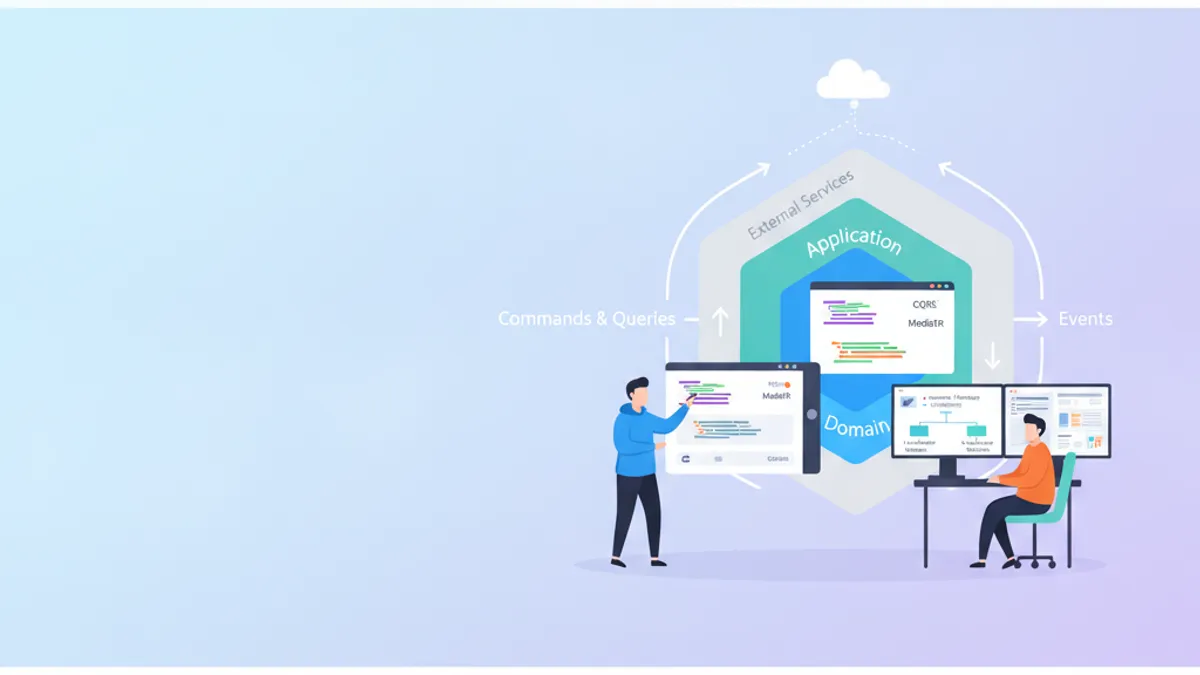
Clean Architecture .NET 2026: CQRS, MediatR và Câu Hỏi Phỏng Vấn Developer
Hướng dẫn toàn diện về Clean Architecture trong .NET với CQRS và MediatR 14. Tìm hiểu các mẫu kiến trúc phân lớp, pipeline behaviors và chuẩn bị phỏng vấn senior developer.
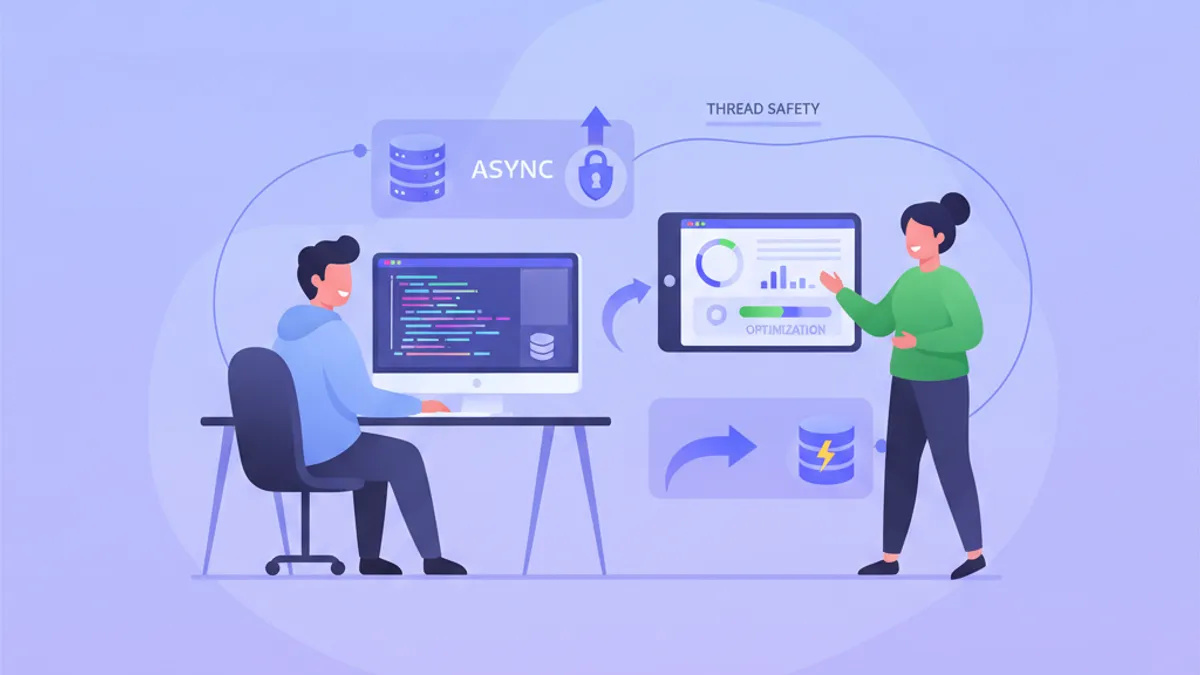
Quản lý Vòng đời DbContext trong ASP.NET Core: Hiệu năng vs An toàn Thread trong Thao tác Async
Tìm hiểu cách quản lý vòng đời DbContext trong ASP.NET Core một cách tối ưu. Hiểu khi nào sử dụng scoped vs transient, cách xử lý thao tác async an toàn, và tối ưu hiệu năng với DbContext pooling.
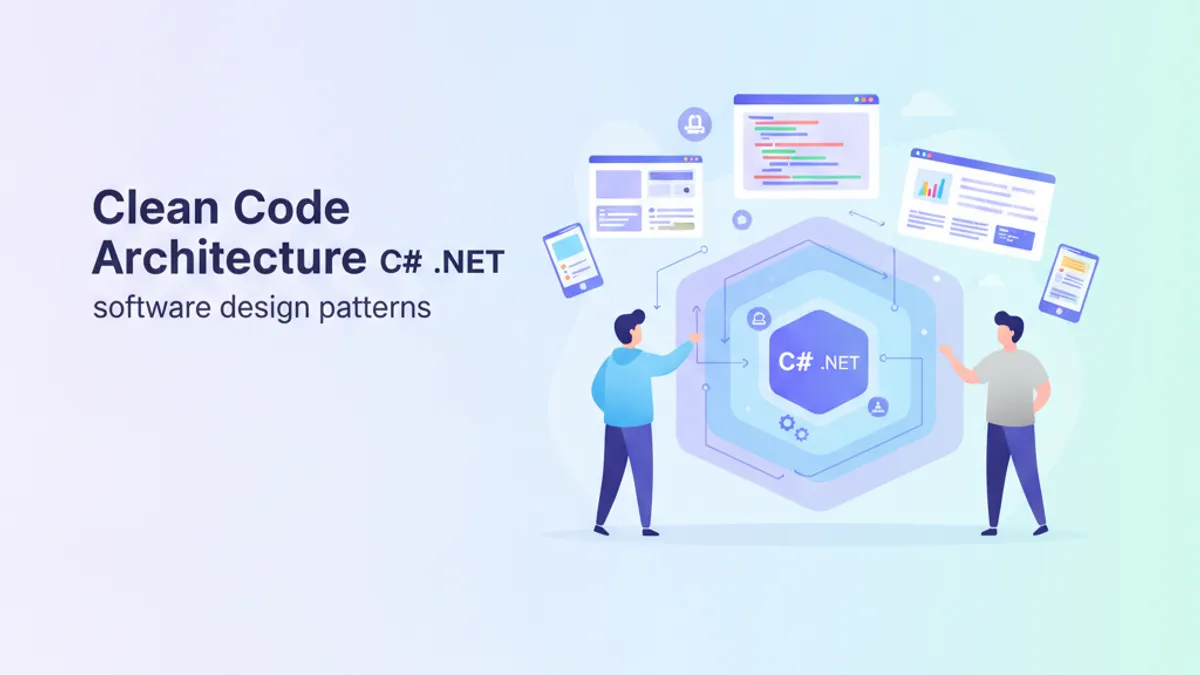
Clean Code Architecture C#: Hướng Dẫn Toàn Diện và Câu Hỏi Phỏng Vấn 2026
Tìm hiểu Clean Code Architecture trong C# với nguyên tắc SOLID, Repository Pattern, Dependency Injection và các câu hỏi phỏng vấn thường gặp cho lập trình viên .NET.