คู่มือพัฒนาแอป React Native 2026: สร้างแอป Production และคำถามสัมภาษณ์
คู่มือครบถ้วนสำหรับการพัฒนาแอป React Native 2026 ครอบคลุม New Architecture, Expo SDK 56, Hermes V1 และคำถามสัมภาษณ์สำหรับนักพัฒนา React Native

การพัฒนาแอป React Native ในปี 2026 มุ่งเน้นไปที่ New Architecture, Expo SDK 56 และเครื่องมือที่พร้อมสำหรับ Production ซึ่งมีความสมบูรณ์มากขึ้นอย่างมีนัยสำคัญในปีที่ผ่านมา คู่มือนี้ครอบคลุม workflow การทำงานจริงสำหรับการสร้างแอป Production และตอบคำถามสัมภาษณ์ทั่วไปที่แยกแยะนักพัฒนา React Native ที่มีประสบการณ์
Stack Production ที่แนะนำ: Expo SDK 56 พร้อม EAS Build, React Native 0.85+, Hermes V1 engine และ New Architecture ที่เปิดใช้งานโดยค่าเริ่มต้น เวลา Build ลดลง 16% บน iOS และ 60% บน Android เมื่อเทียบกับ SDK 55
การตั้งค่าโปรเจกต์ React Native พร้อม Production
การเริ่มต้นโปรเจกต์ React Native ใหม่ในปี 2026 หมายถึงการเลือกระหว่าง Expo (แนะนำ) และ bare React Native Expo ได้พัฒนาจาก wrapper ที่เป็นมิตรกับผู้เริ่มต้นไปเป็นคำแนะนำอย่างเป็นทางการจากทีม React Native สำหรับแอป Production ส่วนใหญ่
# สร้างโปรเจกต์ Expo ใหม่ด้วย SDK 56
npx create-expo-app@latest my-production-app
cd my-production-app

# ตรวจสอบว่า New Architecture เปิดใช้งานแล้ว (ค่าเริ่มต้นตั้งแต่ RN 0.76)
npx expo config --type introspect | grep newArchEnabled
New Architecture ซึ่งประกอบด้วย Fabric, TurboModules และ JSI กำจัด JSON bridge แบบ asynchronous ที่ทำให้เกิดปัญหาคอขวดด้านประสิทธิภาพในแอปที่ซับซ้อน JavaScript สามารถเรียก native modules แบบ synchronous ได้โดยตรง ซึ่งกำจัดหมวดหมู่ของ timing bugs ทั้งหมด
{
  "expo": {
    "name": "MyProductionApp",
    "slug": "my-production-app",
    "version": "1.0.0",
    "newArchEnabled": true, // ค่าเริ่มต้นใน SDK 56
    "android": {
      "package": "com.company.myproductionapp",
      "adaptiveIcon": {
        "foregroundImage": "./assets/adaptive-icon.png",
        "backgroundColor": "#ffffff"
      }
    },
    "ios": {
      "bundleIdentifier": "com.company.myproductionapp",
      "supportsTablet": true
    },
    "plugins": [
      "expo-router"
    ]
  }
}
Expo Router ได้กลายเป็นมาตรฐานสำหรับการ navigation โดยนำ routing แบบ file-based คล้ายกับ Next.js โครงสร้างไดเรกทอรี /app แมปโดยตรงไปยัง routes
Hermes V1 Engine และประสิทธิภาพ JavaScript
Hermes V1 เปิดตัวเป็น JavaScript engine ค่าเริ่มต้นใน React Native 0.84 แทนที่ทั้ง JavaScriptCore และ Hermes เวอร์ชันเก่า compiler และ virtual machine ใหม่ให้การดำเนินการ bytecode ที่เร็วขึ้น, memory footprint ที่ต่ำกว่า และการกระจาย garbage collection pause ที่ดีขึ้น
// การตรวจสอบประสิทธิภาพด้วย Hermes V1
// HermesInternal มีอยู่ทั่วโลกเมื่อทำงานบน Hermes
declare global {
  var HermesInternal: {
    getRuntimeProperties: () => Record<string, unknown>;
    enableSamplingProfiler: () => void;
    disableSamplingProfiler: () => string;
  } | undefined;
}

export function checkHermesStatus(): boolean {
  const isHermes = typeof HermesInternal === 'object' && HermesInternal !== null;

  if (isHermes && __DEV__) {
    const props = HermesInternal.getRuntimeProperties();
    console.log('Hermes version:', props['OSS Release Version']);
    console.log('Bytecode version:', props['Bytecode Version']);
  }

  return isHermes;
}
Hermes V1 ทำการ precompile JavaScript เป็น bytecode ระหว่างกระบวนการ build ซึ่งกำจัดการ parsing JavaScript ที่ runtime ซึ่งคิดเป็นส่วนสำคัญของเวลาเริ่มต้นแอป Production builds จะมี Time to Interactive เร็วขึ้น 10-30% เมื่อเทียบกับ JSC
การ Build ด้วย EAS Build และการ Compile ที่เหมาะสม
EAS Build จัดการ production builds บน cloud พร้อม caching, signing และ distribution SDK 56 เปิดตัว XCFrameworks ที่ prebuilt สำหรับ Expo modules บน iOS และ Kotlin compiler plugin สำหรับ Android ที่กำจัด reflection ที่ runtime
{
  "cli": {
    "version": ">= 15.0.0"
  },
  "build": {
    "development": {
      "developmentClient": true,
      "distribution": "internal",
      "ios": {
        "simulator": true
      }
    },
    "preview": {
      "distribution": "internal",
      "ios": {
        "resourceClass": "m-medium"
      },
      "android": {
        "buildType": "apk"
      }
    },
    "production": {
      "ios": {
        "resourceClass": "m-large"
      },
      "android": {
        "buildType": "app-bundle"
      },
      "env": {
        "EXPO_USE_PRECOMPILED_MODULES": "1"
      }
    }
  },
  "submit": {
    "production": {}
  }
}
Build แอป production:
# Build สำหรับ iOS App Store
eas build --platform ios --profile production

# Build สำหรับ Google Play
eas build --platform android --profile production

# Submit ไปยัง store หลังจาก build
eas submit --platform all
ฟีเจอร์ precompiled headers สำหรับ Android (usePrecompiledHeaders ใน expo-build-properties) ลดเวลาการ compile CMake จาก 17 นาทีเหลือ 6 นาทีตาม benchmark ของ Expo
พร้อมที่จะพิชิตการสัมภาษณ์ React Native แล้วหรือยังครับ?
ฝึกฝนด้วยตัวจำลองแบบโต้ตอบ, flashcards และแบบทดสอบเทคนิคครับ
รูปแบบ State Management และ Data Fetching
แอป React Native ระดับ production มักจะรวม TanStack Query สำหรับ server state กับ Zustand หรือ Jotai สำหรับ client state การแยกนี้ทำให้ codebase คาดเดาได้และหลีกเลี่ยงความซับซ้อนของ Redux สำหรับกรณีการใช้งานส่วนใหญ่
import { useQuery, useMutation, useQueryClient } from '@tanstack/react-query';
import { api } from '@/lib/api';
import type { Product } from '@/types';

// Query key factory สำหรับการจัดการ cache แบบ type-safe
export const productKeys = {
  all: ['products'] as const,
  lists: () => [...productKeys.all, 'list'] as const,
  list: (filters: ProductFilters) => [...productKeys.lists(), filters] as const,
  details: () => [...productKeys.all, 'detail'] as const,
  detail: (id: string) => [...productKeys.details(), id] as const,
};

export function useProducts(filters: ProductFilters) {
  return useQuery({
    queryKey: productKeys.list(filters),
    queryFn: () => api.products.list(filters),
    staleTime: 5 * 60 * 1000, // 5 นาที
    gcTime: 30 * 60 * 1000,   // 30 นาที (เดิมคือ cacheTime)
  });
}

export function useCreateProduct() {
  const queryClient = useQueryClient();

  return useMutation({
    mutationFn: (data: CreateProductInput) => api.products.create(data),
    onSuccess: () => {
      // Invalidate list queries เพื่อ refetch
      queryClient.invalidateQueries({ queryKey: productKeys.lists() });
    },
  });
}
สำหรับความสามารถ offline-first ให้รวม TanStack Query กับ WatermelonDB หรือการสนับสนุน SQLite ที่มีอยู่ในตัวผ่าน expo-sqlite:
import * as SQLite from 'expo-sqlite';
import NetInfo from '@react-native-community/netinfo';

const db = SQLite.openDatabaseSync('app.db');

export async function initializeOfflineStorage() {
  await db.execAsync(`
    CREATE TABLE IF NOT EXISTS pending_mutations (
      id TEXT PRIMARY KEY,
      type TEXT NOT NULL,
      payload TEXT NOT NULL,
      created_at INTEGER NOT NULL
    );
  `);
}

export async function queueMutation(type: string, payload: object) {
  const id = crypto.randomUUID();
  await db.runAsync(
    'INSERT INTO pending_mutations (id, type, payload, created_at) VALUES (?, ?, ?, ?)',
    [id, type, JSON.stringify(payload), Date.now()]
  );
}

export async function syncPendingMutations() {
  const state = await NetInfo.fetch();
  if (!state.isConnected) return;

  const pending = await db.getAllAsync<PendingMutation>(
    'SELECT * FROM pending_mutations ORDER BY created_at ASC'
  );

  for (const mutation of pending) {
    try {
      await processMutation(mutation);
      await db.runAsync('DELETE FROM pending_mutations WHERE id = ?', [mutation.id]);
    } catch (error) {
      console.error('การ sync ล้มเหลวสำหรับ mutation:', mutation.id);
      break; // หยุดที่ความล้มเหลวแรกเพื่อรักษาลำดับ
    }
  }
}
ระบบ Animation ด้วย React Native Reanimated 4
React Native 0.85 เปิดตัว backend animation ใหม่ที่สอดคล้องกับ New Architecture Reanimated 4 ใช้ประโยชน์จากสิ่งนี้อย่างเต็มที่ โดยรัน animation บน UI thread โดยไม่ต้องข้าม JS bridge
import Animated, {
  useSharedValue,
  useAnimatedStyle,
  withSpring,
  withTiming,
  interpolate,
  Extrapolation,
} from 'react-native-reanimated';
import { Gesture, GestureDetector } from 'react-native-gesture-handler';

const SWIPE_THRESHOLD = 120;

export function SwipeableCard({ onSwipe, children }: SwipeableCardProps) {
  const translateX = useSharedValue(0);
  const opacity = useSharedValue(1);

  const panGesture = Gesture.Pan()
    .onUpdate((event) => {
      translateX.value = event.translationX;
    })
    .onEnd((event) => {
      if (Math.abs(event.translationX) > SWIPE_THRESHOLD) {
        const direction = event.translationX > 0 ? 'right' : 'left';
        translateX.value = withTiming(
          direction === 'right' ? 500 : -500,
          { duration: 200 }
        );
        opacity.value = withTiming(0, { duration: 200 }, () => {
          onSwipe(direction);
        });
      } else {
        translateX.value = withSpring(0, {
          damping: 15,
          stiffness: 150,
        });
      }
    });

  const animatedStyle = useAnimatedStyle(() => ({
    transform: [
      { translateX: translateX.value },
      {
        rotate: `${interpolate(
          translateX.value,
          [-200, 0, 200],
          [-15, 0, 15],
          Extrapolation.CLAMP
        )}deg`,
      },
    ],
    opacity: opacity.value,
  }));

  return (
    <GestureDetector gesture={panGesture}>
      <Animated.View style={animatedStyle}>
        {children}
      </Animated.View>
    </GestureDetector>
  );
}
คำสั่ง worklet (โดยนัยใน Reanimated 4 สำหรับฟังก์ชันที่ส่งไปยัง useAnimatedStyle) รับประกันว่าตรรกะ animation ทำงานบน UI thread ซึ่งทำให้ได้ refresh rate 120Hz ที่สม่ำเสมอบนอุปกรณ์ที่รองรับ
คำถามสัมภาษณ์สำหรับนักพัฒนา React Native
การสัมภาษณ์ทางเทคนิคสำหรับตำแหน่ง React Native ในปี 2026 มุ่งเน้นไปที่ New Architecture, การเพิ่มประสิทธิภาพ และการ deploy production สำรวจ คำถามสัมภาษณ์ React Native เพิ่มเติมเพื่อฝึกฝนหัวข้อเฉพาะ
อะไรเปลี่ยนไปกับ New Architecture และทำไมมันถึงสำคัญ?
New Architecture แทนที่ JSON bridge แบบ asynchronous ด้วย JSI (JavaScript Interface) ซึ่งเปิดใช้งานการสื่อสารแบบ synchronous ระหว่าง JavaScript และโค้ด native สามองค์ประกอบสร้างเป็นแกนหลัก:
- JSI: เลเยอร์ C++ ที่อนุญาตให้ JavaScript เก็บ reference ไปยัง native objects และเรียก methods โดยตรง
- Fabric: ระบบ rendering ใหม่ที่รองรับการวัด layout แบบ synchronous และ concurrent rendering
- TurboModules: Native modules ที่โหลดแบบ lazy และสื่อสารผ่าน JSI แทน bridge
ผลกระทบในทางปฏิบัติ: UI thread contention ลดลง 10-30% ในแอปทั่วไป แอปที่ใช้ native module อย่างหนักจะเห็นการปรับปรุงสูงถึง 3 เท่าในประสิทธิภาพการเรียก cross-thread เพราะ serialization overhead ถูกกำจัด
Hermes V1 แตกต่างจาก JavaScriptCore อย่างไร?
Hermes V1 ทำการ precompile JavaScript เป็น bytecode ที่ build time ซึ่งกำจัดขั้นตอนการ parsing ที่ runtime ความแตกต่างที่สำคัญ:
- เวลาเริ่มต้น: Hermes ข้ามการ parsing ลด Time to Interactive 10-30%
- หน่วยความจำ: การใช้หน่วยความจำพื้นฐานต่ำกว่าเนื่องจากการแสดง bytecode ที่เหมาะสม
- การ debugging: Hermes ใช้ Chrome DevTools Protocol โดยตรง ในขณะที่ JSC ต้องการ adapter พิเศษ
- Garbage collection: Hermes ใช้ GC แบบ generational พร้อมเวลา pause ที่สั้นกว่า
ข้อแลกเปลี่ยน: Hermes เคยมีความเร็วการดำเนินการสูงสุดที่ช้ากว่าสำหรับโค้ดที่เน้นการคำนวณ แม้ว่า V1 จะลดช่องว่างนี้ลงอย่างมาก
อธิบายความแตกต่างระหว่าง useCallback, useMemo และ React.memo ใน React Native
ทั้งสามเป็นเครื่องมือ memoization แต่ใช้เพื่อวัตถุประสงค์ที่แตกต่างกัน:
// useCallback: memoize function reference
const handlePress = useCallback(() => {
  navigation.navigate('Detail', { id: item.id });
}, [item.id, navigation]);

// useMemo: memoize ค่าที่คำนวณ
const sortedItems = useMemo(() => {
  return items.slice().sort((a, b) => a.price - b.price);
}, [items]);

// React.memo: memoize output การ render ของ component
const ProductCard = React.memo(function ProductCard({ product, onPress }: Props) {
  return (
    <Pressable onPress={onPress}>
      <Text>{product.name}</Text>
    </Pressable>
  );
});
ใน React Native React.memo มีความสำคัญเป็นพิเศษสำหรับ list items ที่ render โดย FlatList หากไม่มี ทุก item จะ re-render เมื่อ state ของ parent เปลี่ยน ทำให้เกิด frame drop ระหว่างการ scroll
วิธีจัดการ deep linking ในแอป React Native ระดับ production?
Deep linking ต้องการการกำหนดค่าในหลายเลเยอร์: URL schemes ระดับ native, universal/app links และ JavaScript router
{
  "expo": {
    "scheme": "myapp",
    "ios": {
      "associatedDomains": ["applinks:myapp.com"]
    },
    "android": {
      "intentFilters": [
        {
          "action": "VIEW",
          "autoVerify": true,
          "data": [
            {
              "scheme": "https",
              "host": "myapp.com",
              "pathPrefix": "/product"
            }
          ],
          "category": ["BROWSABLE", "DEFAULT"]
        }
      ]
    }
  }
}
Expo Router จัดการการ parsing โดยอัตโนมัติเมื่อโครงสร้างไดเรกทอรี app ตรงกับ URL paths สำหรับการจัดการแบบกำหนดเอง:
import { useURL } from 'expo-linking';
import { useEffect } from 'react';
import { router } from 'expo-router';

export default function RootLayout() {
  const url = useURL();

  useEffect(() => {
    if (url) {
      const parsed = parseDeepLink(url);
      if (parsed.requiresAuth && !isAuthenticated) {
        // เก็บปลายทางที่ตั้งใจ redirect ไปยัง login
        router.replace('/login');
      }
    }
  }, [url]);

  return <Slot />;
}
Universal links (iOS) และ App Links (Android) ต้องการการกำหนดค่าฝั่ง server: ไฟล์ apple-app-site-association และไฟล์ assetlinks.json ตามลำดับ ที่เสิร์ฟจาก root domain
เริ่มฝึกซ้อมเลย!
ทดสอบความรู้ของคุณด้วยตัวจำลองสัมภาษณ์และแบบทดสอบเทคนิคครับ
ประเด็นสำคัญสำหรับการพัฒนา React Native ในปี 2026
- New Architecture เป็นสิ่งจำเป็น: bridge เก่าถูกปิดใช้งานใน React Native 0.82 และ 85% ของ npm packages รองรับ architecture ใหม่แล้ว
- Expo SDK 56 พร้อม EAS Build มอบเส้นทางที่เร็วที่สุดไปสู่ production โดย modules ที่ prebuilt ลดเวลา build iOS 16% และการ compile CMake ของ Android 60%
- Hermes V1 เป็น engine ค่าเริ่มต้นโดยไม่ต้องกำหนดค่า ให้เวลาเริ่มต้นเร็วขึ้น 10-30% เมื่อเทียบกับ JSC
- TanStack Query ร่วมกับ library client state ที่เบา (Zustand/Jotai) ครอบคลุมความต้องการการจัดการข้อมูล production ส่วนใหญ่โดยไม่มีความซับซ้อนของ Redux
- Reanimated 4 พร้อม backend animation ใหม่ทำให้ได้ animation 120Hz โดยทำงานทั้งหมดบน UI thread
- การเตรียมตัวสัมภาษณ์ควรมุ่งเน้นที่กลไก JSI, Fabric rendering, performance profiling ด้วย Hermes และการ deploy production ด้วย EAS
คุณหาบั๊กใน React Native เจอไหม
โค้ดจริงหนึ่งชิ้น บั๊กที่ซ่อนอยู่หนึ่งจุด วันละหนึ่งครั้ง ลองได้โดยไม่ต้องมีบัญชี

เขียนโดย
Anthony Fillion-Mailletผู้ก่อตั้ง SharpSkill
เป็นนักพัฒนาฟูลสแตกมากว่า 10 ปี ดูแล SharpSkill และรับผิดชอบทุกสิ่งที่เผยแพร่ที่นี่
อัปเดตเมื่อ 14 กันยายน 2569
แท็ก
แชร์
บทความที่เกี่ยวข้อง
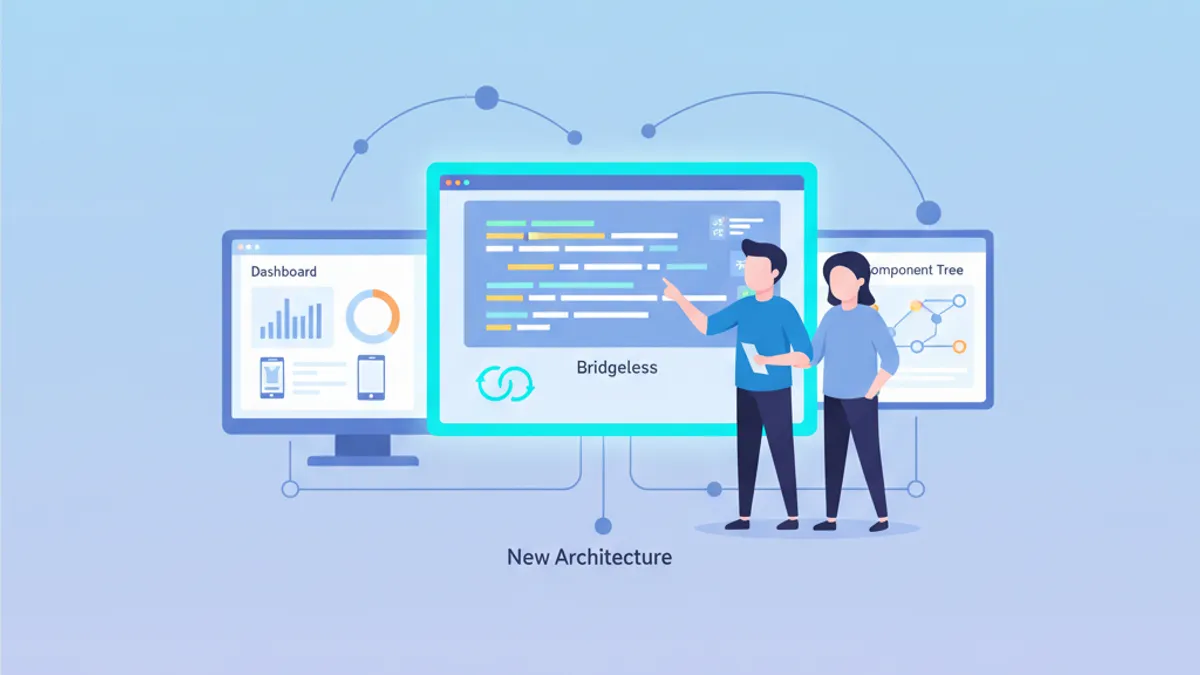
React Native New Architecture คู่มือฉบับสมบูรณ์ 2026: Hermes V1, Fabric, TurboModules และ Bridgeless Mode
คู่มือฉบับสมบูรณ์สำหรับ React Native New Architecture ในปี 2026 ครอบคลุม Hermes V1, Fabric Renderer, TurboModules, JSI และ Bridgeless Mode พร้อมตัวอย่างโค้ดและคำถามสัมภาษณ์
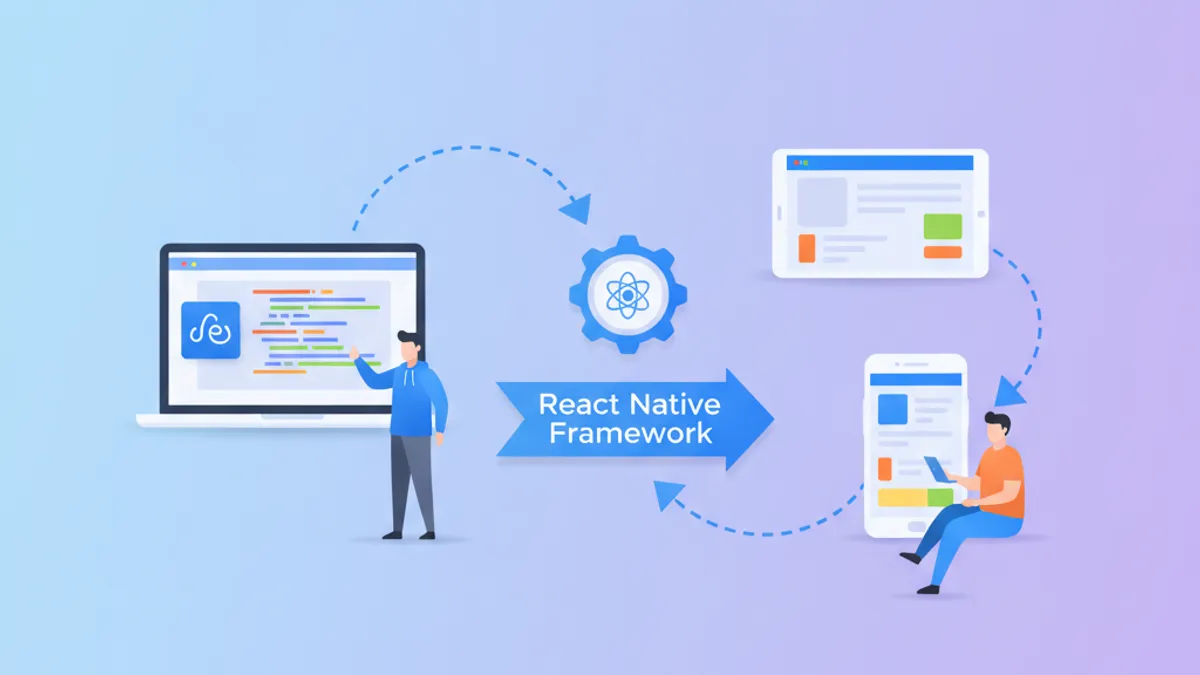
การพัฒนาแอปพลิเคชัน React Native 2026: คู่มือฉบับสมบูรณ์และคำถามสัมภาษณ์
คู่มือครบถ้วนสำหรับการพัฒนาแอปพลิเคชัน React Native ในปี 2026 เรียนรู้ New Architecture, JSI, Fabric, TurboModules และคำถามสัมภาษณ์ที่พบบ่อย

Hermes V1 ใน React Native 0.84: ประสิทธิภาพ, Bytecode Precompiled และคำถามสัมภาษณ์
คู่มือเชิงลึกเกี่ยวกับ JavaScript engine Hermes V1 ใน React Native 0.84 ครอบคลุมการคอมไพล์ bytecode, garbage collector Hades, กลยุทธ์การเพิ่มประสิทธิภาพหน่วยความจำ และคำถามสัมภาษณ์ทางเทคนิค