React Testing in 2026: Vitest, React Testing Library and Best Practices
Master React testing with Vitest and React Testing Library. Learn component testing patterns, async handling, mocking strategies, and interview-ready best practices for 2026.
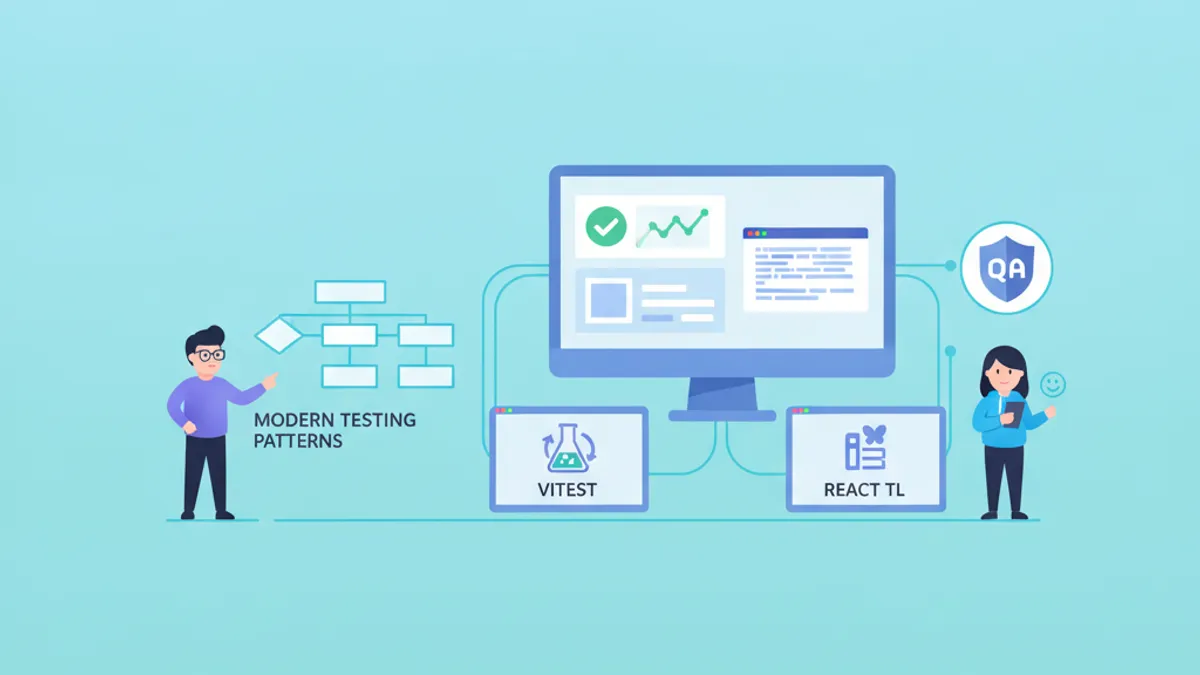
React testing in 2026 centers on Vitest as the dominant test runner and React Testing Library (RTL) as the standard for component testing. This combination delivers fast feedback loops, native ES modules support, and tests that verify behavior rather than implementation details.
Write tests that resemble how users interact with components. Query by accessible roles, labels, and text—not by CSS classes or data-testid attributes. This approach catches real bugs and survives refactoring.
Vitest Configuration for React Projects
Vitest replaced Jest as the preferred test runner for modern React applications. Native ES modules support eliminates transformation overhead, and tight Vite integration means configuration mirrors the development environment.
A production-ready Vitest configuration handles JSX transformation, path aliases, and test environment setup without boilerplate:
import { defineConfig } from 'vitest/config'
import react from '@vitejs/plugin-react'
import tsconfigPaths from 'vite-tsconfig-paths'

export default defineConfig({
  plugins: [react(), tsconfigPaths()],
  test: {
    // Use jsdom for DOM APIs and React rendering
    environment: 'jsdom',
    // Run setup file before each test file
    setupFiles: ['./src/test/setup.ts'],
    // Include only test files, exclude e2e
    include: ['src/**/*.{test,spec}.{ts,tsx}'],
    // Enable global test APIs (describe, it, expect)
    globals: true,
    // Generate coverage reports
    coverage: {
      provider: 'v8',
      reporter: ['text', 'html', 'lcov'],
      exclude: ['node_modules', 'src/test/**'],
    },
  },
})
The setup file extends matchers and configures cleanup between tests:
import '@testing-library/jest-dom/vitest'
import { cleanup } from '@testing-library/react'
import { afterEach, vi } from 'vitest'

// Clean up rendered components after each test
afterEach(() => {
  cleanup()
})

// Mock window.matchMedia for responsive components
Object.defineProperty(window, 'matchMedia', {
  writable: true,
  value: vi.fn().mockImplementation((query: string) => ({
    matches: false,
    media: query,
    onchange: null,
    addListener: vi.fn(),
    removeListener: vi.fn(),
    addEventListener: vi.fn(),
    removeEventListener: vi.fn(),
    dispatchEvent: vi.fn(),
  })),
})
This setup provides a clean slate for each test and handles common browser API mocks that jsdom lacks.
Component Testing with React Testing Library
React Testing Library enforces testing components from the user's perspective. Instead of inspecting internal state or prop values, tests interact with rendered output through accessibility queries.
Consider a search component that filters results and displays loading states:
import { useState } from 'react'

interface SearchResultsProps {
  onSearch: (query: string) => Promise<string[]>
}

export function SearchResults({ onSearch }: SearchResultsProps) {
  const [query, setQuery] = useState('')
  const [results, setResults] = useState<string[]>([])
  const [isLoading, setIsLoading] = useState(false)
  const [error, setError] = useState<string | null>(null)

  async function handleSearch() {
    if (!query.trim()) return
    setIsLoading(true)
    setError(null)
    try {
      const data = await onSearch(query)
      setResults(data)
    } catch (e) {
      setError('Search failed. Please try again.')
    } finally {
      setIsLoading(false)
    }
  }

  return (
    <div>
      <label htmlFor="search-input">Search</label>
      <input
        id="search-input"
        type="text"
        value={query}
        onChange={(e) => setQuery(e.target.value)}
      />
      <button onClick={handleSearch} disabled={isLoading}>
        {isLoading ? 'Searching...' : 'Search'}
      </button>
      {error && <p role="alert">{error}</p>}
      <ul aria-label="Search results">
        {results.map((result, i) => (
          <li key={i}>{result}</li>
        ))}
      </ul>
    </div>
  )
}
Tests verify the component's behavior across user interactions and async states:
import { render, screen } from '@testing-library/react'
import userEvent from '@testing-library/user-event'
import { describe, it, expect, vi } from 'vitest'
import { SearchResults } from './SearchResults'

describe('SearchResults', () => {
  it('displays results after successful search', async () => {
    // Arrange: mock the search function
    const mockSearch = vi.fn().mockResolvedValue(['React', 'Vue', 'Angular'])
    const user = userEvent.setup()
    render(<SearchResults onSearch={mockSearch} />)

    // Act: type a query and click search
    await user.type(screen.getByLabelText('Search'), 'framework')
    await user.click(screen.getByRole('button', { name: 'Search' }))

    // Assert: results appear in the list
    expect(await screen.findByText('React')).toBeInTheDocument()
    expect(screen.getByText('Vue')).toBeInTheDocument()
    expect(mockSearch).toHaveBeenCalledWith('framework')
  })

  it('shows loading state during search', async () => {
    // Create a promise that doesn't resolve immediately
    let resolveSearch: (value: string[]) => void
    const searchPromise = new Promise<string[]>((resolve) => {
      resolveSearch = resolve
    })
    const mockSearch = vi.fn().mockReturnValue(searchPromise)
    const user = userEvent.setup()
    render(<SearchResults onSearch={mockSearch} />)

    await user.type(screen.getByLabelText('Search'), 'test')
    await user.click(screen.getByRole('button', { name: 'Search' }))

    // Button shows loading state
    expect(screen.getByRole('button', { name: 'Searching...' })).toBeDisabled()

    // Resolve the search to clean up
    resolveSearch!([])
  })

  it('displays error message on search failure', async () => {
    const mockSearch = vi.fn().mockRejectedValue(new Error('Network error'))
    const user = userEvent.setup()
    render(<SearchResults onSearch={mockSearch} />)

    await user.type(screen.getByLabelText('Search'), 'query')
    await user.click(screen.getByRole('button', { name: 'Search' }))

    // Error message appears with alert role for screen readers
    expect(await screen.findByRole('alert')).toHaveTextContent(
      'Search failed. Please try again.'
    )
  })
})
The userEvent library simulates realistic user interactions including keyboard events and focus management, catching bugs that synthetic events miss.
Async Testing Patterns and waitFor
Async operations require explicit waiting strategies. React Testing Library provides findBy queries that combine getBy with automatic waiting, plus waitFor for complex assertions.
Prefer findBy over waitFor + getBy when waiting for elements to appear. Reserve waitFor for assertions on existing elements that change state.
Common async patterns appear when testing data fetching hooks and components:
import { render, screen, waitFor, waitForElementToBeRemoved } from '@testing-library/react'
import userEvent from '@testing-library/user-event'
import { describe, it, expect, vi } from 'vitest'

// Wait for element to appear (preferred for new elements)
it('loads user profile on mount', async () => {
  render(<UserProfile userId="123" />)

  // findBy returns a promise, automatically waits up to 1000ms
  const heading = await screen.findByRole('heading', { name: /john doe/i })
  expect(heading).toBeInTheDocument()
})

// Wait for element to disappear
it('removes loading spinner after data loads', async () => {
  render(<DataTable />)

  // Wait for spinner to be removed from DOM
  await waitForElementToBeRemoved(() => screen.queryByRole('progressbar'))
  expect(screen.getByRole('table')).toBeInTheDocument()
})

// Wait for multiple conditions
it('enables submit button when form is valid', async () => {
  const user = userEvent.setup()
  render(<RegistrationForm />)

  const submitButton = screen.getByRole('button', { name: 'Submit' })
  expect(submitButton).toBeDisabled()

  await user.type(screen.getByLabelText('Email'), 'user@example.com')
  await user.type(screen.getByLabelText('Password'), 'SecurePass123!')

  // waitFor retries the assertion until it passes or times out
  await waitFor(() => {
    expect(submitButton).toBeEnabled()
  })
})

// Avoid false positives with queryBy for absence checks
it('does not show premium badge for free users', async () => {
  render(<UserCard subscription="free" />)

  // queryBy returns null instead of throwing, use for absence checks
  expect(screen.queryByText('Premium')).not.toBeInTheDocument()
})
Timeout customization helps with slower operations without slowing down the entire suite:
// Increase timeout for slow operations
await screen.findByText('Upload complete', {}, { timeout: 5000 })

await waitFor(
  () => expect(mockSubmit).toHaveBeenCalled(),
  { timeout: 3000, interval: 100 }
)
Ready to ace your React / Next.js interviews?
Practice with our interactive simulators, flashcards, and technical tests.
Mocking Strategies: Modules, APIs, and Hooks
Vitest's mocking capabilities handle external dependencies without polluting the module graph. Strategic mocking isolates components from network calls, third-party libraries, and complex dependencies.
Module mocking replaces imports at the bundler level:
import { vi, describe, it, expect, beforeEach } from 'vitest'
import { fetchUserData } from './api'

// Mock the entire fetch module
vi.mock('./http-client', () => ({
  httpClient: {
    get: vi.fn(),
  },
}))

import { httpClient } from './http-client'

describe('fetchUserData', () => {
  beforeEach(() => {
    vi.clearAllMocks()
  })

  it('transforms API response into user model', async () => {
    // Type-safe mock implementation
    vi.mocked(httpClient.get).mockResolvedValue({
      data: { id: 1, first_name: 'John', last_name: 'Doe' },
    })

    const user = await fetchUserData(1)

    expect(user).toEqual({
      id: 1,
      fullName: 'John Doe',
    })
  })
})
For React hooks that depend on context or external state, the renderHook utility enables isolated testing:
import { renderHook, waitFor } from '@testing-library/react'
import { describe, it, expect, vi } from 'vitest'
import { useAuth } from './useAuth'
import { AuthProvider } from './AuthContext'

describe('useAuth', () => {
  it('returns authenticated user after login', async () => {
    const mockLogin = vi.fn().mockResolvedValue({ id: 1, name: 'Alice' })

    const { result } = renderHook(() => useAuth(), {
      wrapper: ({ children }) => (
        <AuthProvider loginFn={mockLogin}>{children}</AuthProvider>
      ),
    })

    expect(result.current.user).toBeNull()
    expect(result.current.isAuthenticated).toBe(false)

    await result.current.login('alice@example.com', 'password')

    await waitFor(() => {
      expect(result.current.user).toEqual({ id: 1, name: 'Alice' })
      expect(result.current.isAuthenticated).toBe(true)
    })
  })
})
MSW (Mock Service Worker) provides API mocking at the network level, enabling tests that exercise actual fetch calls:
import { http, HttpResponse } from 'msw'

export const handlers = [
  http.get('/api/users/:id', ({ params }) => {
    return HttpResponse.json({
      id: params.id,
      name: 'Test User',
    })
  }),

  http.post('/api/login', async ({ request }) => {
    const body = await request.json()
    if (body.email === 'valid@example.com') {
      return HttpResponse.json({ token: 'abc123' })
    }
    return HttpResponse.json(
      { error: 'Invalid credentials' },
      { status: 401 }
    )
  }),
]
Testing React 19 Server Components
Server Components present unique testing challenges since they execute on the server and stream HTML to the client. Direct unit testing requires a different approach than client component testing.
For Server Components that perform data fetching, test the rendering output with mocked data sources:
import { describe, it, expect, vi } from 'vitest'

// Mock the data fetching function
vi.mock('./db', () => ({
  getUser: vi.fn().mockResolvedValue({ id: 1, name: 'Server User' }),
}))

import { render, screen } from '@testing-library/react'
import { UserProfile } from './UserProfile.server'

describe('UserProfile Server Component', () => {
  it('renders user data from database', async () => {
    // Server components are async, await the component
    const Component = await UserProfile({ userId: '1' })
    render(Component)

    expect(screen.getByRole('heading')).toHaveTextContent('Server User')
  })
})
Integration tests with Playwright provide the most reliable coverage for Server Components by testing the full rendering pipeline:
import { test, expect } from '@playwright/test'

test('server component renders with streamed data', async ({ page }) => {
  await page.goto('/users/1')

  // Wait for streaming to complete
  await expect(page.getByRole('heading', { name: /profile/i })).toBeVisible()
  await expect(page.getByText('Server User')).toBeVisible()
})
Testing Custom Hooks with Complex State
Custom hooks that manage complex state, side effects, or external subscriptions benefit from dedicated tests. The renderHook utility from React Testing Library handles hook lifecycle and updates.
Consider a debounced search hook that coordinates with an API:
import { useState, useEffect, useCallback } from 'react'

export function useDebounceSearch<T>(
  searchFn: (query: string) => Promise<T[]>,
  delay = 300
) {
  const [query, setQuery] = useState('')
  const [results, setResults] = useState<T[]>([])
  const [isLoading, setIsLoading] = useState(false)

  useEffect(() => {
    if (!query) {
      setResults([])
      return
    }

    setIsLoading(true)
    const timeoutId = setTimeout(async () => {
      try {
        const data = await searchFn(query)
        setResults(data)
      } finally {
        setIsLoading(false)
      }
    }, delay)

    return () => clearTimeout(timeoutId)
  }, [query, searchFn, delay])

  return { query, setQuery, results, isLoading }
}
Tests verify debouncing behavior and state transitions:
import { renderHook, act, waitFor } from '@testing-library/react'
import { describe, it, expect, vi, beforeEach } from 'vitest'
import { useDebounceSearch } from './useDebounceSearch'

describe('useDebounceSearch', () => {
  beforeEach(() => {
    vi.useFakeTimers()
  })

  it('debounces search calls', async () => {
    const mockSearch = vi.fn().mockResolvedValue(['result1', 'result2'])
    const { result } = renderHook(() => useDebounceSearch(mockSearch, 300))

    // Type multiple characters quickly
    act(() => result.current.setQuery('r'))
    act(() => result.current.setQuery('re'))
    act(() => result.current.setQuery('rea'))
    act(() => result.current.setQuery('reac'))
    act(() => result.current.setQuery('react'))

    // Search not called yet (debouncing)
    expect(mockSearch).not.toHaveBeenCalled()

    // Advance timers past debounce delay
    await act(async () => {
      vi.advanceTimersByTime(300)
    })

    // Only one search call with final query
    expect(mockSearch).toHaveBeenCalledTimes(1)
    expect(mockSearch).toHaveBeenCalledWith('react')
  })

  it('shows loading state during search', async () => {
    let resolveSearch: (value: string[]) => void
    const mockSearch = vi.fn().mockImplementation(
      () => new Promise((resolve) => { resolveSearch = resolve })
    )
    const { result } = renderHook(() => useDebounceSearch(mockSearch, 100))

    act(() => result.current.setQuery('test'))

    await act(async () => {
      vi.advanceTimersByTime(100)
    })

    expect(result.current.isLoading).toBe(true)

    await act(async () => {
      resolveSearch(['result'])
    })

    expect(result.current.isLoading).toBe(false)
    expect(result.current.results).toEqual(['result'])
  })
})
Fake timers from Vitest enable deterministic testing of time-dependent behavior without actual delays.
Interview Questions on React Testing
Technical interviews frequently probe testing knowledge. These questions assess practical understanding rather than theoretical concepts.
Avoid testing implementation details like state values or component methods. Tests that break when refactoring internal structure provide false confidence and maintenance burden.
Query priority in React Testing Library
The recommended query priority follows accessibility: getByRole > getByLabelText > getByPlaceholderText > getByText > getByTestId. Role-based queries ensure components remain accessible and tests survive markup changes.
When to use findBy vs waitFor
findBy queries wait for elements to appear in the DOM and return a promise. Use them when expecting new elements after async operations. waitFor wraps assertions that may not pass immediately, retrying until success or timeout. Use waitFor when asserting on state changes to existing elements.
Mocking fetch vs MSW
Direct fetch mocking (vi.spyOn(global, 'fetch')) works for simple cases but requires reimplementing Response objects and error handling. MSW intercepts at the network level, allowing tests to exercise actual fetch calls, request serialization, and error handling code paths.
For deeper practice with these concepts, explore the React Testing interview questions on SharpSkill.
Conclusion
- Configure Vitest with jsdom environment, setup files for matcher extensions, and coverage reporting for visibility into test coverage gaps
- Query components by accessible roles and labels to write tests that verify user-facing behavior and catch real bugs
- Use
findByqueries for elements that appear after async operations,waitForfor assertions on changing state - Mock at the appropriate level: module mocks for unit isolation, MSW for realistic network layer testing
- Test custom hooks with
renderHookand fake timers to verify complex state management and side effects - Server Components require either async rendering in tests or full integration tests with Playwright
- Related reading: Advanced React Hooks patterns and TypeScript with React for type-safe testing patterns
Start practicing!
Test your knowledge with our interview simulators and technical tests.
Can you spot the bug in React / Next.js?
One real snippet, one hidden bug, one attempt a day. No account needed to try.

Written by
Anthony Fillion-MailletFounder of SharpSkill
Full-stack developer for over 10 years. Runs SharpSkill and answers for everything published here.
Updated on July 9, 2026
Share
Related articles
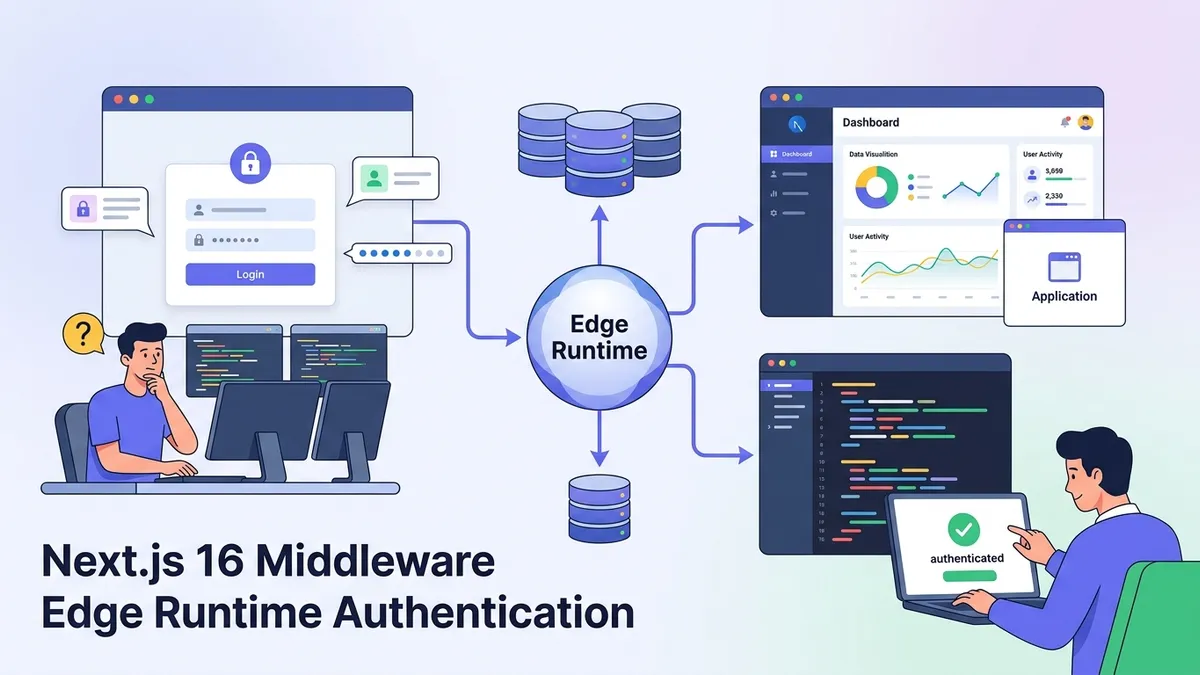
Next.js 16 Middleware in 2026: Edge Runtime, Authentication and Interview Questions
Master Next.js 16 Middleware with Edge Runtime patterns, authentication strategies, and common interview questions. Learn request interception, path matching, and production-ready auth flows.
Zustand Interview Questions 2026: React State Management and Best Practices
Master Zustand interview questions with this complete guide covering state management patterns, middleware, TypeScript integration, and comparisons with Redux and Context API.
React 19 Suspense and Concurrent Rendering: Streaming SSR and Interview Questions 2026
Master React 19 Suspense, concurrent rendering, and streaming SSR. Learn how useTransition, useDeferredValue, and the use() API work together for responsive UIs, with real interview questions and production patterns.