React Native App Development Guide 2026: Building Production Apps and Interview Questions
Complete guide to React Native production development in 2026 covering Expo SDK 56, EAS Build, Hermes V1, the New Architecture, and interview preparation for React Native developers.

React Native app development in 2026 centers on the New Architecture, Expo SDK 56, and production-ready tooling that has matured significantly over the past year. This guide covers the practical workflow for building production apps and addresses common interview questions that distinguish experienced React Native developers.
The recommended production stack: Expo SDK 56 with EAS Build, React Native 0.85+, Hermes V1 engine, and the New Architecture enabled by default. Build times dropped 16% on iOS and 60% on Android compared to SDK 55.
Setting Up a Production-Ready React Native Project
Starting a new React Native project in 2026 means choosing between Expo (recommended) and bare React Native. Expo has evolved from a beginner-friendly wrapper into the official recommendation from the React Native team for most production apps.
# Create a new Expo project with SDK 56
npx create-expo-app@latest my-production-app
cd my-production-app

# Verify the New Architecture is enabled (default since RN 0.76)
npx expo config --type introspect | grep newArchEnabled
The New Architecture, which includes Fabric, TurboModules, and JSI, eliminates the asynchronous JSON bridge that caused performance bottlenecks in complex apps. JavaScript can now call native modules synchronously, removing an entire category of timing bugs.
{
  "expo": {
    "name": "MyProductionApp",
    "slug": "my-production-app",
    "version": "1.0.0",
    "newArchEnabled": true, // Default in SDK 56
    "android": {
      "package": "com.company.myproductionapp",
      "adaptiveIcon": {
        "foregroundImage": "./assets/adaptive-icon.png",
        "backgroundColor": "#ffffff"
      }
    },
    "ios": {
      "bundleIdentifier": "com.company.myproductionapp",
      "supportsTablet": true
    },
    "plugins": [
      "expo-router"
    ]
  }
}
Expo Router has become the standard for navigation, bringing file-based routing similar to Next.js. The /app directory structure maps directly to routes.
Hermes V1 Engine and JavaScript Performance
Hermes V1 shipped as the default JavaScript engine in React Native 0.84, replacing both JavaScriptCore and legacy Hermes. The new compiler and virtual machine deliver faster bytecode execution, lower memory footprint, and better garbage collection pause distribution.
// Performance monitoring with Hermes V1
// HermesInternal is available globally when running on Hermes
declare global {
  var HermesInternal: {
    getRuntimeProperties: () => Record<string, unknown>;
    enableSamplingProfiler: () => void;
    disableSamplingProfiler: () => string;
  } | undefined;
}

export function checkHermesStatus(): boolean {
  const isHermes = typeof HermesInternal === 'object' && HermesInternal !== null;

  if (isHermes && __DEV__) {
    const props = HermesInternal.getRuntimeProperties();
    console.log('Hermes version:', props['OSS Release Version']);
    console.log('Bytecode version:', props['Bytecode Version']);
  }

  return isHermes;
}
Hermes V1 precompiles JavaScript to bytecode during the build process. This eliminates JavaScript parsing at runtime, which accounts for a significant portion of app startup time. Production builds see 10-30% faster Time to Interactive compared to JSC.
Building with EAS Build and Optimized Compilation
EAS Build handles production builds in the cloud with caching, signing, and distribution. SDK 56 introduced prebuilt XCFrameworks for Expo modules on iOS and a Kotlin compiler plugin for Android that eliminates runtime reflection.
{
  "cli": {
    "version": ">= 15.0.0"
  },
  "build": {
    "development": {
      "developmentClient": true,
      "distribution": "internal",
      "ios": {
        "simulator": true
      }
    },
    "preview": {
      "distribution": "internal",
      "ios": {
        "resourceClass": "m-medium"
      },
      "android": {
        "buildType": "apk"
      }
    },
    "production": {
      "ios": {
        "resourceClass": "m-large"
      },
      "android": {
        "buildType": "app-bundle"
      },
      "env": {
        "EXPO_USE_PRECOMPILED_MODULES": "1"
      }
    }
  },
  "submit": {
    "production": {}
  }
}
Build the production app:
# Build for iOS App Store
eas build --platform ios --profile production

# Build for Google Play
eas build --platform android --profile production

# Submit to stores after build
eas submit --platform all
The precompiled headers feature for Android (usePrecompiledHeaders in expo-build-properties) reduced CMake compile times from 17 minutes to 6 minutes in Expo's benchmarks.
Ready to ace your React Native interviews?
Practice with our interactive simulators, flashcards, and technical tests.
State Management and Data Fetching Patterns
Production React Native apps typically combine TanStack Query for server state with Zustand or Jotai for client state. This separation keeps the codebase predictable and avoids the complexity of Redux for most use cases.
import { useQuery, useMutation, useQueryClient } from '@tanstack/react-query';
import { api } from '@/lib/api';
import type { Product } from '@/types';

// Query key factory for type-safe cache management
export const productKeys = {
  all: ['products'] as const,
  lists: () => [...productKeys.all, 'list'] as const,
  list: (filters: ProductFilters) => [...productKeys.lists(), filters] as const,
  details: () => [...productKeys.all, 'detail'] as const,
  detail: (id: string) => [...productKeys.details(), id] as const,
};

export function useProducts(filters: ProductFilters) {
  return useQuery({
    queryKey: productKeys.list(filters),
    queryFn: () => api.products.list(filters),
    staleTime: 5 * 60 * 1000, // 5 minutes
    gcTime: 30 * 60 * 1000,   // 30 minutes (formerly cacheTime)
  });
}

export function useCreateProduct() {
  const queryClient = useQueryClient();

  return useMutation({
    mutationFn: (data: CreateProductInput) => api.products.create(data),
    onSuccess: () => {
      // Invalidate list queries to refetch
      queryClient.invalidateQueries({ queryKey: productKeys.lists() });
    },
  });
}
For offline-first capabilities, combine TanStack Query with WatermelonDB or the built-in SQLite support through expo-sqlite:
import * as SQLite from 'expo-sqlite';
import NetInfo from '@react-native-community/netinfo';

const db = SQLite.openDatabaseSync('app.db');

export async function initializeOfflineStorage() {
  await db.execAsync(`
    CREATE TABLE IF NOT EXISTS pending_mutations (
      id TEXT PRIMARY KEY,
      type TEXT NOT NULL,
      payload TEXT NOT NULL,
      created_at INTEGER NOT NULL
    );
  `);
}

export async function queueMutation(type: string, payload: object) {
  const id = crypto.randomUUID();
  await db.runAsync(
    'INSERT INTO pending_mutations (id, type, payload, created_at) VALUES (?, ?, ?, ?)',
    [id, type, JSON.stringify(payload), Date.now()]
  );
}

export async function syncPendingMutations() {
  const state = await NetInfo.fetch();
  if (!state.isConnected) return;

  const pending = await db.getAllAsync<PendingMutation>(
    'SELECT * FROM pending_mutations ORDER BY created_at ASC'
  );

  for (const mutation of pending) {
    try {
      await processMutation(mutation);
      await db.runAsync('DELETE FROM pending_mutations WHERE id = ?', [mutation.id]);
    } catch (error) {
      console.error('Sync failed for mutation:', mutation.id);
      break; // Stop on first failure to maintain order
    }
  }
}
Animation System with React Native Reanimated 4
React Native 0.85 introduced a new animation backend that aligns with the New Architecture. Reanimated 4 takes full advantage of this, running animations on the UI thread without crossing the JS bridge.
import Animated, {
  useSharedValue,
  useAnimatedStyle,
  withSpring,
  withTiming,
  interpolate,
  Extrapolation,
} from 'react-native-reanimated';
import { Gesture, GestureDetector } from 'react-native-gesture-handler';

const SWIPE_THRESHOLD = 120;

export function SwipeableCard({ onSwipe, children }: SwipeableCardProps) {
  const translateX = useSharedValue(0);
  const opacity = useSharedValue(1);

  const panGesture = Gesture.Pan()
    .onUpdate((event) => {
      translateX.value = event.translationX;
    })
    .onEnd((event) => {
      if (Math.abs(event.translationX) > SWIPE_THRESHOLD) {
        const direction = event.translationX > 0 ? 'right' : 'left';
        translateX.value = withTiming(
          direction === 'right' ? 500 : -500,
          { duration: 200 }
        );
        opacity.value = withTiming(0, { duration: 200 }, () => {
          onSwipe(direction);
        });
      } else {
        translateX.value = withSpring(0, {
          damping: 15,
          stiffness: 150,
        });
      }
    });

  const animatedStyle = useAnimatedStyle(() => ({
    transform: [
      { translateX: translateX.value },
      {
        rotate: `${interpolate(
          translateX.value,
          [-200, 0, 200],
          [-15, 0, 15],
          Extrapolation.CLAMP
        )}deg`,
      },
    ],
    opacity: opacity.value,
  }));

  return (
    <GestureDetector gesture={panGesture}>
      <Animated.View style={animatedStyle}>
        {children}
      </Animated.View>
    </GestureDetector>
  );
}
The worklet directive (implicit in Reanimated 4 for functions passed to useAnimatedStyle) ensures the animation logic runs on the UI thread. This achieves a consistent 120Hz refresh rate on supported devices.
Interview Questions for React Native Developers
Technical interviews for React Native positions in 2026 focus heavily on the New Architecture, performance optimization, and production deployment. Explore more React Native interview questions to practice specific topics.
What changed with the New Architecture and why does it matter?
The New Architecture replaced the asynchronous JSON bridge with JSI (JavaScript Interface), enabling synchronous communication between JavaScript and native code. Three components form the core:
- JSI: A C++ layer that allows JavaScript to hold references to native objects and call their methods directly
- Fabric: The new rendering system that supports synchronous layout measurements and concurrent rendering
- TurboModules: Native modules that load lazily and communicate through JSI instead of the bridge
The practical impact: UI thread contention dropped 10-30% in typical apps. Apps with heavy native module usage see up to 3x improvement in cross-thread call performance because serialization overhead is eliminated.
How does Hermes V1 differ from JavaScriptCore?
Hermes V1 precompiles JavaScript to bytecode at build time, eliminating the parsing step at runtime. Key differences:
- Startup time: Hermes skips parsing, reducing Time to Interactive by 10-30%
- Memory: Lower baseline memory usage due to optimized bytecode representation
- Debugging: Hermes uses Chrome DevTools Protocol natively, while JSC required a custom adapter
- Garbage collection: Hermes uses a generational GC with shorter pause times
The tradeoff: Hermes historically had slower peak execution speed for computationally intensive code, though V1 narrowed this gap significantly.
Explain the difference between useCallback, useMemo, and React.memo in React Native
All three are memoization tools, but they serve different purposes:
// useCallback: memoizes a function reference
const handlePress = useCallback(() => {
  navigation.navigate('Detail', { id: item.id });
}, [item.id, navigation]);

// useMemo: memoizes a computed value
const sortedItems = useMemo(() => {
  return items.slice().sort((a, b) => a.price - b.price);
}, [items]);

// React.memo: memoizes a component's render output
const ProductCard = React.memo(function ProductCard({ product, onPress }: Props) {
  return (
    <Pressable onPress={onPress}>
      <Text>{product.name}</Text>
    </Pressable>
  );
});
In React Native, React.memo is particularly important for list items rendered by FlatList. Without it, every item re-renders when the parent state changes, causing frame drops during scrolling.
How do you handle deep linking in a production React Native app?
Deep linking requires configuration at multiple layers: native URL schemes, universal/app links, and the JavaScript router.
{
  "expo": {
    "scheme": "myapp",
    "ios": {
      "associatedDomains": ["applinks:myapp.com"]
    },
    "android": {
      "intentFilters": [
        {
          "action": "VIEW",
          "autoVerify": true,
          "data": [
            {
              "scheme": "https",
              "host": "myapp.com",
              "pathPrefix": "/product"
            }
          ],
          "category": ["BROWSABLE", "DEFAULT"]
        }
      ]
    }
  }
}
Expo Router handles parsing automatically when the app directory structure matches the URL paths. For custom handling:
import { useURL } from 'expo-linking';
import { useEffect } from 'react';
import { router } from 'expo-router';

export default function RootLayout() {
  const url = useURL();

  useEffect(() => {
    if (url) {
      const parsed = parseDeepLink(url);
      if (parsed.requiresAuth && !isAuthenticated) {
        // Store intended destination, redirect to login
        router.replace('/login');
      }
    }
  }, [url]);

  return <Slot />;
}
Universal links (iOS) and App Links (Android) require server-side configuration: an apple-app-site-association file and assetlinks.json file respectively, served from the root domain.
Start practicing!
Test your knowledge with our interview simulators and technical tests.
Key Takeaways for React Native Development in 2026
- The New Architecture is mandatory: the old bridge was disabled in React Native 0.82, and 85% of npm packages now support the new architecture
- Expo SDK 56 with EAS Build provides the fastest path to production, with prebuilt modules cutting iOS build times by 16% and Android CMake compilation by 60%
- Hermes V1 is the default engine with no configuration needed, delivering 10-30% faster startup compared to JSC
- TanStack Query plus a lightweight client state library (Zustand/Jotai) covers most production data management needs without Redux complexity
- Reanimated 4 with the new animation backend achieves 120Hz animations by running entirely on the UI thread
- Interview preparation should focus on JSI mechanics, Fabric rendering, performance profiling with Hermes, and production deployment with EAS
Can you spot the bug in React Native?
One real snippet, one hidden bug, one attempt a day. No account needed to try.

Written by
Anthony Fillion-MailletFounder of SharpSkill
Full-stack developer for over 10 years. Runs SharpSkill and answers for everything published here.
Updated on September 14, 2026
Tags
Share
Related articles
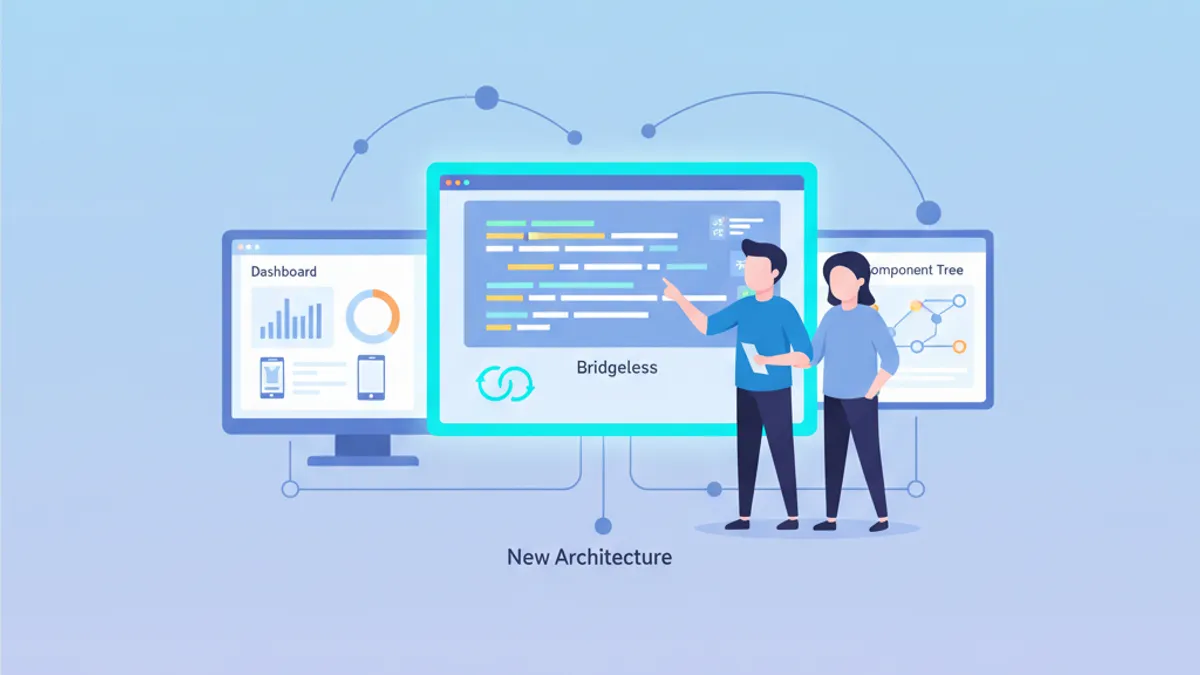
React Native New Architecture in 2026: Hermes V1, Bridgeless Mode and Interview Questions
React Native New Architecture is now the default in 2026 with Hermes V1, Bridgeless Mode, TurboModules and Fabric. Deep dive into performance gains, migration patterns, and key interview questions.
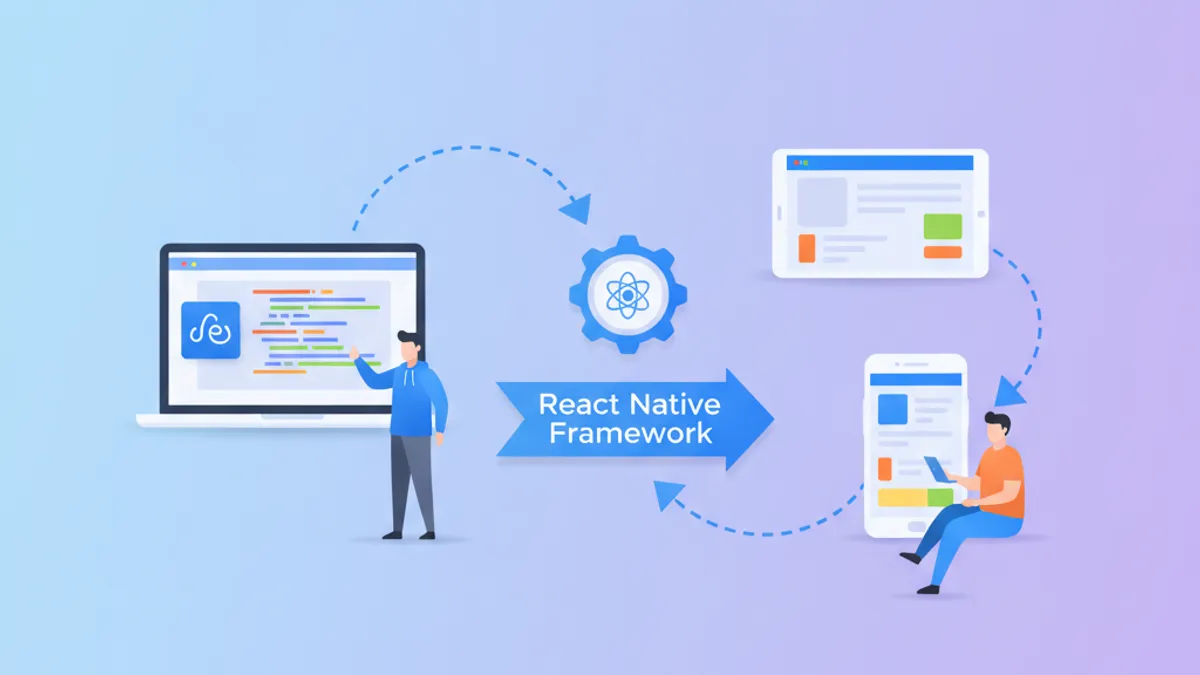
React Native App Development in 2026: Complete Guide and Interview Questions
Master React Native app development in 2026 with the New Architecture, Hermes V1, and Fabric. Includes practical code examples and common interview questions.

Hermes V1 in React Native 0.84: Performance, Precompiled Bytecode and Interview Questions
Deep dive into Hermes V1 performance optimizations in React Native 0.84: bytecode precompilation, Hades GC, memory management, and essential interview questions for mobile developers.