Apache Flink in 2026: Stream Processing, Event Time and Interview Questions
Master Apache Flink 2.3 stream processing with event time semantics, watermarks, and windowing. Prepare for data engineering interviews with real-world examples.

Apache Flink 2.3 handles stream processing at scale with exactly-once semantics and sub-second latency. Unlike batch-oriented systems, Flink processes data continuously as it arrives, making it the framework of choice for real-time analytics, fraud detection, and event-driven architectures.
Flink distinguishes itself from Spark Streaming through true stream processing: Flink processes events one at a time with event time semantics, while Spark Streaming processes micro-batches with processing time as the default.
Flink 2.3 Architecture for Stream Processing
Flink runs on a distributed architecture with a JobManager coordinating work across multiple TaskManagers. Each TaskManager runs task slots that execute portions of the job's parallel operators. This separation allows Flink to scale horizontally while maintaining fault tolerance through distributed checkpoints.
The dataflow model in Flink represents computations as directed acyclic graphs (DAGs). Data flows from sources through transformations to sinks, with each operator potentially running on multiple parallel instances.
// Basic Flink streaming application setup
StreamExecutionEnvironment env = StreamExecutionEnvironment.getExecutionEnvironment();

// Enable checkpointing every 10 seconds for fault tolerance
env.enableCheckpointing(10000, CheckpointingMode.EXACTLY_ONCE);

// Configure state backend for large state
env.setStateBackend(new EmbeddedRocksDBStateBackend());

// Define the data source - Kafka in production scenarios
DataStream<String> rawStream = env.addSource(
    new FlinkKafkaConsumer<>("events", new SimpleStringSchema(), kafkaProps)
);

// Parse and transform the stream
DataStream<Event> events = rawStream
    .map(json -> objectMapper.readValue(json, Event.class))
    .assignTimestampsAndWatermarks(
        WatermarkStrategy.<Event>forBoundedOutOfOrderness(Duration.ofSeconds(5))
            .withTimestampAssigner((event, timestamp) -> event.getTimestamp())
    );
The checkpoint configuration above stores snapshots of the distributed state every 10 seconds. If a failure occurs, Flink restores from the last completed checkpoint and replays records from Kafka.
Event Time vs Processing Time Semantics
Event time refers to when an event actually occurred, embedded in the data itself. Processing time is when Flink processes the record. The distinction matters because network delays, out-of-order delivery, and processing backlogs make processing time unreliable for time-based operations.
// Configuring event time with watermarks
public class EventTimeProcessor {

    public DataStream<AggregatedMetric> processWithEventTime(
            DataStream<SensorReading> readings) {

        return readings
            // Extract timestamp from the event payload
            .assignTimestampsAndWatermarks(
                WatermarkStrategy
                    .<SensorReading>forBoundedOutOfOrderness(Duration.ofMinutes(2))
                    .withTimestampAssigner((reading, ts) -> reading.getEventTime())
                    .withIdleness(Duration.ofMinutes(5)) // Handle idle partitions
            )
            // Window by event time, not wall clock
            .keyBy(SensorReading::getSensorId)
            .window(TumblingEventTimeWindows.of(Time.minutes(1)))
            .aggregate(new AverageAggregator());
    }
}
The forBoundedOutOfOrderness strategy tells Flink that events may arrive up to 2 minutes late. Watermarks advance when Flink determines that no more events with timestamps before the watermark will arrive.
What happens to late events in Flink? By default, events arriving after the watermark has passed the window's end time are dropped. Configure allowed lateness with .allowedLateness(Time.minutes(10)) to process late arrivals, or use side outputs to capture them for separate handling.
Windowing Strategies for Real-Time Analytics
Flink provides four window types: tumbling, sliding, session, and global windows. Each serves different analytical needs.
// Different windowing approaches for stream processing
public class WindowingStrategies {

    // Tumbling windows: fixed-size, non-overlapping
    // Use case: hourly aggregations, daily summaries
    public DataStream<Summary> tumblingAggregation(DataStream<Transaction> txns) {
        return txns
            .keyBy(Transaction::getAccountId)
            .window(TumblingEventTimeWindows.of(Time.hours(1)))
            .sum("amount");
    }

    // Sliding windows: fixed-size, overlapping
    // Use case: moving averages, rolling metrics
    public DataStream<Double> slidingAverage(DataStream<Metric> metrics) {
        return metrics
            .keyBy(Metric::getCategory)
            .window(SlidingEventTimeWindows.of(Time.minutes(10), Time.minutes(1)))
            .aggregate(new AverageAggregator());
    }

    // Session windows: activity-based, variable size
    // Use case: user sessions, conversation analysis
    public DataStream<Session> sessionAnalysis(DataStream<ClickEvent> clicks) {
        return clicks
            .keyBy(ClickEvent::getUserId)
            .window(EventTimeSessionWindows.withGap(Time.minutes(30)))
            .process(new SessionBuilder());
    }
}
Session windows close after a configurable gap of inactivity. This pattern works for user behavior analysis where session length varies based on engagement.
Ready to ace your Data Engineering interviews?
Practice with our interactive simulators, flashcards, and technical tests.
State Management and Checkpointing
Flink maintains operator state and keyed state across processing. Keyed state partitions data by key, enabling parallel processing while keeping related records together. Operator state applies to the entire operator instance.
// Managing state in a Flink KeyedProcessFunction
public class FraudDetector extends KeyedProcessFunction<String, Transaction, Alert> {

    // Keyed state: one value per key (account)
    private ValueState<Double> lastAmountState;
    private ValueState<Long> lastTransactionTimeState;
    private MapState<String, Integer> merchantCountState;

    @Override
    public void open(Configuration parameters) {
        // Initialize state descriptors
        lastAmountState = getRuntimeContext().getState(
            new ValueStateDescriptor<>("lastAmount", Double.class));
        lastTransactionTimeState = getRuntimeContext().getState(
            new ValueStateDescriptor<>("lastTime", Long.class));
        merchantCountState = getRuntimeContext().getMapState(
            new MapStateDescriptor<>("merchantCounts", String.class, Integer.class));
    }

    @Override
    public void processElement(Transaction txn, Context ctx, Collector<Alert> out)
            throws Exception {
        Double lastAmount = lastAmountState.value();
        Long lastTime = lastTransactionTimeState.value();

        // Detect suspicious patterns
        if (lastAmount != null && lastTime != null) {
            long timeDelta = txn.getTimestamp() - lastTime;
            // Flag transactions 10x larger than previous within 1 minute
            if (txn.getAmount() > lastAmount * 10 && timeDelta < 60000) {
                out.collect(new Alert(txn.getAccountId(), "SUSPICIOUS_SPIKE", txn));
            }
        }

        // Update state for next transaction
        lastAmountState.update(txn.getAmount());
        lastTransactionTimeState.update(txn.getTimestamp());

        // Track merchant frequency
        Integer count = merchantCountState.get(txn.getMerchantId());
        merchantCountState.put(txn.getMerchantId(), (count == null ? 0 : count) + 1);
    }
}
This stateful processor tracks transaction patterns per account. The state persists across checkpoints, surviving failures without losing fraud detection context.
Flink SQL and Table API for Stream Processing
Flink 2.3 expands its SQL capabilities with Materialized Tables for incremental view maintenance. The Table API provides a unified interface for batch and stream processing.
-- flink_sql_streaming.sql
-- Create a streaming source table from Kafka
CREATE TABLE orders (
    order_id STRING,
    customer_id STRING,
    product_id STRING,
    amount DECIMAL(10, 2),
    order_time TIMESTAMP(3),
    -- Define watermark for event time processing
    WATERMARK FOR order_time AS order_time - INTERVAL '5' SECOND
) WITH (
    'connector' = 'kafka',
    'topic' = 'orders',
    'properties.bootstrap.servers' = 'kafka:9092',
    'format' = 'json',
    'scan.startup.mode' = 'earliest-offset'
);

-- Streaming aggregation with tumbling window
SELECT
    customer_id,
    TUMBLE_START(order_time, INTERVAL '1' HOUR) AS window_start,
    COUNT(*) AS order_count,
    SUM(amount) AS total_amount
FROM orders
GROUP BY
    customer_id,
    TUMBLE(order_time, INTERVAL '1' HOUR);
The SQL approach simplifies development for analysts familiar with SQL while Flink handles the stream processing complexity underneath.
Flink vs Spark Structured Streaming
Both frameworks process streaming data, but their architectures differ fundamentally. Flink processes records individually with true streaming, while Spark processes micro-batches. For Apache Spark comparisons, the latency and consistency tradeoffs matter in production.
| Aspect | Flink | Spark Structured Streaming |
|---|---|---|
| Processing Model | True streaming | Micro-batch |
| Latency | Milliseconds | Seconds (batch interval) |
| State Backend | RocksDB, HashMaps | In-memory, HDFS |
| Exactly-Once | Native with checkpoints | Requires idempotent sinks |
| Event Time | First-class support | Supported since 2.1 |
| SQL Support | Full streaming SQL | Limited windowing |
When asked about Flink vs Spark for streaming, focus on use case fit. Flink excels at low-latency event processing and complex event patterns. Spark Streaming suits organizations already running Spark for batch who need unified batch-stream processing.
Common Flink Interview Questions and Answers
How does Flink achieve exactly-once semantics?
Flink combines checkpointing with two-phase commit for sinks that support transactions. During a checkpoint, Flink snapshots operator state and records source offsets. For Kafka sinks, Flink pre-commits records to Kafka, completes the checkpoint, then commits the transaction. If failure occurs before checkpoint completion, uncommitted records are discarded and processing resumes from the last checkpoint.
Explain watermark propagation in a multi-source topology.
When a job reads from multiple partitions or sources, each generates its own watermarks based on incoming events. The downstream operator's watermark equals the minimum watermark across all input channels. This ensures no window closes prematurely due to one fast partition advancing ahead of slower ones. Configure withIdleness() to advance watermarks when some partitions stop sending data.
What causes backpressure in Flink and how to diagnose it?
Backpressure occurs when downstream operators cannot keep up with upstream data rates. The Flink Web UI shows backpressure status per operator. Common causes include:
- Slow external system calls (database queries, API calls)
- Expensive computations in map/process functions
- Insufficient parallelism for the data volume
- Large state operations blocking processing
Address by increasing parallelism, optimizing slow operations, or using async I/O for external calls.
How do savepoints differ from checkpoints?
Checkpoints are automatic, incremental, and optimized for failure recovery. Flink manages their lifecycle, deleting old ones automatically. Savepoints are user-triggered, complete snapshots intended for operational tasks: deploying new code, rescaling the job, or migrating between clusters. Savepoints persist until explicitly deleted and support schema evolution.
Deploying Flink on Kubernetes
The Flink Kubernetes Operator 1.15 simplifies deployment with FlinkDeployment custom resources. It handles job lifecycle, upgrades, and scaling.
# flink-deployment.yaml
# Kubernetes deployment for a Flink application
apiVersion: flink.apache.org/v1beta1
kind: FlinkDeployment
metadata:
  name: fraud-detection-job
spec:
  image: flink:1.20
  flinkVersion: v1_20
  flinkConfiguration:
    taskmanager.numberOfTaskSlots: "4"
    state.backend.type: rocksdb
    state.checkpoints.dir: s3://flink-checkpoints/fraud-detection
    execution.checkpointing.interval: "30s"
  serviceAccount: flink
  jobManager:
    resource:
      memory: "2048m"
      cpu: 1
  taskManager:
    resource:
      memory: "4096m"
      cpu: 2
    replicas: 3
  job:
    jarURI: s3://flink-artifacts/fraud-detection-1.0.jar
    entryClass: com.example.FraudDetectionJob
    parallelism: 12
    upgradeMode: savepoint
The upgradeMode: savepoint setting ensures the operator takes a savepoint before upgrading, preserving state across deployments.
Optimizing Flink Applications for Production
Production deployments require attention to parallelism, memory, and state backend configuration. See the ETL and data pipeline patterns for integration considerations.
// Production-ready Flink configuration
public class ProductionConfig {

    public static void configureForProduction(StreamExecutionEnvironment env) {
        // Checkpoint configuration
        CheckpointConfig checkpointConfig = env.getCheckpointConfig();
        checkpointConfig.setCheckpointingMode(CheckpointingMode.EXACTLY_ONCE);
        checkpointConfig.setMinPauseBetweenCheckpoints(30000); // 30 seconds
        checkpointConfig.setCheckpointTimeout(600000); // 10 minutes
        checkpointConfig.setMaxConcurrentCheckpoints(1);
        checkpointConfig.setExternalizedCheckpointRetention(
            ExternalizedCheckpointRetention.RETAIN_ON_CANCELLATION);

        // State backend with incremental checkpoints
        EmbeddedRocksDBStateBackend rocksDB = new EmbeddedRocksDBStateBackend(true);
        rocksDB.setDbStoragePath("/tmp/rocksdb");
        env.setStateBackend(rocksDB);

        // Restart strategy with exponential backoff
        env.setRestartStrategy(RestartStrategies.exponentialDelayRestart(
            Duration.ofSeconds(1),  // Initial delay
            Duration.ofMinutes(5),  // Max delay
            2.0,                    // Backoff multiplier
            Duration.ofHours(1),    // Reset backoff after
            0.1                     // Jitter
        ));
    }
}
Incremental checkpoints reduce checkpoint size by only writing changed state since the last checkpoint. This optimization becomes critical when managing gigabytes of keyed state.
Start practicing!
Test your knowledge with our interview simulators and technical tests.
Key Takeaways for Apache Flink Stream Processing
- Flink 2.3 processes events individually with millisecond latency, unlike micro-batch systems
- Event time semantics with watermarks handle out-of-order data correctly, answering the common interview question about late events
- Keyed state partitions data for parallel processing while keeping related records together
- Checkpoints provide exactly-once guarantees through distributed snapshots and two-phase commit
- The Kubernetes Operator automates deployment, scaling, and upgrades with savepoint-based state preservation
- Choose Flink over Spark Streaming when sub-second latency or complex event processing patterns matter
- Configure RocksDB with incremental checkpoints for production workloads with large state
Can you spot the bug in Data Engineering?
One real snippet, one hidden bug, one attempt a day. No account needed to try.

Written by
Anthony Fillion-MailletFounder of SharpSkill
Full-stack developer for over 10 years. Runs SharpSkill and answers for everything published here.
Updated on August 28, 2026
Tags
Share
Related articles
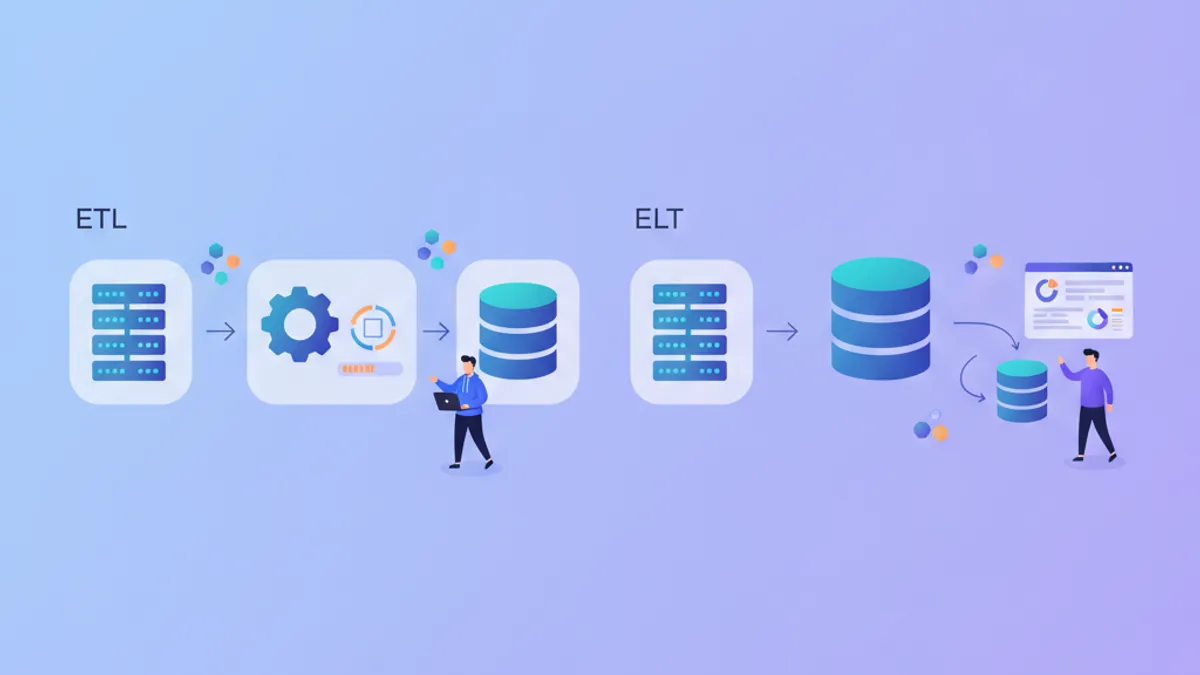
ETL vs ELT in 2026: Data Pipeline Architecture and Interview Questions
ETL and ELT represent two approaches to data pipeline architecture. This comparison breaks down when to use each pattern, the tools that support them, and the interview questions data engineers face about pipeline design.

Great Expectations in 2026: Data Quality Validation and Interview Questions
Master Great Expectations (GX) 1.22 for data quality validation. Covers Expectation Suites, Checkpoints, Data Docs, and common data engineering interview questions with practical Python examples.
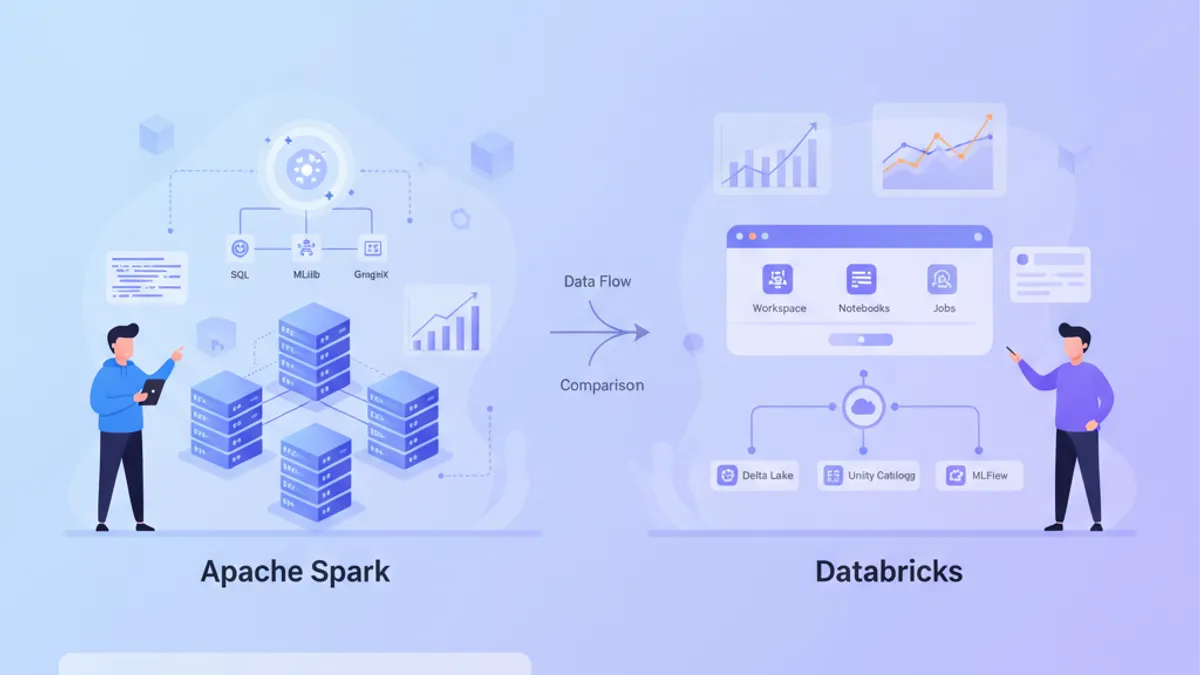
Apache Spark 4.2 vs Databricks in 2026: Architecture, Performance and Interview Questions
Compare Apache Spark 4.2 and Databricks in 2026. Understand their architectures, performance characteristics, and master common interview questions for data engineering roles.