Terraform Interview Questions: Infrastructure as Code Complete Guide 2026
Master Terraform interview questions covering state management, modules, workspaces, providers, and IaC best practices. Updated for Terraform 1.14 and HCP Terraform in 2026.
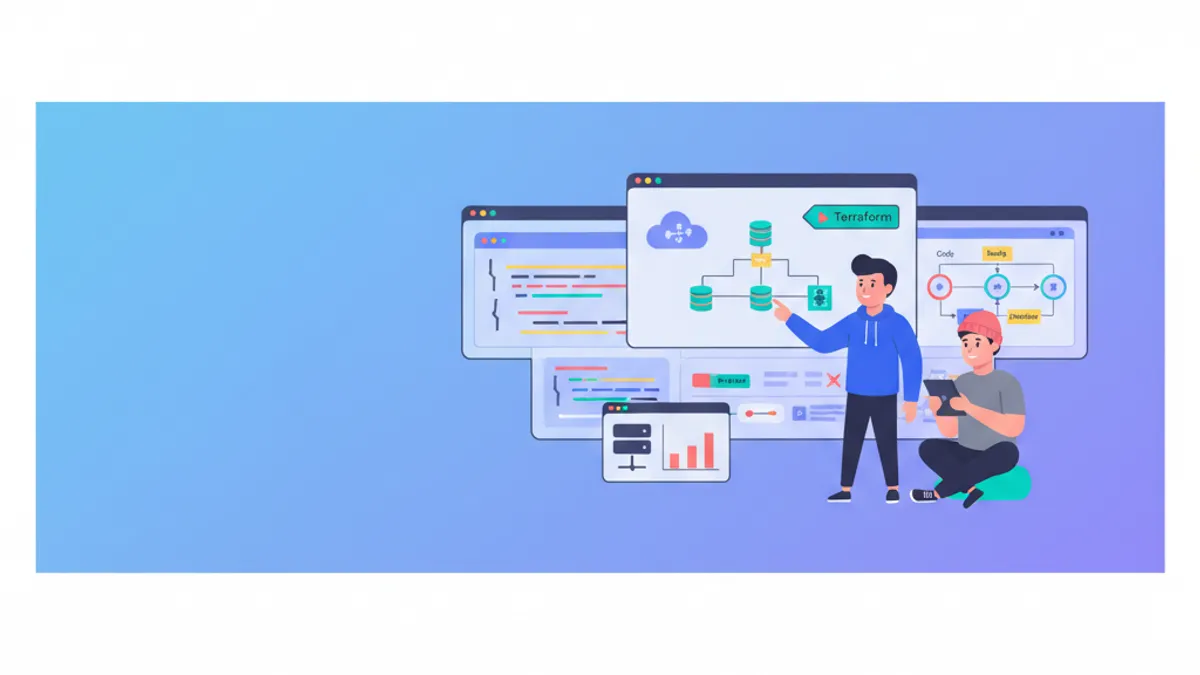
Terraform interview questions test a candidate's ability to manage cloud infrastructure declaratively, handle state safely, and design reusable modules. With Terraform 1.14 now supporting variables in module sources and HCP Terraform expanding its managed execution platform, interviewers in 2026 expect candidates to demonstrate both foundational HCL knowledge and awareness of the evolving IaC landscape.
Terraform interviews rarely focus on syntax memorization. The critical areas are state management strategies, module design patterns, handling secrets, and the ability to reason about plan/apply cycles in production environments.
Core Terraform Concepts Every Candidate Must Know
What is Terraform and how does it differ from other IaC tools?
Terraform is a declarative Infrastructure as Code tool that manages cloud resources through configuration files written in HCL (HashiCorp Configuration Language). Unlike imperative tools such as Ansible or shell scripts, Terraform maintains a state file that tracks the current infrastructure and computes a diff (the "plan") before applying changes.
The key differentiators: Terraform is cloud-agnostic (supporting AWS, Azure, GCP, and hundreds of providers), uses a plan-before-apply workflow that prevents surprises, and manages resource dependencies through an internal directed acyclic graph (DAG).
A strong answer also acknowledges the ecosystem shift: since HashiCorp adopted the BSL license in 2023, OpenTofu emerged as an open-source fork under the Linux Foundation. Both tools share the same HCL syntax but are diverging in features. Terraform 1.14 focuses on platform integration with HCP, while OpenTofu 1.9 prioritizes state encryption and dynamic backends.
Explain the Terraform workflow: init, plan, apply, destroy
The four core commands form the lifecycle of any Terraform operation:
# 1. Initialize - downloads providers and modules
terraform init

# 2. Plan - shows what will change without modifying anything
terraform plan -out=tfplan

# 3. Apply - executes the planned changes
terraform apply tfplan

# 4. Destroy - tears down all managed resources
terraform destroy
terraform init downloads provider plugins and initializes the backend. terraform plan compares the desired state (configuration files) against the actual state (state file) and outputs a changeset. terraform apply executes that changeset. Saving the plan to a file with -out ensures the exact reviewed plan gets applied, which is essential in CI/CD pipelines.
State Management: The Most Common Interview Topic
What is Terraform state and why does it matter?
Terraform state is a JSON file (terraform.tfstate) that maps configuration resources to real-world infrastructure objects. Without state, Terraform cannot determine what exists, what changed, or what needs deletion.
State contains resource IDs, attribute values, and dependency metadata. Losing state means Terraform loses track of all managed resources, requiring manual import of every object or, worse, orphaned cloud resources that continue incurring costs.
How should teams manage state in production?
Local state files are unacceptable for team environments. The standard production setup uses a remote backend with locking:
# backend.tf
terraform {
  backend "s3" {
    bucket         = "company-terraform-state"
    key            = "prod/networking/terraform.tfstate"
    region         = "eu-west-1"
    dynamodb_table = "terraform-locks"
    encrypt        = true
  }
}
This configuration stores state in S3 with server-side encryption and uses DynamoDB for state locking. The lock prevents two engineers (or two CI pipelines) from running apply simultaneously, which would corrupt state.
HCP Terraform (formerly Terraform Cloud) offers a managed alternative that handles state storage, locking, run history, and RBAC without any additional infrastructure. For organizations already invested in the HashiCorp ecosystem, it eliminates the overhead of maintaining S3 buckets and DynamoDB tables.
What are state file best practices?
- Never commit
terraform.tfstateto version control. It may contain secrets (database passwords, API keys) in plaintext. - Enable encryption at rest on the backend (S3 SSE, GCS encryption, or Azure Storage encryption).
- Use separate state files per environment. A single state file for dev, staging, and production is a recipe for accidental destruction.
- Implement state locking. Every remote backend that supports it should have locking enabled.
- Run
terraform state listandterraform state showto inspect state without modifying it.
Always enable versioning on the state backend (S3 versioning, GCS object versioning). A corrupted or accidentally deleted state file without backups can require hours of manual terraform import operations to recover.
Modules: Reusable Infrastructure Components
How do Terraform modules work?
A module is a directory containing .tf files that encapsulate a set of resources. Every Terraform configuration is technically a module (the root module). Child modules are called from the root module to promote reuse and enforce standards.
# main.tf - calling a module
module "vpc" {
  source  = "terraform-aws-modules/vpc/aws"
  version = "5.16.0"

  name = "production-vpc"
  cidr = "10.0.0.0/16"

  azs             = ["eu-west-1a", "eu-west-1b", "eu-west-1c"]
  private_subnets = ["10.0.1.0/24", "10.0.2.0/24", "10.0.3.0/24"]
  public_subnets  = ["10.0.101.0/24", "10.0.102.0/24", "10.0.103.0/24"]

  enable_nat_gateway = true
  single_nat_gateway = true
}
Terraform 1.14 introduced a significant improvement: variables and locals can now be used in module source and version attributes. This was previously a hard limitation that forced workarounds like Terragrunt for dynamic module sourcing.
What makes a well-designed module?
A production-grade module follows these principles:
- Clear inputs and outputs: Every variable has a description, type constraint, and sensible default where applicable. Outputs expose the values downstream modules need.
- Minimal scope: A module manages one logical component (a VPC, a database cluster, a Kubernetes namespace), not an entire environment.
- No hardcoded values: Provider configuration, region, account IDs, and environment-specific values come from variables, never from literals inside the module.
- Versioned releases: Published modules use semantic versioning. Pinning
version = "5.16.0"prevents unexpected breaking changes.
Ready to ace your DevOps interviews?
Practice with our interactive simulators, flashcards, and technical tests.
Workspaces, Environments, and Project Structure
How should multiple environments be managed?
Three common patterns exist, each with distinct tradeoffs:
| Pattern | Mechanism | Best for | Risk |
|---|---|---|---|
| Workspaces | terraform workspace select prod | Simple projects, same config per env | Shared state backend, easy to apply wrong workspace |
| Directory-per-env | Separate dev/, staging/, prod/ dirs | Full isolation between environments | Code duplication across directories |
| Terragrunt | DRY wrapper generating backend configs | Large multi-account setups | Additional tooling dependency |
The directory-per-environment approach with shared modules is the most common in production. Each environment directory contains a main.tf that calls the same modules with different variable values, and each has its own isolated state file.
What is the difference between terraform workspace and directory isolation?
Workspaces create named state files within the same backend. Switching workspaces with terraform workspace select staging changes which state file Terraform reads and writes, but the configuration remains identical.
The limitation: workspaces share the same backend configuration and provider setup. Directory isolation provides stronger boundaries, where each environment can use a different AWS account, a different state backend, or even different provider versions. For regulated environments requiring strict blast radius control, directory isolation is the safer choice.
Providers, Data Sources, and Resource Lifecycle
What are providers and how are they configured?
Providers are plugins that translate HCL configuration into API calls against specific platforms. The AWS provider calls the AWS API, the Kubernetes provider talks to the Kubernetes API server, and so on.
# providers.tf
terraform {
  required_providers {
    aws = {
      source  = "hashicorp/aws"
      version = "~> 5.80"
    }
  }
}

provider "aws" {
  region = var.aws_region

  default_tags {
    tags = {
      Environment = var.environment
      ManagedBy   = "terraform"
      Team        = var.team_name
    }
  }
}
The ~> 5.80 version constraint allows patch updates (5.80.x) but blocks minor version bumps, balancing stability with security patches. The default_tags block applies consistent tagging across every resource the provider creates, a common interview discussion point for governance and cost allocation.
Explain data sources versus resources
Resources (resource blocks) create, update, and delete infrastructure. Data sources (data blocks) read existing infrastructure without managing it.
# Data source - reads an existing AMI, does not create anything
data "aws_ami" "ubuntu" {
  most_recent = true
  owners      = ["099720109477"] # Canonical

  filter {
    name   = "name"
    values = ["ubuntu/images/hvm-ssd-gp3/ubuntu-noble-24.04-amd64-server-*"]
  }
}

# Resource - creates an EC2 instance using the data source
resource "aws_instance" "web" {
  ami           = data.aws_ami.ubuntu.id
  instance_type = "t3.micro"
}
Data sources are evaluated during plan, making them useful for referencing shared infrastructure (VPCs created by another team), looking up dynamic values (latest AMI IDs), or reading external configuration (SSM parameters, Vault secrets).
Three lifecycle rules appear frequently in interviews: create_before_destroy (zero-downtime replacements), prevent_destroy (protect critical resources like databases), and ignore_changes (avoid drift on fields modified outside Terraform, such as ASG desired capacity).
Advanced Topics: Import, Moved Blocks, and Testing
How does terraform import work and when is it needed?
terraform import associates an existing cloud resource with a Terraform resource block. The typical scenario: infrastructure was created manually (ClickOps) or by another tool, and the team now wants Terraform to manage it.
Terraform 1.5+ introduced import blocks directly in configuration, replacing the CLI-only workflow:
# import.tf
import {
  to = aws_s3_bucket.legacy_data
  id = "my-legacy-bucket-name"
}

resource "aws_s3_bucket" "legacy_data" {
  bucket = "my-legacy-bucket-name"
}
Running terraform plan with this block generates a plan that adopts the existing bucket into state. This declarative import approach is reviewable in pull requests, repeatable, and does not require direct CLI access to the state.
What are moved blocks?
Refactoring Terraform code (renaming resources, moving them into modules) historically required terraform state mv commands. The moved block handles this declaratively:
# Renamed a resource from "web" to "app"
moved {
  from = aws_instance.web
  to   = aws_instance.app
}
Terraform recognizes the move during plan and updates state automatically, avoiding a destroy-and-recreate cycle. This is invaluable when restructuring large configurations into modules.
How does Terraform testing work?
Terraform 1.6+ includes a native testing framework using .tftest.hcl files:
# tests/vpc.tftest.hcl
run "creates_vpc_with_correct_cidr" {
  command = plan

  assert {
    condition     = aws_vpc.main.cidr_block == "10.0.0.0/16"
    error_message = "VPC CIDR block does not match expected value"
  }
}

run "creates_three_private_subnets" {
  command = plan

  assert {
    condition     = length(aws_subnet.private) == 3
    error_message = "Expected 3 private subnets"
  }
}
Terraform 1.14 expanded this with mock blocks that accept functions, skip_cleanup for debugging failed tests, and backend blocks within run blocks for isolated test state. Native testing eliminates the need for external tools like Terratest for basic validation.
Terraform in CI/CD Pipelines
What does a production Terraform pipeline look like?
A robust CI/CD pipeline for Terraform enforces safety at every stage:
- Lint and validate:
terraform fmt -checkandterraform validatecatch syntax issues. - Plan on PR: Every pull request runs
terraform planand posts the output as a PR comment. No apply without a reviewed plan. - Policy checks: Tools like OPA (Open Policy Agent), Sentinel (HCP Terraform), or Checkov validate the plan against organizational policies (no public S3 buckets, mandatory encryption, required tags).
- Apply on merge: After PR approval and policy checks pass,
terraform applyruns automatically from the saved plan file. - State backup: Post-apply, the pipeline verifies state integrity and the backend's versioning captures the new state version.
The golden rule: no human should ever run terraform apply against production from a local machine. All production applies go through the pipeline.
Conclusion
Key takeaways for Terraform interview preparation:
- State management is the single most important topic. Understand remote backends, locking, encryption, and disaster recovery strategies before walking into an interview.
- Module design separates junior from senior candidates. Demonstrate the ability to build reusable, versioned modules with clear interfaces and minimal scope.
- Know the plan/apply workflow deeply. Explain why saving plans to files matters, how the DAG determines execution order, and what
-targetdoes (and why it should be used sparingly). - Terraform 1.14 brings variables in module sources, expanded testing, and tighter HCP integration. Mentioning current features shows active engagement with the ecosystem.
- Address the Terraform vs OpenTofu landscape honestly. Understanding the licensing split, feature divergence, and when each tool fits demonstrates architectural maturity beyond syntax knowledge.
- Practice explaining DevOps interview fundamentals alongside Terraform specifics, as interviewers often blend IaC questions with broader infrastructure topics.
- Review Kubernetes deployment concepts since Terraform frequently provisions the clusters that Kubernetes workloads run on.
Start practicing!
Test your knowledge with our interview simulators and technical tests.
Can you spot the bug in DevOps?
One real snippet, one hidden bug, one attempt a day. No account needed to try.

Written by
Anthony Fillion-MailletFounder of SharpSkill
Full-stack developer for over 10 years. Runs SharpSkill and answers for everything published here.
Updated on April 14, 2026
Tags
Share
Related articles
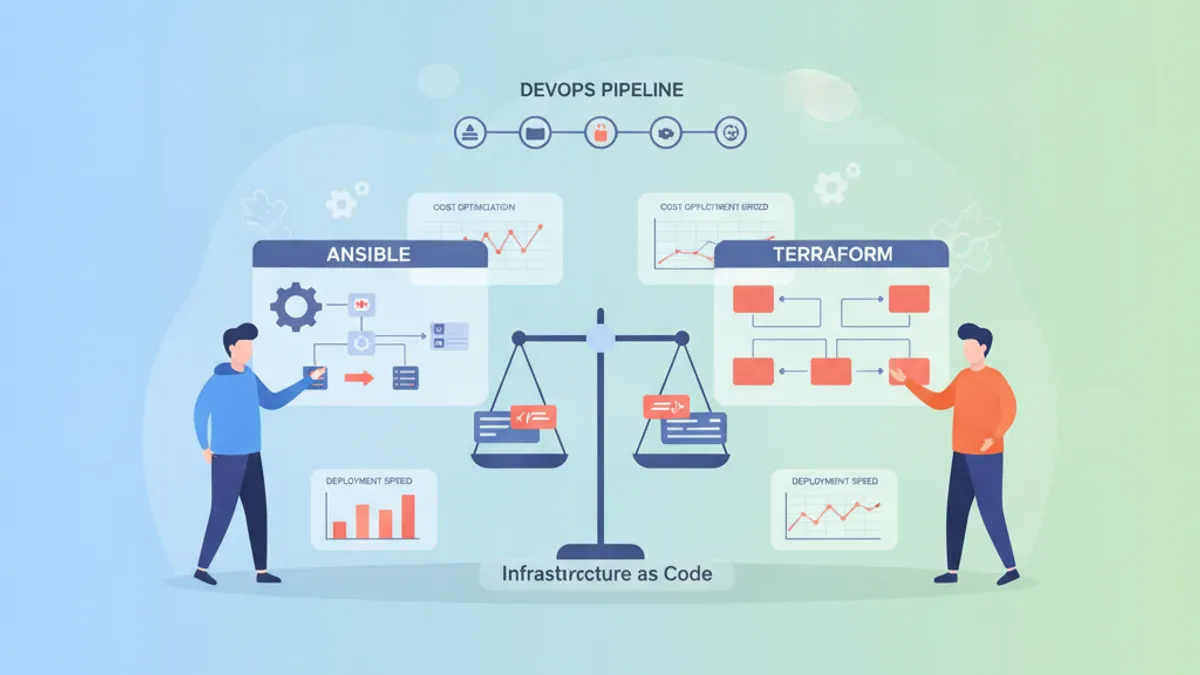
Ansible vs Terraform in 2026: Infrastructure as Code and DevOps Interview Questions
Compare Ansible vs Terraform for infrastructure as code in 2026. Understand configuration management vs provisioning, when to use each tool, and prepare for DevOps interview questions.
Pulumi vs Terraform in 2026: Infrastructure as Code with TypeScript and Interview Questions
A detailed comparison of Pulumi and Terraform for infrastructure as code in 2026. Covers TypeScript support, state management, provider ecosystems, and common DevOps interview questions.
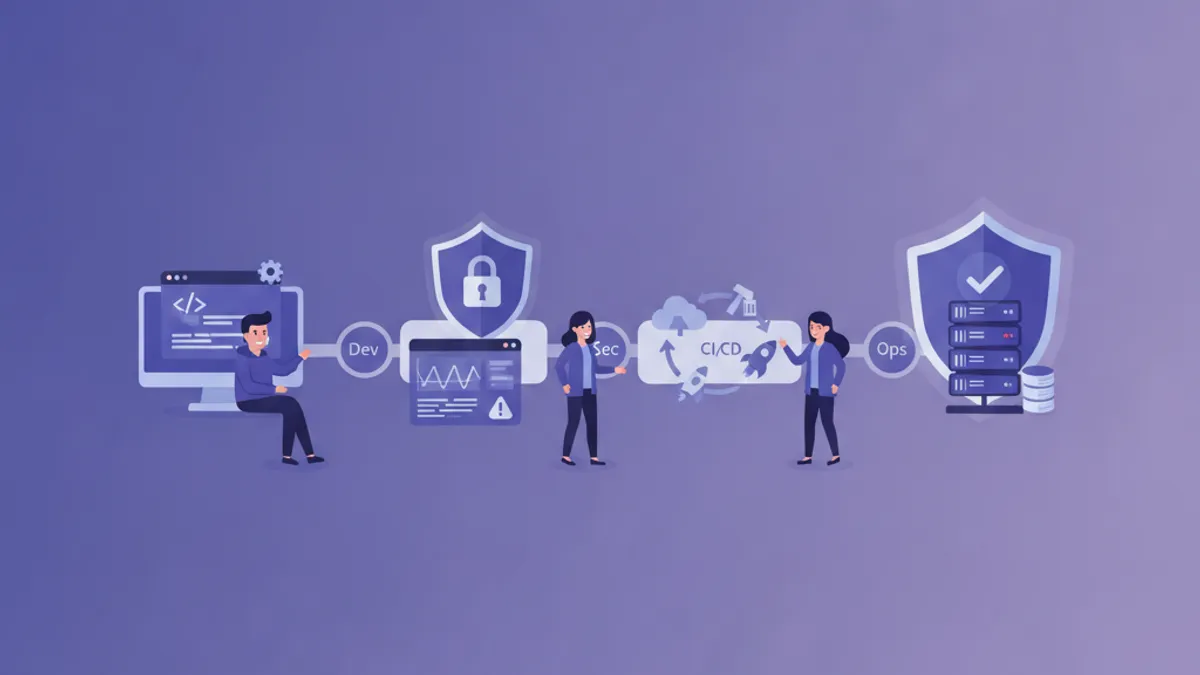
DevOps Pipeline Security in 2026: DevSecOps Best Practices and Interview Questions
Master DevSecOps pipeline security with SAST, DAST, secrets management, OIDC authentication, and supply chain protection. Includes common interview questions and answers for DevOps security roles.