Apache Kafka for Data Engineers: Streaming, Partitions and Interview Questions
Apache Kafka deep dive for data engineers covering streaming architecture, partition strategies, consumer groups, and common interview questions with practical examples using Kafka 4.x and KRaft.

Apache Kafka sits at the core of most modern data engineering stacks, handling trillions of events per day across organizations of every size. With Kafka 4.x now running entirely on KRaft (no ZooKeeper dependency), the platform has become simpler to operate while retaining the same guarantees that made it an industry standard for real-time data pipelines.
Since Apache Kafka 4.0, ZooKeeper is no longer required. KRaft (Kafka Raft) handles all metadata management natively, reducing operational complexity and eliminating an entire infrastructure component from production deployments.
Kafka Streaming Architecture for Data Pipelines
Kafka operates as a distributed commit log. Producers append records to the end of a topic's partitions, and consumers read those records in order. This append-only design enables both real-time streaming and batch replay from any offset, making Kafka uniquely suited for data engineering workloads that require both patterns.
A Kafka cluster consists of brokers (servers), topics (logical channels), and partitions (physical shards of a topic). Each partition is an ordered, immutable sequence of records. One broker acts as the partition leader, handling all reads and writes, while follower replicas maintain copies for fault tolerance.
The key architectural property: ordering is guaranteed within a partition, not across partitions. This single constraint drives most Kafka design decisions in data pipelines.
# docker-compose.yml — Kafka 4.x KRaft cluster (no ZooKeeper)
services:
  kafka-1:
    image: apache/kafka:4.2.0
    environment:
      KAFKA_NODE_ID: 1
      KAFKA_PROCESS_ROLES: broker,controller
      KAFKA_CONTROLLER_QUORUM_VOTERS: 1@kafka-1:9093,2@kafka-2:9093,3@kafka-3:9093
      KAFKA_LISTENERS: PLAINTEXT://:9092,CONTROLLER://:9093
      KAFKA_INTER_BROKER_LISTENER_NAME: PLAINTEXT
      KAFKA_CONTROLLER_LISTENER_NAMES: CONTROLLER
      KAFKA_LOG_DIRS: /var/lib/kafka/data
      KAFKA_NUM_PARTITIONS: 6
      KAFKA_DEFAULT_REPLICATION_FACTOR: 3
      KAFKA_MIN_INSYNC_REPLICAS: 2
    ports:
      - "9092:9092"
This configuration starts a KRaft-mode broker that also acts as a controller. The KAFKA_CONTROLLER_QUORUM_VOTERS setting replaces what ZooKeeper previously managed: leader election, topic metadata, and cluster membership.
Partition Strategies That Shape Pipeline Performance
Partitions determine parallelism, ordering, and throughput. Choosing the right partition count and key strategy directly impacts pipeline reliability and consumer scalability.
Partition count guidelines:
- Start with the number of consumers expected to process the topic concurrently
- Each partition can sustain roughly 10 MB/s write throughput on modern hardware
- More partitions increase end-to-end latency slightly (more leader elections, more file handles)
- Kafka 4.x handles thousands of partitions per broker efficiently thanks to KRaft metadata improvements
Partition key selection determines which records land in which partition. Records with the same key always go to the same partition, preserving order for that key.
# partition_strategy.py — Choosing the right partition key
from confluent_kafka import Producer
import json

def create_producer():
    return Producer({
        'bootstrap.servers': 'kafka-1:9092',
        'acks': 'all',
        'enable.idempotence': True,
        'max.in.flight.requests.per.connection': 5
    })

def publish_order_event(producer, event):
    # Key by customer_id: all events for one customer stay ordered
    key = str(event['customer_id']).encode('utf-8')
    value = json.dumps(event).encode('utf-8')
    producer.produce(
        topic='order-events',
        key=key,
        value=value,
        headers=[('source', b'order-service'), ('version', b'2')]
    )
    producer.flush()

def publish_clickstream(producer, event):
    # Key by session_id: ordering within a session matters
    # NOT by user_id — one user may have multiple sessions
    key = str(event['session_id']).encode('utf-8')
    value = json.dumps(event).encode('utf-8')
    producer.produce(
        topic='clickstream',
        key=key,
        value=value
    )
The choice of customer_id vs session_id as partition key reflects different ordering requirements. Order events need per-customer ordering to maintain transaction consistency. Clickstream events need per-session ordering to reconstruct user journeys accurately.
If one key produces significantly more records than others (e.g., a single enterprise customer generating 80% of events), that partition becomes a bottleneck. Monitor partition lag metrics and consider composite keys or custom partitioners for skewed workloads.
Consumer Groups and Offset Management
Consumer groups enable parallel processing of a topic. Kafka assigns each partition to exactly one consumer within a group, so the maximum parallelism equals the number of partitions.
Offset management controls exactly-once vs at-least-once semantics. Kafka stores committed offsets in an internal __consumer_offsets topic. The timing of offset commits relative to processing determines delivery guarantees.
# consumer_pipeline.py — Consumer group with manual offset management
from confluent_kafka import Consumer, KafkaError
import json

def create_consumer(group_id: str):
    return Consumer({
        'bootstrap.servers': 'kafka-1:9092',
        'group.id': group_id,
        'auto.offset.reset': 'earliest',
        'enable.auto.commit': False,  # Manual commit for at-least-once
        'max.poll.interval.ms': 300000,
        'session.timeout.ms': 45000,
        'isolation.level': 'read_committed'  # Only read committed transactions
    })

def process_batch(consumer: Consumer, batch_size: int = 500):
    """Process records in micro-batches for throughput."""
    consumer.subscribe(['order-events'])
    buffer = []

    while True:
        msg = consumer.poll(timeout=1.0)
        if msg is None:
            continue
        if msg.error():
            if msg.error().code() == KafkaError._PARTITION_EOF:
                continue
            raise Exception(msg.error())

        record = json.loads(msg.value().decode('utf-8'))
        buffer.append(record)

        if len(buffer) >= batch_size:
            # Process the full batch (write to warehouse, etc.)
            write_to_warehouse(buffer)
            # Commit AFTER successful processing
            consumer.commit(asynchronous=False)
            buffer.clear()

def write_to_warehouse(records: list):
    # Insert batch into data warehouse (BigQuery, Snowflake, etc.)
    pass
Setting enable.auto.commit to False and committing only after write_to_warehouse succeeds ensures at-least-once delivery. If the consumer crashes after processing but before committing, the records will be re-delivered on restart. For data pipelines feeding a warehouse, this is typically the correct trade-off — idempotent writes to the warehouse handle duplicates.
Kafka Connect for Data Pipeline Integration
Kafka Connect provides a scalable framework for moving data between Kafka and external systems without writing custom producer/consumer code. Source connectors ingest data into Kafka; sink connectors push data out.
{
  "name": "postgres-cdc-source",
  "config": {
    "connector.class": "io.debezium.connector.postgresql.PostgresConnector",
    "database.hostname": "postgres-primary",
    "database.port": "5432",
    "database.user": "replication_user",
    "database.dbname": "production",
    "topic.prefix": "cdc",
    "table.include.list": "public.orders,public.customers,public.products",
    "slot.name": "debezium_slot",
    "plugin.name": "pgoutput",
    "publication.name": "dbz_publication",
    "snapshot.mode": "initial",
    "transforms": "route",
    "transforms.route.type": "org.apache.kafka.connect.transforms.RegexRouter",
    "transforms.route.regex": "cdc\\.public\\.(.*)",
    "transforms.route.replacement": "warehouse.$1"
  }
}
This Debezium CDC connector captures every INSERT, UPDATE, and DELETE from PostgreSQL tables and publishes them as Kafka events. The RegexRouter transform renames topics from cdc.public.orders to warehouse.orders, keeping the pipeline namespace clean. Combined with a BigQuery or Snowflake sink connector, this creates a fully automated CDC pipeline with no custom code.
Ready to ace your Data Engineering interviews?
Practice with our interactive simulators, flashcards, and technical tests.
Exactly-Once Semantics in Kafka Pipelines
Kafka supports exactly-once semantics (EOS) through idempotent producers and transactional APIs. For data engineering pipelines, EOS prevents duplicate records in downstream systems without requiring deduplication logic.
Three components make EOS work:
- Idempotent producer: Each producer gets a unique Producer ID. The broker deduplicates retries using sequence numbers, so network retries never create duplicates.
- Transactions: A producer can atomically write to multiple partitions and commit offsets in a single transaction. Either all writes succeed or none do.
read_committedisolation: Consumers configured withisolation.level=read_committedonly see records from committed transactions.
# exactly_once_pipeline.py — Transactional consume-transform-produce
from confluent_kafka import Consumer, Producer
import json

def transactional_pipeline():
    consumer = Consumer({
        'bootstrap.servers': 'kafka-1:9092',
        'group.id': 'etl-transformer',
        'enable.auto.commit': False,
        'isolation.level': 'read_committed'
    })

    producer = Producer({
        'bootstrap.servers': 'kafka-1:9092',
        'transactional.id': 'etl-transformer-001',
        'acks': 'all',
        'enable.idempotence': True
    })

    producer.init_transactions()
    consumer.subscribe(['raw-events'])

    while True:
        msg = consumer.poll(1.0)
        if msg is None or msg.error():
            continue

        # Begin atomic transaction
        producer.begin_transaction()
        try:
            raw = json.loads(msg.value())
            enriched = transform(raw)

            # Write transformed record to output topic
            producer.produce(
                'enriched-events',
                key=msg.key(),
                value=json.dumps(enriched).encode('utf-8')
            )

            # Commit consumer offset within the same transaction
            producer.send_offsets_to_transaction(
                consumer.position(consumer.assignment()),
                consumer.consumer_group_metadata()
            )
            producer.commit_transaction()
        except Exception:
            producer.abort_transaction()

def transform(record: dict) -> dict:
    # Apply business logic transformations
    record['processed_at'] = '2026-04-20T00:00:00Z'
    record['pipeline_version'] = '2.1'
    return record
The transactional.id setting enables the broker to fence zombie producers. If a consumer crashes and a new instance starts with the same transactional.id, the broker aborts any pending transactions from the old instance, preventing duplicate output.
Share Groups: Kafka 4.2 Queue Semantics
Kafka 4.2 introduces production-ready Share Groups, bringing traditional message queue semantics to Kafka. Unlike consumer groups where each partition is assigned to exactly one consumer, Share Groups allow multiple consumers to process records from the same partition independently.
| Feature | Consumer Groups | Share Groups |
|---|---|---|
| Partition assignment | Exclusive (one consumer per partition) | Shared (multiple consumers per partition) |
| Ordering guarantee | Per-partition ordering preserved | No ordering guarantee |
| Use case | Ordered event streams | Task distribution, work queues |
| Acknowledgement | Offset-based (commit position) | Per-record (acknowledge individually) |
| Max parallelism | Limited by partition count | Limited by consumer count |
Share Groups solve a long-standing limitation: scaling consumers beyond the partition count. For workloads like notification delivery or batch job distribution where ordering does not matter, Share Groups eliminate the need for external queue systems alongside Kafka.
Share Groups fit task-distribution workloads: sending emails, processing uploads, running ML inference. For event sourcing, CDC, or any pipeline requiring ordered processing, consumer groups remain the correct choice.
Kafka Interview Questions for Data Engineers
Technical interviews for data engineering roles frequently test Kafka knowledge. The following questions cover the concepts most commonly assessed.
Q: How does Kafka guarantee message ordering? Ordering is guaranteed only within a single partition. All records with the same partition key go to the same partition and are appended in sequence. Across partitions, no ordering exists. Choosing the right partition key is the primary mechanism for controlling ordering in a Kafka pipeline.
Q: What happens when a consumer in a group fails?
The group coordinator detects the failure via missed heartbeats (controlled by session.timeout.ms). It triggers a rebalance, reassigning the failed consumer's partitions to remaining group members. During rebalance, consumption pauses briefly. Cooperative sticky rebalancing (default in Kafka 4.x) minimizes disruption by only reassigning affected partitions.
Q: Explain the difference between acks=1 and acks=all.
With acks=1, the broker acknowledges the write after the leader replica persists the record. With acks=all, the broker waits until all in-sync replicas (ISR) confirm the write. acks=all combined with min.insync.replicas=2 guarantees no data loss if any single broker fails, at the cost of slightly higher latency.
Q: How would you design a CDC pipeline using Kafka?
Capture changes from the source database using Debezium (for PostgreSQL, MySQL) or a native CDC connector. Publish change events to Kafka topics partitioned by primary key. Use a sink connector (BigQuery Sink, S3 Sink) to load changes into the analytical warehouse. Set isolation.level=read_committed on consumers to avoid reading uncommitted database transactions. Use schema registry to manage Avro or Protobuf schemas for the change events.
Q: What is ISR and why does it matter?
ISR (In-Sync Replicas) is the set of replicas that are fully caught up with the partition leader. Only ISR members are eligible for leader election. The min.insync.replicas setting defines how many replicas must acknowledge a write before it is considered committed. If the ISR shrinks below min.insync.replicas, the broker rejects writes rather than risk data loss.
For additional data engineering interview preparation, the data engineering interview questions collection covers broader topics including ETL/ELT pipeline patterns and data modeling.
Start practicing!
Test your knowledge with our interview simulators and technical tests.
Conclusion
- Kafka 4.x with KRaft eliminates ZooKeeper entirely, reducing operational overhead for data engineering teams
- Partition key selection determines ordering guarantees — choose keys based on the downstream processing requirements, not convenience
- Manual offset commits with
enable.auto.commit=Falseenable at-least-once delivery; transactional APIs provide exactly-once semantics for consume-transform-produce pipelines - Kafka Connect with Debezium provides production-ready CDC without custom consumer code
- Share Groups (Kafka 4.2) add queue semantics for task-distribution workloads where ordering is not required
- Consumer group scaling is bounded by partition count — plan partition numbers based on peak consumer parallelism needs
Start practicing!
Test your knowledge with our interview simulators and technical tests.
Can you spot the bug in Data Engineering?
One real snippet, one hidden bug, one attempt a day. No account needed to try.

Written by
Anthony Fillion-MailletFounder of SharpSkill
Full-stack developer for over 10 years. Runs SharpSkill and answers for everything published here.
Updated on April 20, 2026
Tags
Share
Related articles

Apache Flink in 2026: Stream Processing, Event Time and Interview Questions
Master Apache Flink 2.3 stream processing with event time semantics, watermarks, and windowing. Prepare for data engineering interviews with real-world examples.
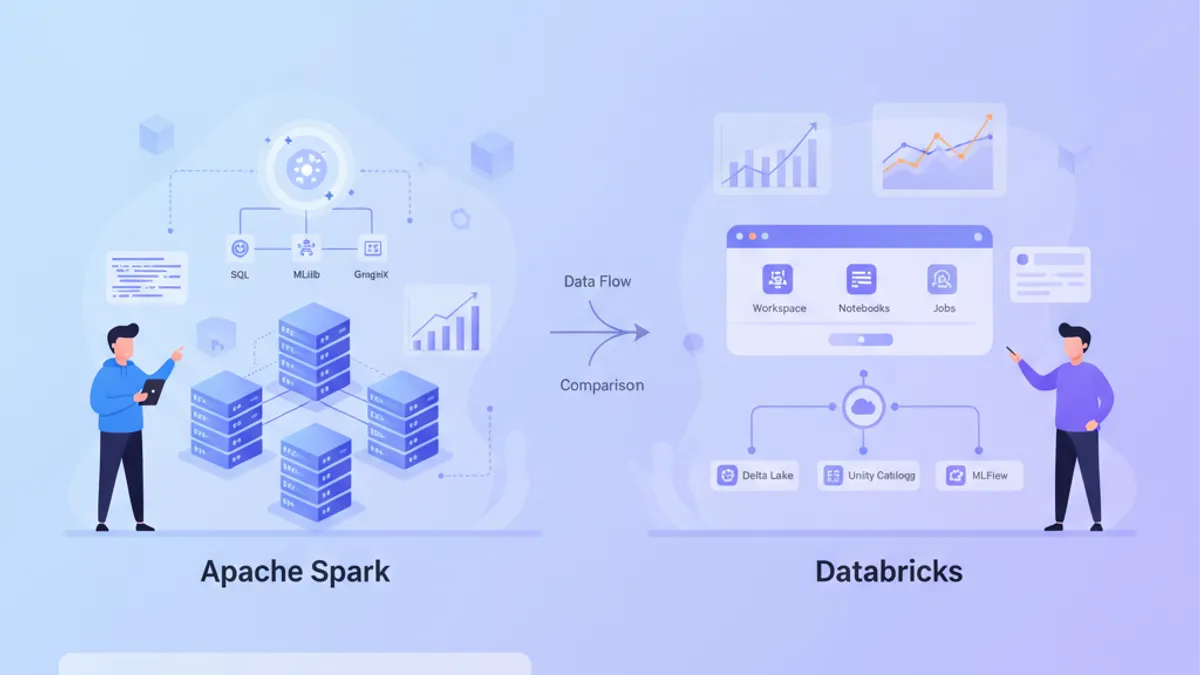
Apache Spark 4.2 vs Databricks in 2026: Architecture, Performance and Interview Questions
Compare Apache Spark 4.2 and Databricks in 2026. Understand their architectures, performance characteristics, and master common interview questions for data engineering roles.
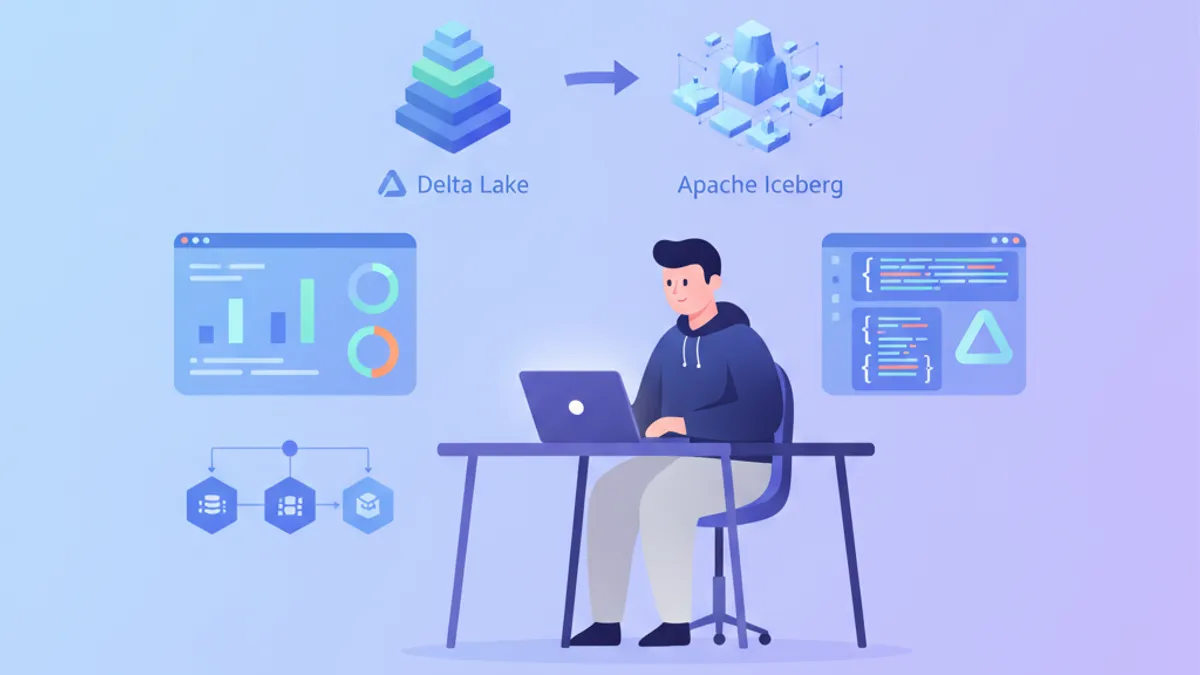
Delta Lake vs Apache Iceberg in 2026: Lakehouse Architecture and Interview Questions
Compare Delta Lake and Apache Iceberg table formats for data lakehouse architecture. Covers ACID transactions, partition evolution, time travel, and common interview questions.