Android 16 in 2026: New APIs, Desktop Mode and Interview Questions
Deep dive into Android 16 (API 36) covering desktop mode, ProgressStyle notifications, predictive back, edge-to-edge enforcement and the interview questions that come with them.
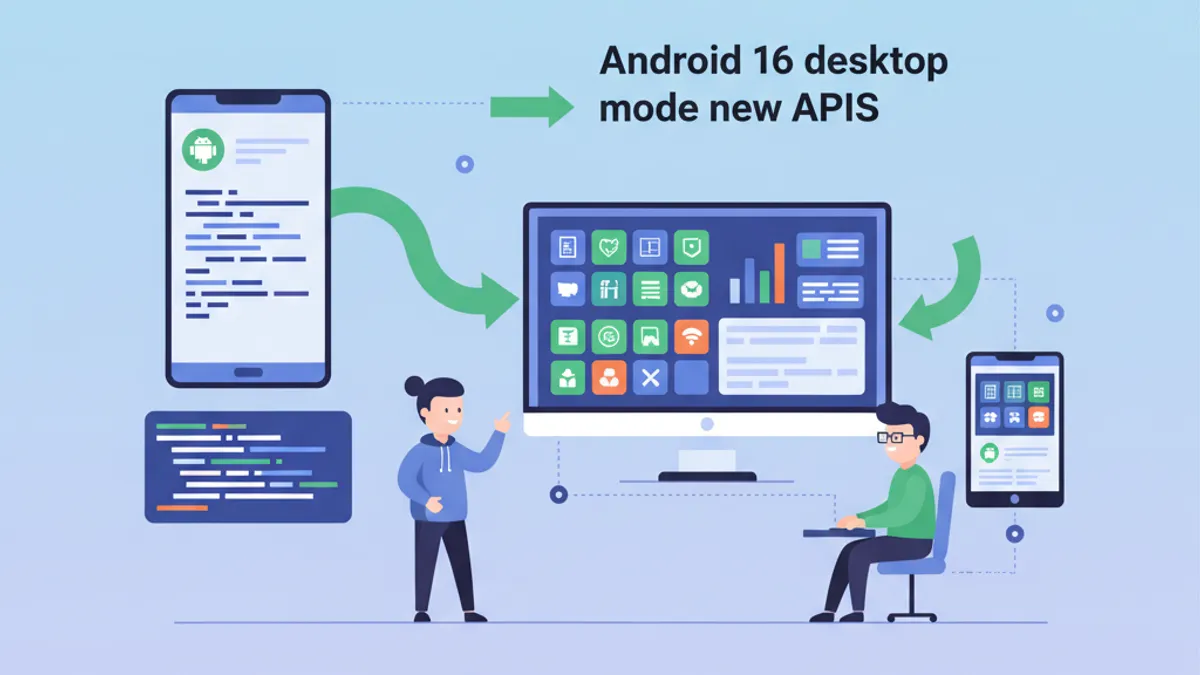
Android 16 (API level 36, codenamed "Baklava") represents one of the most impactful platform updates since Android 12's Material You overhaul. Released as stable on June 10, 2025, it now runs on over 21% of active devices as of March 2026, making it the single most widely deployed Android version. For Android developers preparing for interviews in 2026, understanding these API changes is non-negotiable.
Android 16 enforces three breaking changes for apps targeting API 36: edge-to-edge rendering is mandatory, orientation/resizability restrictions are ignored on large screens (600dp+), and predictive back navigation must be properly handled. Every Android interview in 2026 will touch at least one of these.
Android 16 SDK Release Model and Major-Minor Strategy
Android 16 introduces a dual-release structure that changes how developers plan feature adoption. The major SDK shipped with Beta 3 in March 2025, locking down behavior changes and core APIs. A second minor SDK followed on December 2, 2025, adding new APIs without altering platform behavior.
This decoupling matters in interviews: the major release is where compatibility-breaking changes live (edge-to-edge, orientation enforcement), while the minor release provides new capabilities (additional Jetpack libraries, AI-related APIs) with zero impact on existing app behavior. Google designed this model to accelerate API delivery while giving enterprise teams a stable, predictable annual target for compliance.
A common interview question asks about targetSdkVersion versus compileSdkVersion in the context of this dual model. The answer: targetSdkVersion = 36 triggers all behavior changes from the major release. The minor SDK is additive only — it does not require any opt-in or target update.
Edge-to-Edge Enforcement on API 36
Apps targeting Android 16 can no longer opt out of edge-to-edge layouts. The system ignores calls to setDecorFitsSystemWindows(true) and legacy SystemUI visibility flags. Every app must handle window insets correctly or risk UI elements hidden behind the status bar and navigation bar.
class MainActivity : ComponentActivity() {
    override fun onCreate(savedInstanceState: Bundle?) {
        super.onCreate(savedInstanceState)
        // enableEdgeToEdge() is now the default on API 36+
        // No opt-out available
        enableEdgeToEdge()
        setContent {
            Scaffold(
                modifier = Modifier.fillMaxSize()
            ) { innerPadding ->
                // innerPadding accounts for system bars
                MainContent(
                    modifier = Modifier.padding(innerPadding)
                )
            }
        }
    }
}
The Scaffold composable in Jetpack Compose handles insets automatically through innerPadding. For View-based apps, ViewCompat.setOnApplyWindowInsetsListener remains the recommended approach. The critical detail: WindowInsetsCompat.Type.systemBars() must be consumed explicitly, or the system will apply default padding that may not match the app design.
Interviewers frequently ask what happens to apps that relied on android:fitsSystemWindows="true" in XML layouts. On API 36, this attribute still works but only applies padding for system bars — it no longer prevents the app from drawing edge-to-edge.
Adaptive Apps and Large-Screen Orientation Changes
Android 16 ignores android:screenOrientation and android:resizeableActivity="false" for non-game apps on displays with smallestWidth >= 600dp. Tablets, foldables, and external monitors connected via desktop mode all qualify. This ends years of letterboxed phone layouts on large screens.
// Responsive layout using WindowSizeClass
@Composable
fun AdaptiveLayout() {
    val windowSizeClass = currentWindowAdaptiveInfo().windowSizeClass
    when {
        windowSizeClass.windowWidthSizeClass ==
            WindowWidthSizeClass.EXPANDED -> {
            // Two-pane layout for tablets/desktop
            TwoPaneLayout()
        }
        windowSizeClass.windowWidthSizeClass ==
            WindowWidthSizeClass.MEDIUM -> {
            // Adapted layout for foldables
            MediumLayout()
        }
        else -> {
            // Phone layout
            CompactLayout()
        }
    }
}
The Jetpack WindowManager library provides WindowSizeClass for responsive design. An opt-out property was available for apps targeting API 36 specifically, but Android 17 (expected Q2 2026) removes this opt-out entirely.
Interviewers often frame this as: "How would you migrate an app locked to portrait orientation to support large screens?" The answer involves replacing fixed orientation with responsive layouts, testing configuration changes (especially onConfigurationChanged), and verifying that saved state survives screen-size transitions.
Desktop Mode and Connected Displays
Desktop mode shipped as a general-availability feature in Android 16 QPR3 (March 2026 Pixel Drop), supporting Pixel 8+ and Samsung Galaxy S26/Fold7/Flip7 devices. Connecting a phone to an external monitor via USB-C launches an independent desktop session with a taskbar, resizable windows, multiple virtual desktops, and full keyboard/mouse support.
fun launchOnExternalDisplay(context: Context) {
    val displayManager = context.getSystemService(
        Context.DISPLAY_SERVICE
    ) as DisplayManager
    // Find external displays
    val externalDisplays = displayManager.displays.filter {
        it.displayId != Display.DEFAULT_DISPLAY
    }
    if (externalDisplays.isNotEmpty()) {
        val options = ActivityOptions.makeBasic().apply {
            launchDisplayId = externalDisplays.first().displayId
        }
        context.startActivity(
            Intent(context, DesktopActivity::class.java),
            options.toBundle()
        )
    }
}
The phone and external display operate independently — apps are specific to the display they run on. Google and Samsung collaborated on the desktop windowing experience to reduce fragmentation across the ecosystem. Samsung DeX integrates these same platform APIs, creating a unified developer target.
Key developer considerations for desktop mode:
- Window metrics change dynamically. Never cache
Displayobjects. QueryWindowMetricsCalculatoror ComposeLocalConfigurationon every configuration change. - Keyboard and mouse support. External peripherals are the norm in desktop sessions. Handle
KeyEventdispatching and pointer hover states. - Multi-instance support. Desktop users expect multiple windows of the same app. Declare
android:documentLaunchMode="intoExisting"or handleFLAG_ACTIVITY_NEW_DOCUMENTappropriately.
Ready to ace your Android interviews?
Practice with our interactive simulators, flashcards, and technical tests.
ProgressStyle Notifications and Live Updates
Android 16 introduces Notification.ProgressStyle, a new notification template for progress-centric user journeys like rideshare tracking, delivery updates, and navigation. This replaces ad-hoc custom notification layouts with a standardized, system-promoted format.
fun buildDeliveryNotification(
    context: Context,
    orderId: String,
    progress: Float,  // 0.0 to 1.0
    currentStep: String
): Notification {
    val style = Notification.ProgressStyle()
        .setStyledByProgress(true)
        .setProgress(progress)
        .setProgressTrackerIcon(
            Icon.createWithResource(context, R.drawable.ic_delivery_truck)
        )
        .addProgressSegment(
            Notification.ProgressStyle.Segment(0.33f)
                .setColor(context, R.color.segment_preparing)
        )
        .addProgressSegment(
            Notification.ProgressStyle.Segment(0.33f)
                .setColor(context, R.color.segment_in_transit)
        )
        .addProgressSegment(
            Notification.ProgressStyle.Segment(0.34f)
                .setColor(context, R.color.segment_delivered)
        )
        .addProgressPoint(
            Notification.ProgressStyle.Point(0.0f)
                .setLabel("Order placed")
        )
        .addProgressPoint(
            Notification.ProgressStyle.Point(0.33f)
                .setLabel("Preparing")
        )
        .addProgressPoint(
            Notification.ProgressStyle.Point(0.66f)
                .setLabel("In transit")
        )
        .addProgressPoint(
            Notification.ProgressStyle.Point(1.0f)
                .setLabel("Delivered")
        )

    return Notification.Builder(context, DELIVERY_CHANNEL_ID)
        .setSmallIcon(R.drawable.ic_notification)
        .setContentTitle("Order #$orderId")
        .setContentText(currentStep)
        .setStyle(style)
        .setOngoing(true)
        .build()
}
ProgressStyle supports segments (colored sections of the progress bar), points (labeled milestones), and a tracker icon that moves along the bar. Setting setStyledByProgress(true) lets the system color segments based on completion. For interview preparation on Android notifications, understanding when to use ProgressStyle versus a standard setProgress() notification is essential: ProgressStyle is for multi-step journeys with distinct milestones, while setProgress() remains appropriate for single-task operations like file downloads.
Predictive Back Navigation with OnBackInvokedCallback
Android 16 completes the multi-year migration from onBackPressed() to the OnBackInvokedCallback API. The system now shows a "peek" animation of the destination screen during the back gesture, allowing users to commit or cancel. Apps that still override onBackPressed() without registering a callback break this animation.
class DetailActivity : ComponentActivity() {
    override fun onCreate(savedInstanceState: Bundle?) {
        super.onCreate(savedInstanceState)
        if (Build.VERSION.SDK_INT >= 36) {
            onBackInvokedDispatcher.registerOnBackInvokedCallback(
                OnBackInvokedDispatcher
                    .PRIORITY_SYSTEM_NAVIGATION_OBSERVER
            ) {
                // Observe back navigation without intercepting
                // Log analytics or trigger save-draft logic
                analyticsTracker.logBackNavigation(
                    screen = "detail"
                )
            }
        }
    }
}
The new PRIORITY_SYSTEM_NAVIGATION_OBSERVER priority lets apps observe back events without blocking the system animation. Android 16 also adds finishAndRemoveTaskCallback and moveTaskToBackCallback for custom back-stack behaviors that still integrate with the predictive animation.
Predictive back also works on 3-button navigation in Android 16: long-pressing the back button initiates the preview animation. This is a frequent interview topic — candidates who only mention gesture navigation miss half the story.
Notification Cooldown and Mandatory Grouping
Two additional notification changes affect every Android app. Notification cooldown reduces alert volume for rapid-fire notifications from the same app, gradually decreasing the sound level over about 60 seconds before resetting. This is enabled by default and cannot be overridden by developers.
Mandatory notification grouping means the system now groups notifications automatically regardless of whether the app uses setGroup(). Apps that relied on individual notification prominence for engagement may need to rethink their notification strategy.
For interview prep, these changes pair well with questions about Kotlin coroutines and Flow, since efficiently batching and throttling notifications often involves coroutine-based debouncing patterns.
Health Connect FHIR APIs and RangingManager
Android 16 expands Health Connect with FHIR (Fast Healthcare Interoperability Resources) write support, enabling health apps to create and store structured medical records. The RangingManager API unifies distance/angle measurement across BLE channel sounding, BLE RSSI, Ultra-Wideband, and Wi-Fi RTT — consolidating what previously required four separate API surfaces.
The photo picker gains deeper customization APIs, allowing developers to control the picker's appearance while maintaining the same sandboxed security model. Cloud media provider search was added in Developer Preview 2.
These APIs are less likely to appear in general Android interviews but are critical for domain-specific roles in health tech, IoT, or media-heavy applications.
Android 16 Interview Questions and Answers
Here are the questions most likely to surface in 2026 Android developer interviews, drawn from the behavioral and API changes covered above.
Q: What are the mandatory behavior changes when targeting API 36?
Three changes are enforced: edge-to-edge rendering (no opt-out), orientation/resizability restrictions ignored on screens >= 600dp, and predictive back navigation enabled system-wide. Apps must handle WindowInsets correctly, support responsive layouts, and migrate from onBackPressed() to OnBackInvokedCallback.
Q: How does desktop mode affect app architecture?
Desktop mode creates an independent display session. Apps must avoid caching Display objects, support dynamic window metrics, handle keyboard/mouse input, and consider multi-instance scenarios. The ActivityOptions.launchDisplayId API allows targeting specific displays programmatically.
Q: When should ProgressStyle replace setProgress()?
ProgressStyle is for multi-step user journeys with distinct milestones (rideshare, delivery, navigation). Standard setProgress() remains appropriate for single-operation progress (file download, upload). ProgressStyle earns promoted visibility in the notification shade.
Q: What is the Android 16 major/minor SDK release model?
The major release (March 2025) contains behavior changes and requires targetSdkVersion update. The minor release (December 2025) adds new APIs without behavior changes — no targetSdkVersion bump needed. This decouples stability from innovation.
Q: How does predictive back work with 3-button navigation?
On API 36+, long-pressing the back button on 3-button navigation triggers the same predictive animation as gesture navigation. Apps must register OnBackInvokedCallback with the appropriate priority. The PRIORITY_SYSTEM_NAVIGATION_OBSERVER priority allows observing without intercepting.
Start practicing!
Test your knowledge with our interview simulators and technical tests.
Conclusion
- Edge-to-edge is no longer optional on API 36. Audit all screens for correct
WindowInsetshandling, especially custom toolbars and bottom sheets. - Replace fixed-orientation manifests with Jetpack Compose responsive layouts using
WindowSizeClassbefore Android 17 removes the opt-out. - Desktop mode is production-ready on Pixel 8+ and Samsung flagships. Test apps with external displays, keyboard input, and multi-instance scenarios.
- Migrate from
onBackPressed()toOnBackInvokedCallback. UsePRIORITY_SYSTEM_NAVIGATION_OBSERVERfor analytics tracking without blocking system animations. - Adopt
Notification.ProgressStylefor any multi-step user journey. Notification cooldown and mandatory grouping affect all apps regardless of target SDK. - The major/minor SDK model means behavior changes land once per year. The minor SDK brings new APIs without compatibility risk — adopt them freely.
Start practicing!
Test your knowledge with our interview simulators and technical tests.
Can you spot the bug in Android?
One real snippet, one hidden bug, one attempt a day. No account needed to try.

Written by
Anthony Fillion-MailletFounder of SharpSkill
Full-stack developer for over 10 years. Runs SharpSkill and answers for everything published here.
Updated on May 29, 2026
Tags
Share
Related articles
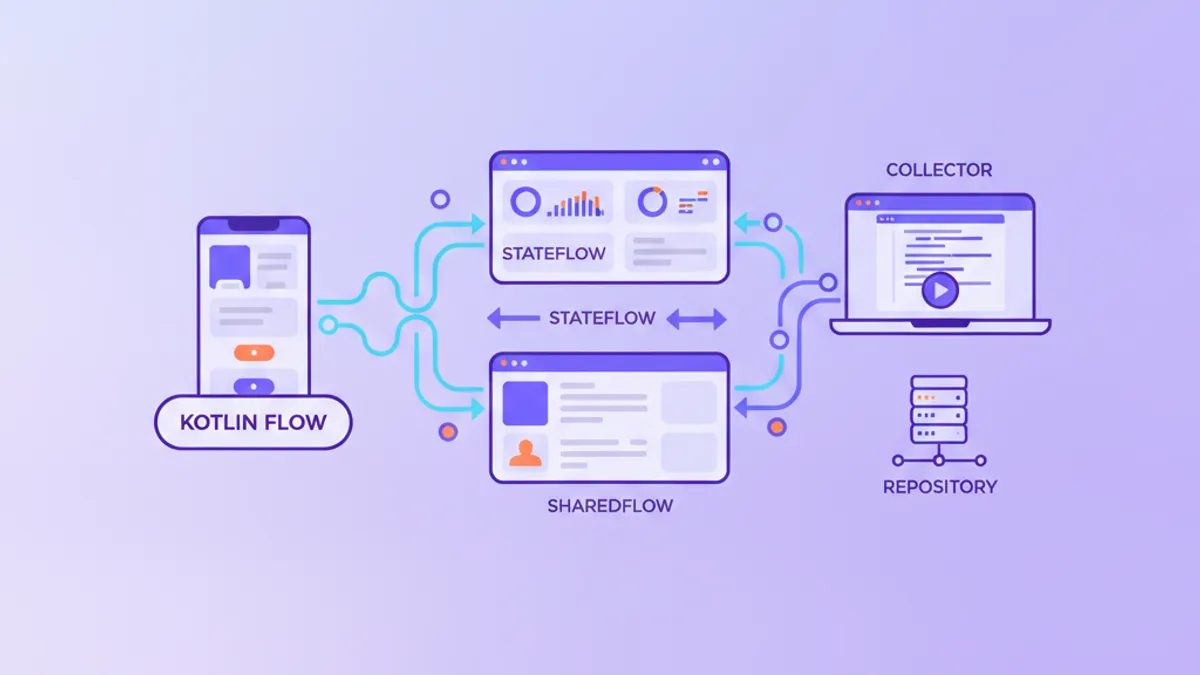
Kotlin Flow vs StateFlow vs SharedFlow: Android Interview Questions in 2026
The Kotlin Flow vs StateFlow vs SharedFlow questions Android interviewers ask in 2026, with clear answers, a comparison table, and production-ready code.
Top 20 Jetpack Compose Interview Questions in 2026
The 20 most-asked Jetpack Compose interview questions: recomposition, state management, navigation, performance, and architecture patterns.
Kotlin 2.3 for Android: Name-Based Destructuring, KMP and Interview Questions 2026
Kotlin 2.3 interview questions covering name-based destructuring, Kotlin Multiplatform, context parameters, coroutines and Flow. Prepare for Android developer interviews in 2026 with real-world code examples.