Ruby on Rails 8: New Features and Migration Guide 2026
Ruby on Rails 8 ships with the Solid Trifecta, a built-in authentication generator, Kamal 2 deployment, and Propshaft. This tutorial covers every major feature and walks through upgrading from Rails 7 step by step.

Ruby on Rails 8 represents the most significant release since Rails 7, introducing database-backed replacements for Redis, native authentication, and a streamlined deployment pipeline. Released in November 2024 and now mature with the Rails 8.1 follow-up in October 2025, Rails 8 eliminates external dependencies that previously required dedicated infrastructure.
Rails 8 replaces Redis with the Solid Trifecta (Solid Queue, Solid Cache, Solid Cable), adds a built-in authentication generator, switches the default asset pipeline to Propshaft, and ships Kamal 2 for zero-downtime deployment. Ruby 3.2+ is required.
The Solid Trifecta: Database-Backed Infrastructure
Before Rails 8, most production applications depended on Redis for background jobs, caching, and WebSocket pub/sub. The Solid Trifecta replaces all three with database-backed adapters that work with PostgreSQL, MySQL, and SQLite.
This architectural shift reduces operational complexity. No more Redis instance to monitor, scale, and maintain. The tradeoff is throughput: Redis remains faster for high-volume scenarios, but for the vast majority of applications, database-backed adapters perform more than adequately.
Solid Queue for Background Jobs
Solid Queue replaces Sidekiq, Resque, or Delayed Job with a database-backed Active Job backend. It leverages FOR UPDATE SKIP LOCKED on PostgreSQL 9.5+, MySQL 8.0+, and falls back gracefully on SQLite.
# config/environments/production.rb
config.active_job.queue_adapter = :solid_queue

# config/solid_queue.yml
production:
  dispatchers:
    - polling_interval: 1
      batch_size: 500
  workers:
    - queues: "*"
      threads: 5
      processes: 2
      polling_interval: 0.1
The Puma plugin starts Solid Queue alongside the web server in development, removing the need for a separate process:
# config/puma.rb
plugin :solid_queue if ENV["SOLID_QUEUE_IN_PUMA"] || Rails.env.development?
Solid Queue supports recurring jobs, concurrency controls, and mission-critical features like pause/resume per queue. For applications processing fewer than 10,000 jobs per minute, it handles the load without issue.
Solid Cache and Solid Cable
Solid Cache stores HTML fragment caches in the database instead of Memcached or Redis. Disk storage (SSD/NVMe) costs a fraction of RAM, enabling larger cache pools with longer retention. Basecamp runs a 10 TB Solid Cache with 60-day retention in production.
# config/environments/production.rb
config.cache_store = :solid_cache_store
Solid Cable replaces the Redis pub/sub adapter for Action Cable. WebSocket messages are written to a database table and polled every 100ms by default. Near real-time for most use cases, with messages pruned after 24 hours.
# config/cable.yml
production:
  adapter: solid_cable
  polling_interval: 0.1
  keep_messages_around_for: 1.day
Built-in Authentication Generator
Rails 8 ships a native authentication generator that produces session-based login, logout, and password reset scaffolding. No external gems required for basic authentication.
# Generate the authentication scaffolding
bin/rails generate authentication
This command creates the User model, Session model, SessionsController, PasswordsController, and an Authentication concern. The generated code uses has_secure_password with bcrypt and includes rate limiting (10 login attempts per 3 minutes per IP).
# app/controllers/concerns/authentication.rb
module Authentication
  extend ActiveSupport::Concern

  included do
    before_action :require_authentication
    helper_method :authenticated?
  end

  private

  def require_authentication
    resume_session || request_authentication
  end

  def resume_session
    Current.session = find_session_by_cookie
  end

  def find_session_by_cookie
    Session.find_by(id: cookies.signed[:session_id]) if cookies.signed[:session_id]
  end

  def request_authentication
    session[:return_to_after_authenticating] = request.url
    redirect_to new_session_path
  end

  def authenticated?
    Current.session.present?
  end
end
Password resets use signed, time-limited tokens generated by has_secure_password rather than database-stored tokens. The generator does not include sign-up, email verification, or social login. These are intentional omissions: the generated code serves as a foundation to extend, not a Devise replacement.
The built-in generator covers login, logout, and password reset. Registration, email verification, OAuth, and MFA must be added manually or via gems like Authentication Zero.
Safer Parameter Handling with params.expect
Rails 8 introduces params.expect, a safer alternative to the params.require.permit pattern. The new method raises on missing keys instead of silently returning nil.
# Before (Rails 7)
def user_params
  params.require(:user).permit(:name, :email, :role)
end

# After (Rails 8)
def user_params
  params.expect(user: [:name, :email, :role])
end
The expect method enforces that the :user key exists and contains only the permitted attributes. If the key is missing, it raises ActionController::ParameterMissing immediately, preventing silent bugs downstream.
Propshaft: The New Default Asset Pipeline
Propshaft replaces Sprockets as the default asset pipeline. Where Sprockets handled compilation, minification, and fingerprinting in a single monolithic system, Propshaft focuses exclusively on serving and fingerprinting static assets.
For JavaScript bundling, Propshaft delegates to modern tools: esbuild, Vite, or Bun. CSS processing goes through Tailwind CLI or dart-sass. The result is a faster, more predictable asset pipeline that aligns with current frontend tooling.
# Gemfile (Rails 8 default)
gem "propshaft"

# No configuration needed for basic usage
# Assets in app/assets are served and fingerprinted automatically
Existing applications using Sprockets can continue to do so. The migration path involves removing Sprockets-specific directives (//= require) and relying on import maps or a JavaScript bundler.
Ready to ace your Ruby on Rails interviews?
Practice with our interactive simulators, flashcards, and technical tests.
Kamal 2 and Thruster: Zero-Downtime Deployment
Rails 8 ships preconfigured with Kamal 2, a deployment tool that provisions a fresh Linux box into a production server with a single command. Kamal 2 replaces Traefik with Kamal Proxy, a purpose-built reverse proxy.
# Deploy to a fresh server
kamal setup

# Subsequent deployments
kamal deploy
Thruster sits between Kamal Proxy and Puma, providing X-Sendfile acceleration for file downloads, automatic asset compression (gzip/brotli), and HTTP/2 support. The Dockerfile generated by Rails 8 includes Thruster by default.
# Excerpt from Rails 8 generated Dockerfile
RUN gem install thruster
CMD ["thrust", "./bin/rails", "server"]
This stack (Kamal 2 + Kamal Proxy + Thruster + Puma) handles SSL termination, zero-downtime deploys, and rolling restarts without external services like Nginx or HAProxy.
Enhanced SQLite for Production
Rails 8 improves SQLite support for production use. Connection pooling, WAL mode, and improved concurrency make SQLite viable for small to medium applications. Combined with the Solid Trifecta, a single-server Rails 8 application can run entirely on SQLite with no external database server.
# config/database.yml (SQLite production setup)
production:
  primary:
    adapter: sqlite3
    database: storage/production.sqlite3
    pool: <%= ENV.fetch("RAILS_MAX_THREADS") { 5 } %>
  cache:
    adapter: sqlite3
    database: storage/production_cache.sqlite3
  queue:
    adapter: sqlite3
    database: storage/production_queue.sqlite3
  cable:
    adapter: sqlite3
    database: storage/production_cable.sqlite3
This configuration runs the entire application stack from four SQLite files. Kamal mounts the storage directory as a persistent volume, ensuring data survives container restarts.
Upgrading from Rails 7 to Rails 8
The migration path from Rails 7.2 to Rails 8.0 is straightforward if the application already addresses deprecation warnings. Applications on Rails 7.0 or 7.1 should upgrade incrementally: 7.0 to 7.1, then 7.2, then 8.0.
Rails 8 requires Ruby 3.2+. Verify Ruby version, ensure tests pass on Rails 7.2, and check gem compatibility with RailsBump before starting the upgrade.
Step 1: Update Dependencies
# Gemfile
gem "rails", "~> 8.0"bundle update railsStep 2: Run the Update Task
bin/rails app:updateThis command updates configuration files to Rails 8 defaults. Review each change carefully using git diff. Key changes include the new Regexp.timeout default (1 second), updated db:migrate behavior (schema load on fresh databases), and Propshaft configuration.
Step 3: Handle Schema Reordering
Rails 8 reorders schema.rb columns to match actual database column order. Run the schema dump immediately to isolate this cosmetic diff from real migration changes:
bin/rails db:schema:dump
git add db/schema.rb
git commit -m "Reorder schema columns for Rails 8"
Step 4: Adopt New Features Incrementally
The Solid Trifecta, Propshaft, and authentication generator are opt-in for existing applications. Adopt them individually after the core upgrade is stable:
- Replace the job adapter with Solid Queue
- Switch cache store to Solid Cache
- Migrate Action Cable to Solid Cable (if applicable)
- Evaluate Propshaft migration for the asset pipeline
Step 5: Update Parameter Handling
Replace params.require.permit calls with params.expect across controllers. This change is optional but recommended for stronger parameter validation.
Rails 8.1: Continuable Jobs and Built-in CI
Rails 8.1, released October 2025, builds on the Rails 8 foundation with two headline features. Continuable Jobs (ActiveJob::Continuable) split long-running jobs into resumable steps. If a server restarts mid-import, the job picks up exactly where it stopped instead of restarting from scratch.
# app/jobs/import_records_job.rb
class ImportRecordsJob < ApplicationJob
  include ActiveJob::Continuable

  def perform(cursor:)
    records = Record.where("id > ?", cursor.value || 0).limit(1000)

    records.each do |record|
      process(record)
      cursor.advance(record.id)
    end
  end
end
Rails 8.1 also introduces built-in CI configuration and native Markdown rendering, further reducing external dependencies.
Conclusion
- The Solid Trifecta (Queue, Cache, Cable) eliminates Redis as a hard dependency for jobs, caching, and WebSockets
- The built-in authentication generator provides a foundation for session-based auth without third-party gems
params.expectreplacesparams.require.permitwith stricter, safer parameter handling- Propshaft replaces Sprockets as the default asset pipeline, delegating bundling to modern tools
- Kamal 2 and Thruster deliver zero-downtime deployment without Nginx or Capistrano
- Upgrading from Rails 7.2 is incremental: update deps, run
app:update, adopt new features one at a time - Rails 8.1 adds continuable jobs and built-in CI for teams seeking fewer external tools
Start practicing!
Test your knowledge with our interview simulators and technical tests.
Can you spot the bug in Ruby on Rails?
One real snippet, one hidden bug, one attempt a day. No account needed to try.

Written by
Anthony Fillion-MailletFounder of SharpSkill
Full-stack developer for over 10 years. Runs SharpSkill and answers for everything published here.
Updated on April 17, 2026
Tags
Share
Related articles
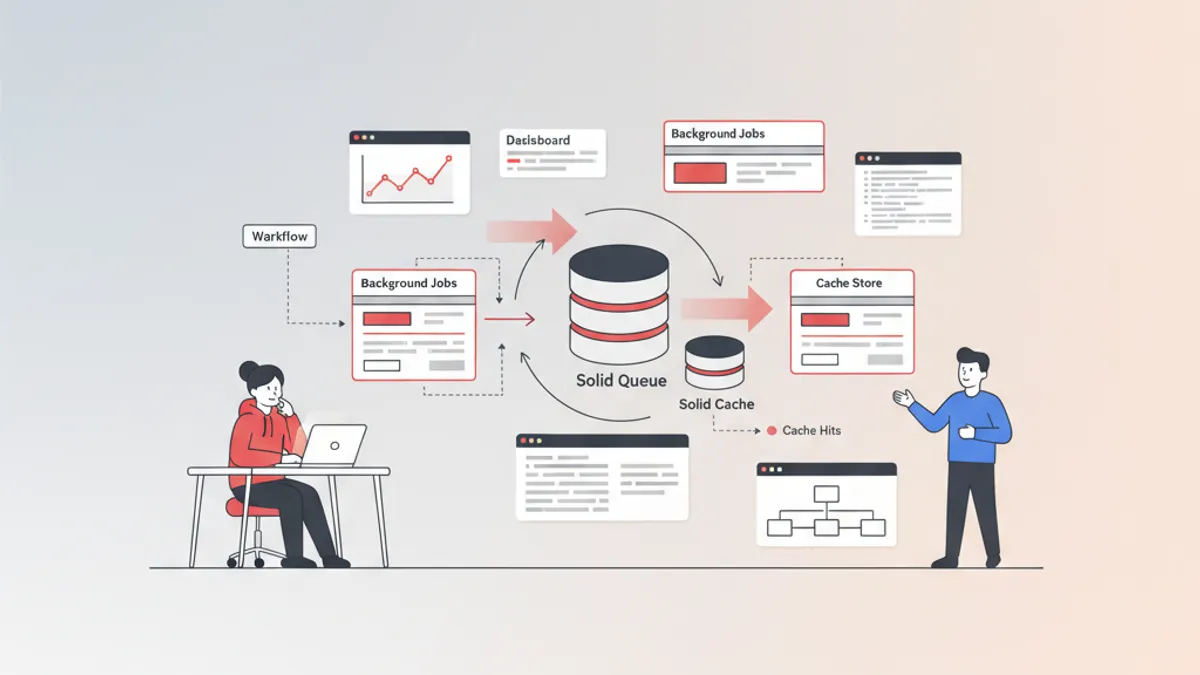
Solid Queue and Solid Cache in Rails 8: Complete Guide for Technical Interviews 2026
Deep dive into Solid Queue and Solid Cache, the database-backed defaults in Rails 8. Architecture, configuration, concurrency controls, and interview-ready knowledge for 2026.
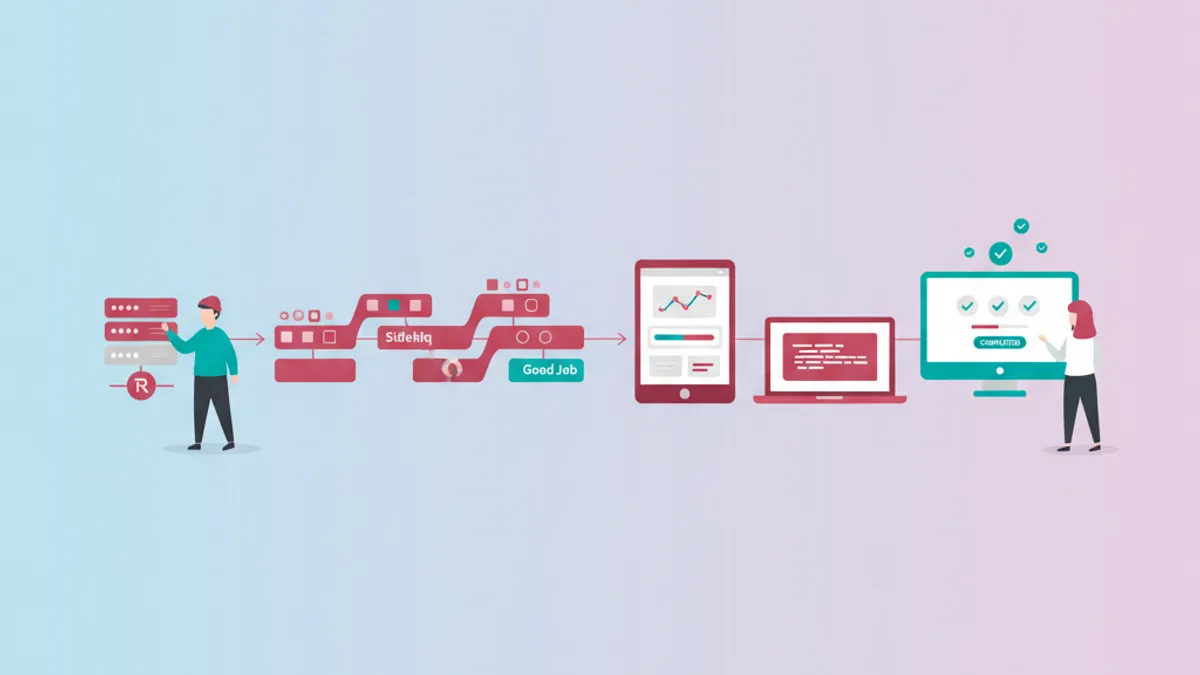
Rails Background Jobs in 2026: Sidekiq vs Good Job and Interview Questions
Compare Sidekiq, Good Job, and Solid Queue for Rails background jobs. Learn when to choose each option and prepare for technical interview questions about Active Job.
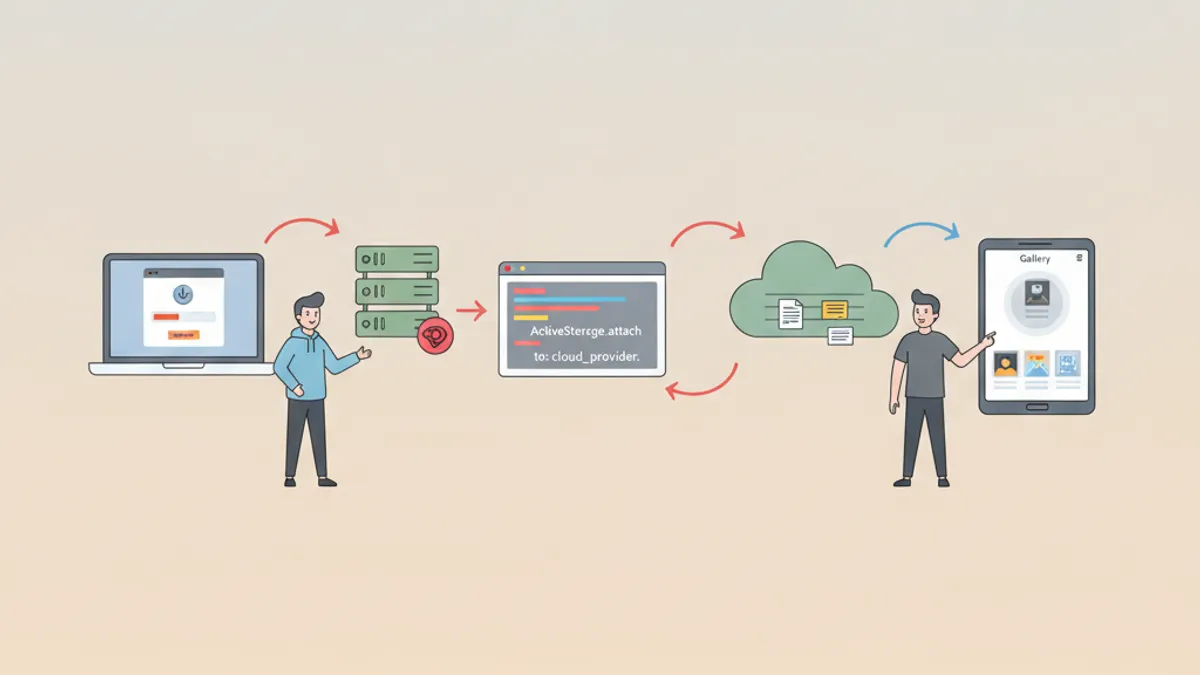
Rails Active Storage in 2026: File Uploads, S3 Integration and Interview Questions
Master Rails Active Storage for file uploads with S3 and direct uploads. Complete tutorial with code examples and common interview questions about file handling in Ruby on Rails.