Django 5.2: Custom Middleware and Signal Handling for Technical Interviews
Master Django 5.2 custom middleware and signal handling with practical examples. Covers middleware lifecycle, async middleware, pre_save/post_save signals, and common interview patterns.
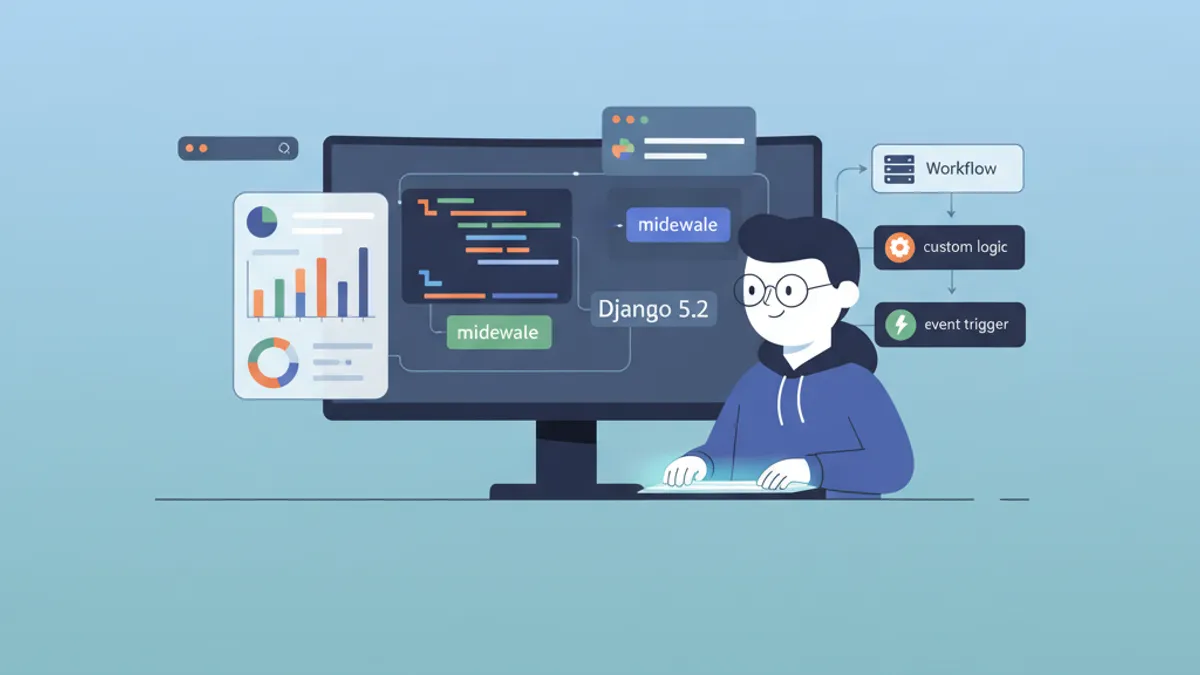
Django 5.2 custom middleware and signal handling are two foundational topics that surface in almost every Django technical interview. Understanding how requests flow through the middleware stack and how signals decouple application logic separates candidates who memorize documentation from those who build production-grade Django applications.
Django middleware processes requests top-down through the MIDDLEWARE list and responses bottom-up. Signals follow a publish-subscribe pattern where senders broadcast events and receivers react without direct coupling. Both concepts appear in senior Django interview rounds because they test architectural understanding, not just syntax knowledge.
How Django Middleware Works Under the Hood
The middleware pipeline sits between the web server and Django views. Each middleware component wraps the next one, forming an onion-like structure. When a request arrives, Django calls each middleware in the order defined in settings.MIDDLEWARE. After the view returns a response, the same middleware stack processes it in reverse order.
Django 5.2 uses the modern middleware style introduced in Django 1.10. Each middleware is a callable that receives get_response during initialization and processes the request/response cycle in its __call__ method.
# middleware.py - Basic middleware structure
class SimpleMiddleware:
    def __init__(self, get_response):
        self.get_response = get_response
        # One-time configuration happens here at server start

    def __call__(self, request):
        # Code executed BEFORE the view (and later middleware)
        response = self.get_response(request)
        # Code executed AFTER the view (on the way back)
        return response
The __init__ method runs once when the server starts, making it the right place for expensive setup like loading configuration or establishing connections. The __call__ method runs on every request.
Building a Request Logging Middleware
A request logging middleware demonstrates the full middleware lifecycle. This implementation captures timing data, request metadata, and response status codes, which is exactly the kind of practical example interviewers look for.
# apps/core/middleware.py
import logging
import time

logger = logging.getLogger('django.request')


class RequestLoggingMiddleware:
    def __init__(self, get_response):
        self.get_response = get_response

    def __call__(self, request):
        start_time = time.monotonic()
        # Attach metadata before view processing
        request.start_time = start_time

        response = self.get_response(request)

        duration = time.monotonic() - start_time
        logger.info(
            'method=%s path=%s status=%d duration=%.3fs ip=%s',
            request.method,
            request.get_full_path(),
            response.status_code,
            duration,
            request.META.get('REMOTE_ADDR'),
        )
        return response

    def process_exception(self, request, exception):
        # Called only when the view raises an exception
        duration = time.monotonic() - getattr(request, 'start_time', 0)
        logger.error(
            'method=%s path=%s exception=%s duration=%.3fs',
            request.method,
            request.get_full_path(),
            str(exception),
            duration,
        )
        return None  # Let Django's default exception handling continue
The process_exception hook is a special middleware method that Django calls only when a view raises an unhandled exception. Returning None from it lets the exception propagate to Django's default handler. Returning an HttpResponse would short-circuit the exception handling.
Middleware Ordering and the MIDDLEWARE Setting
Middleware ordering in settings.py directly affects application behavior. SecurityMiddleware should run first to set security headers on all responses. SessionMiddleware must precede AuthenticationMiddleware because authentication depends on session data.
# settings.py - Middleware ordering matters
MIDDLEWARE = [
    'django.middleware.security.SecurityMiddleware',
    'django.contrib.sessions.middleware.SessionMiddleware',
    'django.middleware.common.CommonMiddleware',
    'django.middleware.csrf.CsrfViewMiddleware',
    'django.contrib.auth.middleware.AuthenticationMiddleware',
    'django.contrib.messages.middleware.MessageMiddleware',
    # Custom middleware placed after Django's core stack
    'apps.core.middleware.RequestLoggingMiddleware',
]
A common interview question asks why CsrfViewMiddleware must come after SessionMiddleware. The answer: CSRF protection in Django can use session-based tokens, so the session must be loaded first.
Async Middleware in Django 5.2
Django 5.2 fully supports asynchronous middleware, which is critical for I/O-bound operations like external API calls or cache lookups. An async middleware declares itself by implementing __acall__ or using an async __call__ method.
# apps/core/middleware.py
import asyncio
import time


class AsyncTimingMiddleware:
    # Mark this middleware as async-capable
    async_capable = True
    sync_capable = False

    def __init__(self, get_response):
        self.get_response = get_response

    async def __call__(self, request):
        start = time.monotonic()
        # get_response is awaitable in async context
        response = await self.get_response(request)
        duration = time.monotonic() - start
        response['X-Request-Duration'] = f'{duration:.4f}s'
        return response
Setting async_capable = True and sync_capable = False tells Django this middleware only runs in async mode. If the application mixes sync and async views, set both flags to True and Django will call the appropriate method based on the view type.
Ready to ace your Django interviews?
Practice with our interactive simulators, flashcards, and technical tests.
Django Signals: The Publish-Subscribe Pattern
Django signals provide a mechanism for decoupled components to communicate. When a model is saved, deleted, or when a request starts or finishes, Django dispatches signals that any registered receiver can handle. This decoupling is the key advantage: the sender does not need to know which receivers exist.
The most commonly used signals in interviews are pre_save, post_save, pre_delete, and post_delete from django.db.models.signals.
Implementing post_save for Automatic Profile Creation
The classic post_save pattern creates related objects when a model instance is first saved. This approach keeps the User model clean and delegates profile creation to the signal layer.
# apps/accounts/signals.py
from django.db.models.signals import post_save
from django.dispatch import receiver
from django.contrib.auth import get_user_model
from apps.accounts.models import UserProfile

User = get_user_model()


@receiver(post_save, sender=User)
def create_user_profile(sender, instance, created, **kwargs):
    # 'created' is True only on INSERT, False on UPDATE
    if created:
        UserProfile.objects.create(
            user=instance,
            display_name=instance.get_full_name() or instance.username,
        )
The created boolean parameter distinguishes between new records (INSERT) and updates (UPDATE). Always checking this flag prevents creating duplicate profiles on every save. The **kwargs parameter is mandatory in all signal receivers because Django may pass additional keyword arguments in future versions.
Using pre_save for Data Validation and Transformation
The pre_save signal fires before Django writes to the database, making it ideal for data transformation, slug generation, or cross-field validation that goes beyond model-level clean methods.
# apps/blog/signals.py
from django.db.models.signals import pre_save
from django.dispatch import receiver
from django.utils.text import slugify
from apps.blog.models import Article


@receiver(pre_save, sender=Article)
def auto_generate_slug(sender, instance, **kwargs):
    if not instance.slug:
        base_slug = slugify(instance.title)
        slug = base_slug
        counter = 1
        # Ensure slug uniqueness
        while Article.objects.filter(slug=slug).exclude(pk=instance.pk).exists():
            slug = f'{base_slug}-{counter}'
            counter += 1
        instance.slug = slug
This receiver generates a unique slug from the article title before the record reaches the database. The exclude(pk=instance.pk) call prevents false conflicts when updating an existing article.
Registering Signals in AppConfig.ready()
Django's recommended approach for signal registration uses the AppConfig.ready() method. This guarantees signals are connected exactly once, after all models are loaded.
# apps/accounts/apps.py
from django.apps import AppConfig


class AccountsConfig(AppConfig):
    default_auto_field = 'django.db.models.BigAutoField'
    name = 'apps.accounts'

    def ready(self):
        # Import signals module to register receivers
        import apps.accounts.signals  # noqa: F401
Importing the signals module inside ready() triggers the @receiver decorators. The # noqa: F401 comment suppresses the "imported but unused" linting warning, since the import is purely for its side effect of registering receivers.
Building Custom Signals for Domain Events
Beyond built-in model signals, custom signals handle domain-specific events like payment completion, subscription changes, or notification triggers. Custom signals decouple business logic from the code that triggers it.
# apps/orders/signals.py
from django.dispatch import Signal

# Define custom signals with documentation
order_completed = Signal()  # Sent after payment confirmation
order_refunded = Signal()   # Sent after refund processing


# apps/orders/services.py
from apps.orders.signals import order_completed


def complete_order(order):
    order.status = 'completed'
    order.save()
    # Dispatch signal with relevant context
    order_completed.send(
        sender=order.__class__,
        order=order,
        total=order.total_amount,
    )


# apps/notifications/receivers.py
from django.dispatch import receiver
from apps.orders.signals import order_completed


@receiver(order_completed)
def send_order_confirmation_email(sender, order, **kwargs):
    # Email logic decoupled from order processing
    from apps.notifications.services import send_email
    send_email(
        to=order.customer.email,
        template='order_confirmation',
        context={'order': order},
    )
The send() method dispatches the signal synchronously. For async dispatch, Django 5.2 provides asend() and asend_robust(), which allow receivers to be async functions without blocking the event loop.
Common Interview Pitfalls with Middleware and Signals
Several patterns consistently appear as interview traps. Understanding these edge cases demonstrates production experience rather than textbook knowledge.
Django's QuerySet.update() and bulk_create() methods bypass the model's save() method entirely. This means pre_save and post_save signals are NOT fired. The same applies to delete() on a QuerySet versus calling delete() on a single model instance. This is one of the most frequently asked Django signal questions in interviews.
Other common pitfalls:
- Circular imports in signals: Importing models at the module level in signal files can cause
AppRegistryNotReadyerrors. Always import inside the receiver function or useAppConfig.ready(). - Missing
**kwargs: Omitting**kwargsfrom a receiver signature will break when Django adds new parameters to the signal. Every receiver must accept**kwargs. - Heavy logic in signals: Signals execute synchronously within the same database transaction by default. Long-running operations (API calls, file processing) should be offloaded to a task queue like Celery.
- Middleware that modifies response content: Changing
response.contentafter the view has set it can break streaming responses and cause incorrectContent-Lengthheaders.
Django 5.2 is a Long-Term Support release, receiving security updates until April 2028. The async middleware and signal improvements introduced in Django 5.0-5.2 are now considered stable for production use. Interviewers increasingly expect candidates to understand async patterns alongside traditional synchronous Django.
Middleware vs Signals: When to Use Each
| Concern | Middleware | Signals |
|---|---|---|
| Request/response modification | Yes | No |
| Authentication and authorization | Yes | No |
| Model lifecycle hooks | No | Yes |
| Cross-cutting concerns (logging, timing) | Yes | Possible but not ideal |
| Decoupled business logic | No | Yes |
| Async support in Django 5.2 | Full | Full (asend/asend_robust) |
| Execution scope | Every HTTP request | Specific events (save, delete, custom) |
Middleware handles HTTP-level concerns. Signals handle model and domain event concerns. Mixing these responsibilities leads to code that is harder to test and maintain.
Start practicing!
Test your knowledge with our interview simulators and technical tests.
Conclusion
- Django middleware forms an onion-like pipeline: requests flow top-down through
MIDDLEWARE, responses flow bottom-up. The__init__method runs once at server start;__call__runs per request. - Custom middleware covers cross-cutting concerns like logging, rate limiting, and header injection. Always place custom middleware after Django's core stack unless there is a specific reason to do otherwise.
- Django 5.2 supports fully async middleware with
async_capable = True. Use async middleware for I/O-bound pre-processing like external cache checks or API rate limit lookups. post_saveandpre_savesignals handle model lifecycle events. Always check thecreatedflag inpost_saveand always include**kwargsin receiver signatures.QuerySet.update()andbulk_create()bypass signals entirely. This is a frequent interview trap.- Register signals in
AppConfig.ready()to avoid import timing issues and ensure receivers connect exactly once. - Custom signals decouple domain events (order completed, subscription changed) from the code that reacts to them. Use
send_robust()in production to prevent one failing receiver from breaking the entire signal chain.
Start practicing!
Test your knowledge with our interview simulators and technical tests.
Can you spot the bug in Django?
One real snippet, one hidden bug, one attempt a day. No account needed to try.

Written by
Anthony Fillion-MailletFounder of SharpSkill
Full-stack developer for over 10 years. Runs SharpSkill and answers for everything published here.
Updated on April 29, 2026
Tags
Share
Related articles
Advanced Django Middleware in 2026: Custom Middleware, Logging and Interview Questions
Master Django middleware with async patterns, request ID logging, and hook methods. Covers Django 6.0 security updates, LoginRequiredMiddleware, and common interview questions.
Django Admin Customization in 2026: Actions, Filters and Interview Questions
Master Django admin customization with custom actions, list filters, fieldsets, and inlines. Covers Django 6 admin features including facets, show_facets, and common interview questions.

Django Interview Questions: ORM, Middleware and DRF Deep Dive
Django interview questions covering ORM optimization with select_related, prefetch_related, and Django 6.1 FETCH_PEERS mode, middleware architecture, and Django REST Framework serializer performance, permissions, and pagination patterns.