Angular 19 Interview Questions: Signals, SSR and Must-Know Concepts
The most common Angular 19 interview questions: Signals, incremental hydration, zoneless change detection, and new reactive APIs with code examples and expected answers.

Angular interviews in 2026 go far beyond components and services. Angular 19, released in November 2024, introduced fundamental architectural shifts: stable Signals, SSR with incremental hydration, and zoneless change detection. Mastering these concepts separates mid-level candidates from senior ones.
Angular 19 questions target three areas: fine-grained reactivity with Signals, SSR performance through incremental hydration, and the ability to design applications without Zone.js. Expected answers demonstrate architectural understanding, not just syntax knowledge.
Angular 19 Signals: the new reactivity model
Signals represent the most fundamental change in Angular since the introduction of change detection. A Signal is a synchronous reactive value that automatically notifies its consumers when it changes.
Typical question: "What's the difference between a Signal and an RxJS Observable?"
The expected answer clearly distinguishes both models:
import { signal, computed, effect } from '@angular/core';

// Signal: synchronous, value always available
const count = signal(0);
const doubled = computed(() => count() * 2); // Recomputed only when count changes

// Effect: reacts to signal changes
effect(() => {
  console.log(`Count: ${count()}, Doubled: ${doubled()}`);
});

count.set(5); // Immediate, synchronous notification
Signals use a fine-grained dependency graph. Unlike RxJS, which handles complex async workflows (retry, debounce, merge), Signals optimize synchronous UI reactivity. Angular 19 recommends Signals for component state and RxJS for async streams (HTTP requests, WebSockets).
Signal Inputs and Queries: migrating from @Input()
Angular 19 stabilizes signal-based APIs for inputs, outputs, and queries. This question appears consistently in interviews.
Typical question: "How to migrate a classic @Input() to a Signal Input?"
import { Component, input, computed } from '@angular/core';

@Component({
  selector: 'app-user-card',
  template: `
    <div class="card">
      <h3>{{ fullName() }}</h3>
      <span>{{ role() }}</span>
    </div>
  `
})
export class UserCardComponent {
  // Signal inputs: strict typing, optional default value
  firstName = input.required<string>();
  lastName = input.required<string>();
  role = input<string>('developer'); // Default value

  // Computed derived from inputs: automatically recomputed
  fullName = computed(() => `${this.firstName()} ${this.lastName()}`);
}
The key advantage: Signal Inputs enable creating computed() values directly, without lifecycle hooks. No more ngOnChanges to react to input changes. Angular provides the signal-input-migration schematic to automate the migration.
linkedSignal: synchronizing dependent state
linkedSignal is an experimental Angular 19 API that creates a writable signal linked to a source. This concept frequently appears in senior-level interviews.
Typical question: "How to handle mutable derived state with linkedSignal?"
import { signal, linkedSignal } from '@angular/core';

// Category list that can change
const categories = signal(['frontend', 'backend', 'devops']);

// Linked selection: resets when categories change
const selectedCategory = linkedSignal({
  source: categories,
  computation: (cats) => cats[0] // Reset to first element
});

// Manual modification still possible
selectedCategory.set('backend');

// When categories changes, selectedCategory resets automatically
categories.set(['mobile', 'data', 'cloud']);
// selectedCategory() === 'mobile'
Concrete use case: a filter dropdown whose selection resets when the source list changes. Without linkedSignal, this pattern required an effect() with set() — an anti-pattern that creates update loops.
Calling signal.set() inside an effect() is an anti-pattern detected by Angular. The framework emits a warning in development mode. The correct solution: use linkedSignal or computed() depending on whether the derived value needs to be writable.
Resource API: loading async data with Signals
Angular 19 introduces the experimental resource API for async data loading. This API replaces the classic service + subscribe pattern in components.
import { resource, signal } from '@angular/core';
import { inject } from '@angular/core';
import { HttpClient } from '@angular/common/http';

const userId = signal(42);
const http = inject(HttpClient);

// Resource: links a source signal to an async loader
const userResource = resource({
  request: () => ({ id: userId() }),  // Recomputed when userId changes
  loader: async ({ request }) => {
    const response = await fetch(`/api/users/${request.id}`);
    return response.json();
  }
});

// Access in template
// userResource.value()   -> data (or undefined)
// userResource.isLoading() -> boolean
// userResource.error()    -> error if any
Demonstrating knowledge of resource vs rxResource (RxJS version) in an interview shows active technology awareness. rxResource uses Observables as loaders, useful for teams with an existing RxJS codebase.
Ready to ace your Angular interviews?
Practice with our interactive simulators, flashcards, and technical tests.
SSR and incremental hydration in Angular 19
Angular 19 takes SSR to the next level with incremental hydration in developer preview. This feature, tested at Google Search scale, is an increasingly common interview topic.
Typical question: "How does Angular 19 incremental hydration work?"
Classic hydration recreates the entire component tree client-side after server rendering. Incremental hydration hydrates only the necessary components, when they become visible or interactive.
import { Component } from '@angular/core';

@Component({
  template: `
    <app-header />
    <app-product-details [id]="productId" />

    <!-- Hydrated only when visible in viewport -->
    @defer (on viewport) {
      <app-reviews [productId]="productId" />
    }

    <!-- Hydrated only on user interaction -->
    @defer (on interaction) {
      <app-comment-form />
    }
  `
})
export class ProductPageComponent {
  productId = 'angular-19-guide';
}
The @defer directive precisely controls when hydration occurs. Available triggers: on viewport (visible), on interaction (click, focus), on idle (browser idle), on timer(5s) (delay). Content remains visible as static HTML before hydration — no content flash.
Route-level render mode: granular SSR per route
Angular 19 introduces route-level render mode, enabling SSR, SSG, and CSR coexistence within the same application.
import { RenderMode, ServerRoute } from '@angular/ssr';

export const serverRoutes: ServerRoute[] = [
  // Marketing pages: pre-rendered at build time (SSG)
  { path: '', renderMode: RenderMode.Prerender },
  { path: 'pricing', renderMode: RenderMode.Prerender },

  // Dashboard: server-rendered on each request (SSR)
  { path: 'dashboard/**', renderMode: RenderMode.Server },

  // Interactive editor: client-side only (CSR)
  { path: 'editor/**', renderMode: RenderMode.Client },
];
In interviews, the ability to justify render mode choice per route demonstrates understanding of performance/SEO/interactivity trade-offs. Static pages (landing, blog) benefit from prerendering. Dynamic pages with user data use SSR. Highly interactive applications stay on CSR.
Zoneless change detection: architecture without Zone.js
Zoneless change detection is the most significant architectural evolution in Angular 19. This question has become mandatory in senior interviews.
Typical question: "How does change detection work without Zone.js?"
import { bootstrapApplication } from '@angular/platform-browser';
import {
  provideExperimentalZonelessChangeDetection
} from '@angular/core';
import { AppComponent } from './app.component';

bootstrapApplication(AppComponent, {
  providers: [
    provideExperimentalZonelessChangeDetection()
  ]
});
Without Zone.js, Angular no longer patches browser async APIs (setTimeout, Promise, addEventListener). Change detection triggers exclusively through Signals. Measurable benefits:
- Bundle size reduction of 10-15 KB (zone.js removed)
- Clean stack traces without Zone.js frames
- Targeted change detection: only components affected by a modified Signal re-render
Since Angular 20.2, zoneless mode is stable with provideZonelessChangeDetection() (without the Experimental prefix). Mentioning this progression in interviews demonstrates active ecosystem awareness.
Standalone by default: the end of NgModules
Angular 19 makes standalone components the default. The standalone: true flag is no longer needed. This decision simplifies architecture and reduces boilerplate.
Typical question: "What impact does standalone-by-default have on Angular application architecture?"
@Component({
  selector: 'app-dashboard',
  imports: [CommonModule, RouterModule, UserCardComponent],
  template: `
    <nav>
      <a routerLink="/home">Home</a>
    </nav>
    @for (user of users(); track user.id) {
      <app-user-card [firstName]="user.firstName" [lastName]="user.lastName" />
    }
  `
})
export class DashboardComponent {
  users = signal<User[]>([]);
}
Each component explicitly declares its dependencies via imports. NgModules remain available for backward compatibility, but new Angular 19+ applications no longer need them. In interviews, explaining incremental migration (component by component) rather than a big bang approach is valued.
Interview response strategies for Angular 19
Technical interviewers evaluate three dimensions on Angular 19:
- Architectural understanding: explaining why Signals progressively replace Zone.js, not just how to use them
- Trade-offs: knowing when to use
computed()vslinkedSignalvseffect(), and when to keep RxJS - Migration: describing an incremental migration strategy from a classic Angular application to Signals and zoneless mode
The key: avoid reciting the official Angular documentation. Illustrate each answer with a concrete use case from a real project — a complex form, an e-commerce page with SSR, a real-time dashboard.
For foundational Angular concepts before the interview, check the complete guide to 25 Angular interview questions.
Conclusion
- Angular 19 Signals replace
@Input()+ngOnChangespatterns with a fine-grained synchronous reactive model —signal(),computed(),input()cover 90% of use cases linkedSignalsolves mutable derived state without resorting to theeffect()+set()anti-pattern- Incremental hydration via
@deferreduces Time to Interactive without sacrificing SEO — each component hydrates based on its trigger - Zoneless mode removes Zone.js from the bundle and targets change detection to only Signal-affected components
- Route-level render mode enables mixing SSG, SSR, and CSR in the same application based on each page's needs
- Standalone-by-default components eliminate the need for NgModules in new applications
- In interviews, demonstrating trade-offs (Signals vs RxJS, SSR vs CSR, zoneless vs Zone.js) matters more than syntax
Start practicing!
Test your knowledge with our interview simulators and technical tests.

Written by
Anthony Fillion-MailletFull-stack developer, founder of SharpSkill
Full-stack developer for over 10 years. Runs SharpSkill and answers for everything published here.
Updated on March 28, 2026
Tags
Share
Related articles
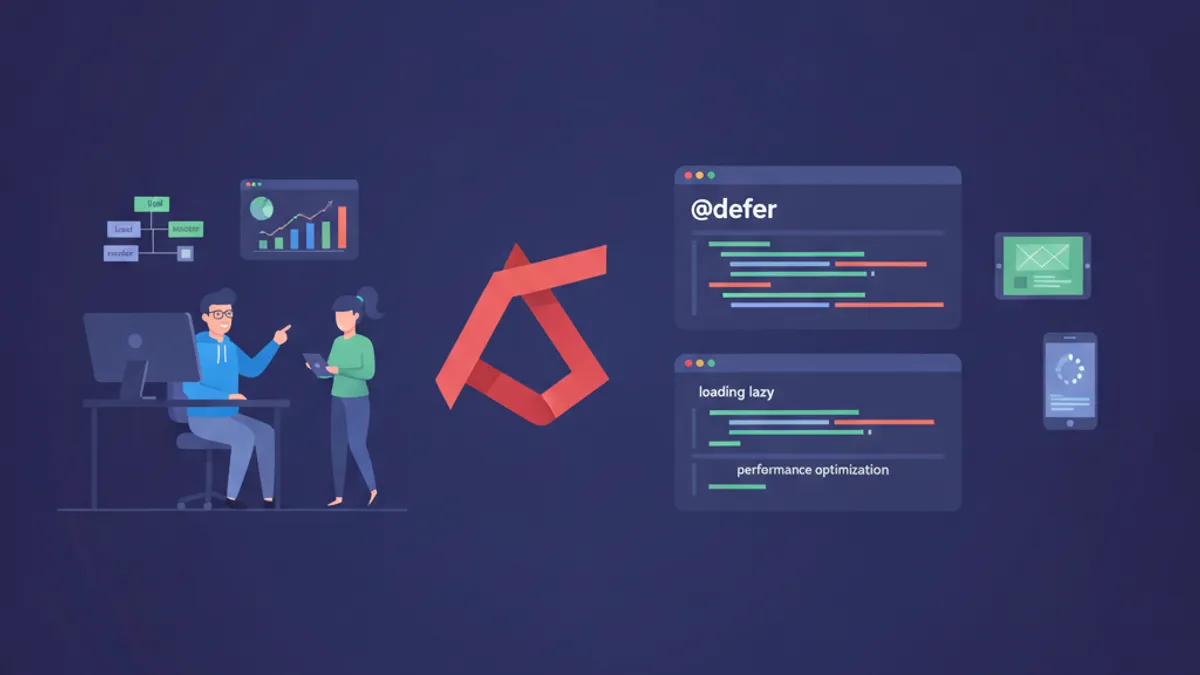
Angular @defer in 2026: Declarative Lazy Loading for Faster Apps
Master Angular @defer blocks for declarative lazy loading. Deep dive into triggers, prefetching, incremental hydration, SSR behavior, and real-world performance patterns.
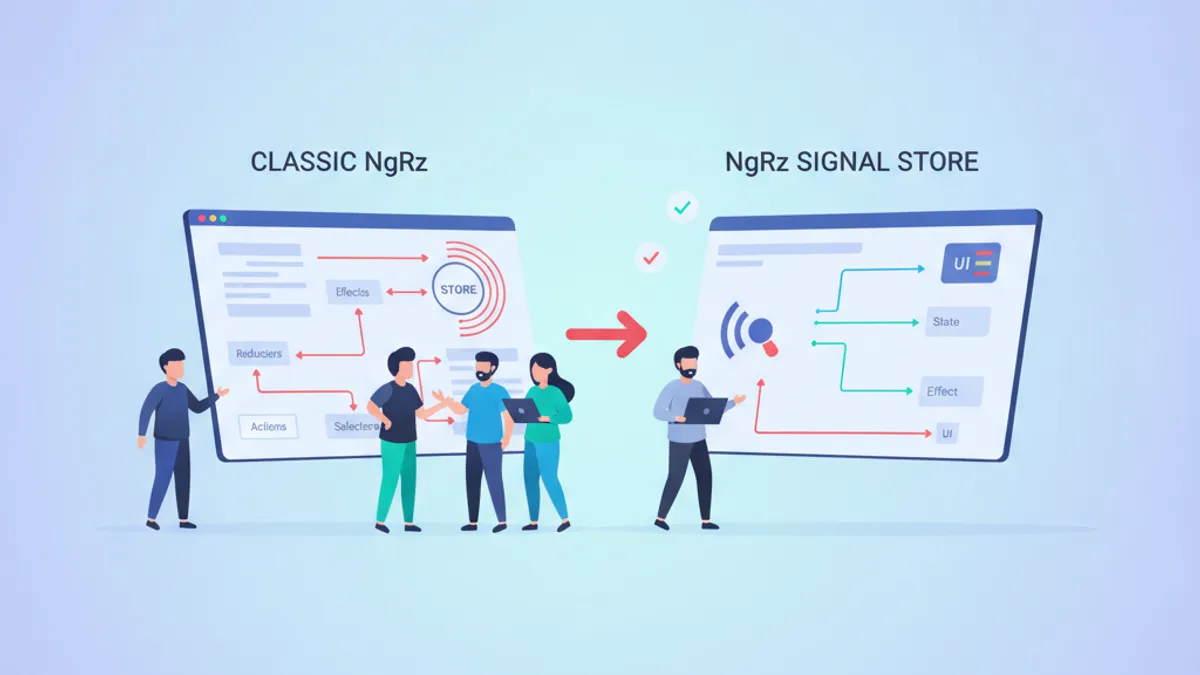
NgRx Signal Store vs Classic NgRx in 2026: Which Should You Choose?
A comprehensive comparison of NgRx Signal Store and Classic NgRx for Angular state management. Learn when to use each approach with practical code examples.
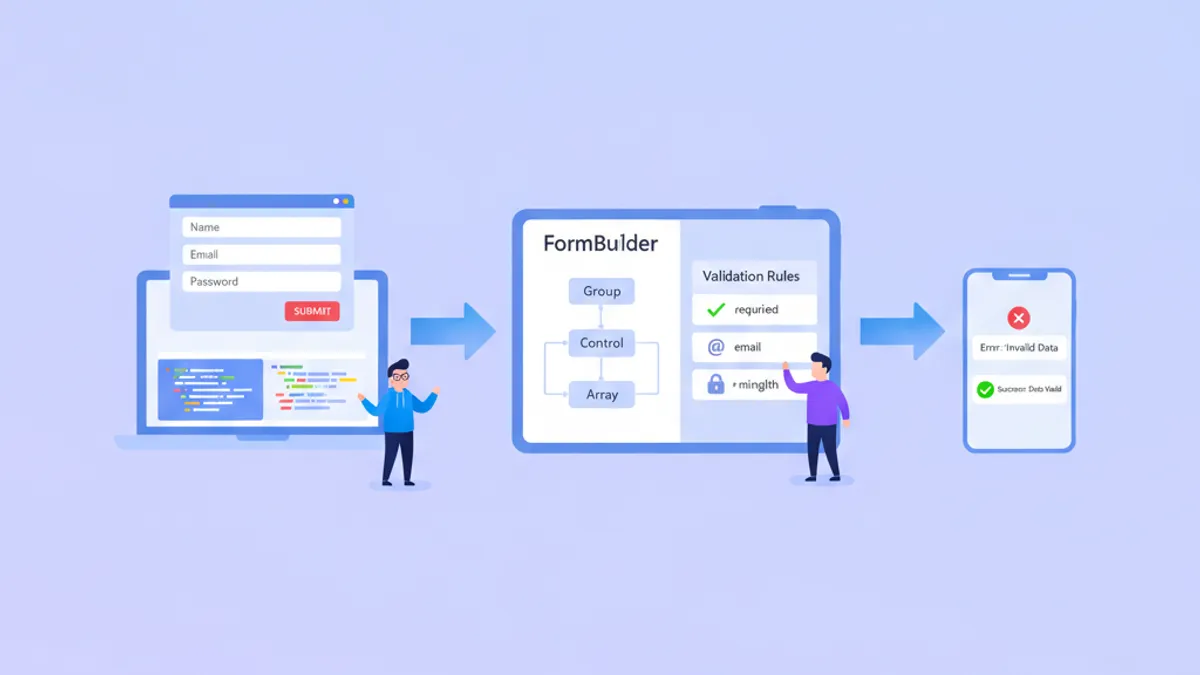
Angular Forms in 2026: Reactive Forms, Validation and Technical Interview Questions
Master Angular Reactive Forms with typed FormBuilder, custom validators, async validation, FormArray patterns, and prepare for technical interviews with common form-related questions.