Ruby on Rails 7: Hotwire i Turbo dla Reaktywnych Aplikacji
Kompletny przewodnik po Hotwire i Turbo w Rails 7. Budowanie reaktywnych aplikacji bez JavaScript z Turbo Drive, Frames i Streams.

Rails 7 zrewolucjonizowalo tworzenie stron internetowych, integrujac Hotwire domyslnie. Ten stack umozliwia budowanie wysoce reaktywnych aplikacji bez pisania ani jednej linii niestandardowego kodu JavaScript. Turbo Drive, Turbo Frames i Turbo Streams zastepuja tradycyjne podejscia SPA filozofia "HTML po kablu".
Hotwire drastycznie redukuje zlozonosc frontendu. Nie potrzeba React ani Vue do dynamicznych interfejsow: serwer wysyla gotowy do uzycia HTML, a Turbo automatycznie zajmuje sie aktualizacjami DOM.
Zrozumienie Architektury Hotwire
Hotwire sklada sie z trzech komplementarnych technologii, ktore wspolpracuja, aby zapewnic plynne doswiadczenie uzytkownika bez typowej zlozonosci frameworkow JavaScript.
Turbo Drive przyspiesza nawigacje, przechwytujac klikniecia w linki i wysylanie formularzy. Zamiast ponownie ladowac cala strone, zastepowana jest tylko zawartosc <body>, zachowujac kontekst JavaScript i CSS.
Turbo Frames rozbijaja strony na niezalezne sekcje. Kazdy frame moze byc aktualizowany oddzielnie, umozliwiajac ukierunkowane interakcje bez wplywu na reszte strony.
Turbo Streams umozliwiaja aktualizacje w czasie rzeczywistym przez WebSocket lub w odpowiedzi na zadania HTTP. Osiem akcji CRUD jest dostepnych do deklaratywnej manipulacji DOM.
# Gemfile
# Installing Turbo Rails (included by default in Rails 7+)
gem 'turbo-rails'
Dla istniejacych projektow instalacja wymaga tylko jednego polecenia.
# installation.sh
# Installing Turbo in an existing Rails project
rails turbo:install

# Verify the JavaScript import is present
cat app/javascript/application.js
# Should contain: import "@hotwired/turbo-rails"
Poczatkowa Konfiguracja Turbo Drive
Turbo Drive jest domyslnie wlaczone w Rails 7. Cala nawigacja automatycznie staje sie "turbo" bez dodatkowej konfiguracji. Zachowanie mozna dostosowywa za pomoca atrybutow data.
<!-- app/views/layouts/application.html.erb -->
<!DOCTYPE html>
<html>
  <head>
    <meta name="turbo-cache-control" content="no-preview">
    <%= csrf_meta_tags %>
    <%= csp_meta_tag %>
    <%= stylesheet_link_tag "application", "data-turbo-track": "reload" %>
    <%= javascript_importmap_tags %>
  </head>
  <body>
    <!-- Progress bar during navigation -->
    <div class="turbo-progress-bar"></div>
    <%= yield %>
  </body>
</html>
Turbo Drive mozna wylaczyc dla konkretnych linkow lub formularzy, gdy jest to potrzebne.
<!-- app/views/pages/examples.html.erb -->
<!-- Link with Turbo enabled (default) -->
<%= link_to "Dashboard", dashboard_path %>

<!-- Disable Turbo for a specific link -->
<%= link_to "Download PDF", export_path, data: { turbo: false } %>

<!-- Disable Turbo for a form (file upload for example) -->
<%= form_with model: @document, data: { turbo: false } do |f| %>
  <%= f.file_field :attachment %>
  <%= f.submit "Upload" %>
<% end %>

<!-- Turbo with confirmation -->
<%= link_to "Delete", item_path(@item),
data: { turbo_method: :delete, turbo_confirm: "Are you sure?" } %>Turbo Drive buforuje odwiedzone strony. Atrybut data-turbo-track="reload" na zasobach wymusza pelne ponowne ladowanie, jesli pliki CSS/JS ulegna zmianie.
Turbo Frames dla Ukierunkowanych Aktualizacji
Turbo Frames definiuja strefy strony, ktore aktualizuja sie niezaleznie. Kazdy frame ma unikalny identyfikator i reaguje tylko na odpowiedzi zawierajace pasujacy frame.
<!-- app/views/messages/index.html.erb -->
<h1>Messages</h1>

<!-- Frame for the message list -->
<turbo-frame id="messages_list">
  <div id="messages">
    <%= render @messages %>
  </div>

  <%= link_to "Load more", messages_path(page: @next_page) %>
</turbo-frame>

<!-- Frame for the creation form -->
<turbo-frame id="new_message">
  <%= render "form", message: Message.new %>
</turbo-frame>
Odpowiedz serwera musi zawierac frame o tym samym identyfikatorze, aby aktualizacja zadzialala.
<!-- app/views/messages/_message.html.erb -->
<!-- Partial for an individual message -->
<turbo-frame id="<%= dom_id(message) %>">
  <div class="message">
    <p><%= message.content %></p>
    <span class="metadata">
      By <%= message.author.name %> - <%= time_ago_in_words(message.created_at) %>
    </span>

    <!-- These links stay within the frame -->
    <%= link_to "Edit", edit_message_path(message) %>
    <%= button_to "Delete", message_path(message), method: :delete %>
  </div>
</turbo-frame>
Lazy Loading z Turbo Frames
Framy moga ladowac swoja zawartosc asynchronicznie za pomoca atrybutu src. Poczatkowa zawartosc jest wyswietlana podczas ladowania.
<!-- app/views/dashboard/show.html.erb -->
<h1>Dashboard</h1>

<!-- Statistics loaded asynchronously -->
<turbo-frame id="stats" src="<%= dashboard_stats_path %>">
  <div class="loading-placeholder">
    <p>Loading statistics...</p>
  </div>
</turbo-frame>

<!-- Notifications loaded when visible (lazy loading) -->
<turbo-frame id="notifications"
             src="<%= notifications_path %>"
             loading="lazy">
  <p>Loading notifications...</p>
</turbo-frame>

<!-- Recent activity with periodic refresh -->
<turbo-frame id="recent_activity"
             src="<%= activity_path %>"
             data-controller="auto-refresh"
             data-auto-refresh-interval-value="30000">
  <%= render "activity/placeholder" %>
</turbo-frame>
Kontroler odpowiada widokiem zawierajacym tylko zadany frame.
# app/controllers/dashboard_controller.rb
class DashboardController < ApplicationController
  def stats
    @user_count = User.count
    @message_count = Message.count
    @active_today = User.where("last_seen_at > ?", 24.hours.ago).count

    # Partial rendering for the frame
    render partial: "dashboard/stats"
  end
end<!-- app/views/dashboard/_stats.html.erb -->
<turbo-frame id="stats">
<div class="stats-grid">
<div class="stat-card">
<h3><%= @user_count %></h3>
<p>Users</p>
</div>
<div class="stat-card">
<h3><%= @message_count %></h3>
<p>Messages</p>
</div>
<div class="stat-card">
<h3><%= @active_today %></h3>
<p>Active today</p>
</div>
</div>
</turbo-frame>Gotowy na rozmowy o Ruby on Rails?
Ćwicz z naszymi interaktywnymi symulatorami, flashcards i testami technicznymi.
Turbo Streams dla Aktualizacji w Czasie Rzeczywistym
Turbo Streams oferuje osiem akcji do manipulacji DOM: append, prepend, replace, update, remove, before, after i morph. Te akcje moga byc wyzwalane przez odpowiedz HTTP lub WebSocket.
# app/controllers/messages_controller.rb
class MessagesController < ApplicationController
  def create
    @message = current_user.messages.build(message_params)

    respond_to do |format|
      if @message.save
        # Turbo Stream response to add the message
        format.turbo_stream do
          render turbo_stream: [
            turbo_stream.prepend("messages", @message),
            turbo_stream.update("message_count", partial: "messages/count"),
            turbo_stream.replace("new_message", partial: "messages/form",
                                 locals: { message: Message.new })
          ]
        end
        format.html { redirect_to messages_path, notice: "Message created" }
      else
        format.turbo_stream do
          render turbo_stream: turbo_stream.replace(
            "new_message",
            partial: "messages/form",
            locals: { message: @message }
          )
        end
        format.html { render :new, status: :unprocessable_entity }
      end
    end
  end

  def destroy
    @message = Message.find(params[:id])
    @message.destroy

    respond_to do |format|
      # Removal with animation
      format.turbo_stream { render turbo_stream: turbo_stream.remove(@message) }
      format.html { redirect_to messages_path, notice: "Message deleted" }
    end
  end
end
Dedykowane Szablony Turbo Stream
Dla bardziej zlozonych odpowiedzi szablon .turbo_stream.erb oferuje wieksza elastycznosc.
<!-- app/views/messages/create.turbo_stream.erb -->
<!-- Prepend the new message to the list -->
<%= turbo_stream.prepend "messages" do %>
  <%= render @message %>
<% end %>

<!-- Update the counter -->
<%= turbo_stream.update "message_count" do %>
  <span><%= Message.count %> messages</span>
<% end %>

<!-- Reset the form -->
<%= turbo_stream.replace "new_message" do %>
  <%= render "form", message: Message.new %>
<% end %>

<!-- Display a flash notification -->
<%= turbo_stream.prepend "flash_messages" do %>
  <div class="flash flash-success" data-controller="auto-dismiss">
    Message sent successfully!
  </div>
<% end %>Odpowiedzi Turbo Stream musza miec content-type text/vnd.turbo-stream.html. Rails obsluguje to automatycznie za pomoca respond_to i formatu turbo_stream.
Broadcasting w Czasie Rzeczywistym z Action Cable
Turbo Streams naprawde blyszczy przy broadcastingu przez WebSocket. Uzytkownicy otrzymuja aktualizacje natychmiast bez pollingu.
# app/models/message.rb
class Message < ApplicationRecord
  belongs_to :room
  belongs_to :author, class_name: "User"

  # Automatic broadcast after creation
  after_create_commit do
    broadcast_append_to(
      room,
      target: "messages",
      partial: "messages/message",
      locals: { message: self }
    )
  end

  # Broadcast after update
  after_update_commit do
    broadcast_replace_to(
      room,
      target: dom_id(self),
      partial: "messages/message",
      locals: { message: self }
    )
  end

  # Broadcast after deletion
  after_destroy_commit do
    broadcast_remove_to(room, target: dom_id(self))
  end
end
Widok subskrybuje odpowiedni stream za pomoca helpera turbo_stream_from.
<!-- app/views/rooms/show.html.erb -->
<h1><%= @room.name %></h1>

<!-- Subscribe to the WebSocket stream -->
<%= turbo_stream_from @room %>

<!-- Container for messages -->
<div id="messages">
  <%= render @room.messages.order(created_at: :asc) %>
</div>

<!-- New message form -->
<%= form_with model: [@room, Message.new], id: "new_message" do |f| %>
  <%= f.text_area :content, placeholder: "Your message..." %>
  <%= f.submit "Send" %>
<% end %>
Asynchroniczny Broadcasting dla Ciezkich Operacji
Aby uniknac blokowania zadan, broadcasting moze byc wykonywany w tle.
# app/models/report.rb
class Report < ApplicationRecord
  belongs_to :user

  after_create_commit :generate_async

  private

  def generate_async
    GenerateReportJob.perform_later(self)
  end
end# app/jobs/generate_report_job.rb
class GenerateReportJob < ApplicationJob
queue_as :default
def perform(report)
# Simulating a long operation
report.update!(status: "processing")
# Notify user of start
report.broadcast_replace_to(
report.user, :reports,
target: dom_id(report),
partial: "reports/report"
)
# Generate the report
result = ReportGenerator.new(report).generate
report.update!(content: result, status: "completed")
# Notify user of completion
report.broadcast_replace_to(
report.user, :reports,
target: dom_id(report),
partial: "reports/report"
)
end
endZaawansowane Wzorce z Turbo
Edycja Formularzy Inline
Czesty wzorzec polega na zastepowaniu statycznej zawartosci formularzem edycji inline.
<!-- app/views/tasks/_task.html.erb -->
<turbo-frame id="<%= dom_id(task) %>">
  <div class="task">
    <span class="task-content"><%= task.content %></span>
    <div class="task-actions">
      <%= link_to "Edit", edit_task_path(task) %>
      <%= button_to "Delete", task_path(task), method: :delete,
          data: { turbo_confirm: "Delete this task?" } %>
    </div>
  </div>
</turbo-frame><!-- app/views/tasks/edit.html.erb -->
<turbo-frame id="<%= dom_id(@task) %>">
<%= form_with model: @task do |f| %>
<%= f.text_field :content, autofocus: true %>
<div class="form-actions">
<%= f.submit "Save" %>
<%= link_to "Cancel", task_path(@task) %>
</div>
<% end %>
</turbo-frame>Nawigacja Poza Ramka Nadrzedna
Domyslnie linki w ramce pozostaja wewnatrz tej ramki. Atrybut data-turbo-frame umozliwia wskazanie innej ramki lub calej strony.
<!-- app/views/search/_results.html.erb -->
<turbo-frame id="search_results">
  <ul>
    <% @results.each do |result| %>
      <li>
        <!-- This link navigates the entire page, not the frame -->
        <%= link_to result.title, result_path(result),
            data: { turbo_frame: "_top" } %>
      </li>
    <% end %>
  </ul>
</turbo-frame><!-- app/views/layouts/_sidebar.html.erb -->
<aside>
<!-- This frame loads content and updates main -->
<turbo-frame id="sidebar_nav" target="main_content">
<%= render "navigation" %>
</turbo-frame>
</aside>
<main>
<turbo-frame id="main_content">
<%= yield %>
</turbo-frame>
</main>W srodowisku deweloperskim otworz konsole JavaScript i wpisz Turbo.setProgressBarDelay(0), aby natychmiast zobaczyc pasek postepu. Turbo.session.drive = false tymczasowo wylacza Turbo Drive.
Obsluga Bledow i Stany Ladowania
Dobry UX wymaga obslugi stanow ladowania i bledow sieciowych.
<!-- app/views/shared/_form_with_loading.html.erb -->
<%= form_with model: @model,
    data: {
      controller: "form-loading",
      action: "turbo:submit-start->form-loading#disable turbo:submit-end->form-loading#enable"
    } do |f| %>
  <%= yield f %>

  <button type="submit" data-form-loading-target="submit">
    <span data-form-loading-target="text">Save</span>
    <span data-form-loading-target="spinner" class="hidden">
      <svg class="animate-spin h-5 w-5"><!-- spinner SVG --></svg>
    </span>
  </button>
<% end %>import { Controller } from "@hotwired/stimulus"
export default class extends Controller {
static targets = ["submit", "text", "spinner"]
disable() {
this.submitTarget.disabled = true
this.textTarget.classList.add("hidden")
this.spinnerTarget.classList.remove("hidden")
}
enable() {
this.submitTarget.disabled = false
this.textTarget.classList.remove("hidden")
this.spinnerTarget.classList.add("hidden")
}
}Obsluga Bledow Serwera
# app/controllers/application_controller.rb
class ApplicationController < ActionController::Base
  rescue_from ActiveRecord::RecordNotFound do |exception|
    respond_to do |format|
      format.turbo_stream do
        render turbo_stream: turbo_stream.replace(
          "main_content",
          partial: "shared/not_found"
        )
      end
      format.html { render "errors/not_found", status: :not_found }
    end
  end
end
Optymalizacja Wydajnosci
Kilka technik zapewnia wydajne aplikacje Turbo.
# app/controllers/messages_controller.rb
class MessagesController < ApplicationController
  # Avoid N+1 queries with eager loading
  def index
    @messages = Message.includes(:author, :room)
                       .order(created_at: :desc)
                       .page(params[:page])
  end

  # Fragment caching for static elements
  def show
    @message = Message.find(params[:id])
    fresh_when @message
  end
end<!-- app/views/messages/_message.html.erb -->
<!-- Partial-level caching -->
<% cache message do %>
<turbo-frame id="<%= dom_id(message) %>">
<div class="message">
<%= message.content %>
<small>By <%= message.author.name %></small>
</div>
</turbo-frame>
<% end %>Podsumowanie
Hotwire i Turbo transformuja rozwoj w Rails, eliminujac zlozonosc tradycyjnych frameworkow JavaScript. Turbo Drive przyspiesza nawigacje, Turbo Frames umozliwiaja ukierunkowane aktualizacje, a Turbo Streams oferuje potezne mozliwosci w czasie rzeczywistym.
Lista Kontrolna na Start z Hotwire
- Uzywac Rails 7+ dla wbudowanej integracji z Hotwire
- Zrozumiec trzy komponenty: Drive, Frames i Streams
- Zidentyfikowac strefy strony, ktore skorzystaja na Turbo Frames
- Uzywac
respond_tozformat.turbo_streamw kontrolerach - Wdrozyc broadcasting dla funkcji czasu rzeczywistego
- Polaczyc ze Stimulus dla prostych interakcji JavaScript
Zacznij ćwiczyć!
Sprawdź swoją wiedzę z naszymi symulatorami rozmów i testami technicznymi.
To podejscie "HTML po kablu" umozliwia budowanie nowoczesnych, reaktywnych aplikacji przy zachowaniu prostoty i produktywnosci, ktore czynia Ruby on Rails tak poteznym. Rezultat: mniej kodu do utrzymania, doskonala wydajnosc i optymalne doswiadczenie deweloperskie.
Znajdziesz błąd w Ruby on Rails?
Prawdziwy fragment kodu, ukryty błąd, jedna próba dziennie. Bez konta, żeby spróbować.

Autor:
Anthony Fillion-MailletZałożyciel SharpSkill
Programista fullstack od ponad 10 lat. Prowadzi SharpSkill i odpowiada za wszystko, co się tu ukazuje.
Zaktualizowano 7 kwietnia 2026
Tagi
Udostępnij
Powiązane artykuły
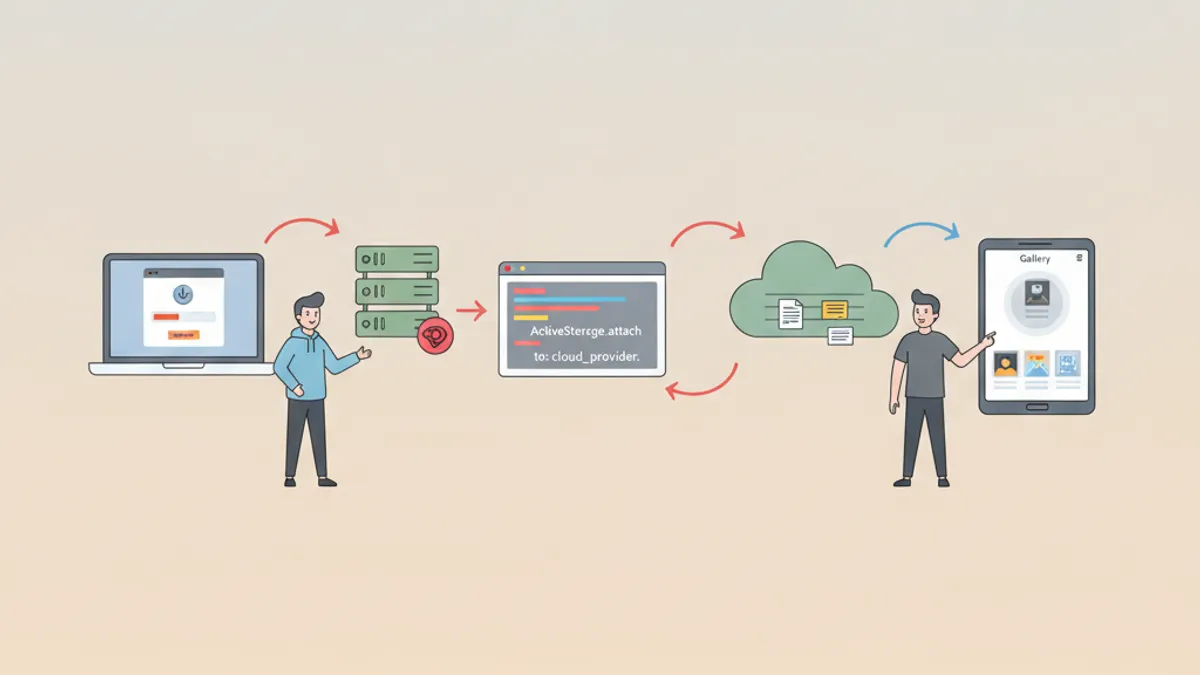
Rails Active Storage w 2026: Przesyłanie Plików, Integracja z S3 i Pytania Rekrutacyjne
Kompletny przewodnik po Rails Active Storage w 2026 roku. Konfiguracja S3, bezpośrednie przesyłanie, przetwarzanie obrazów i najczęściej zadawane pytania na rozmowach kwalifikacyjnych.

Rails API Mode w 2026: RESTful API, serializacja JSON i pytania rekrutacyjne
Kompletny przewodnik po Rails API-only: konfiguracja trybu API, serializacja JSON z Alba i jsonapi-serializer, autentykacja JWT, obsługa błędow, paginacja i testy RSpec.
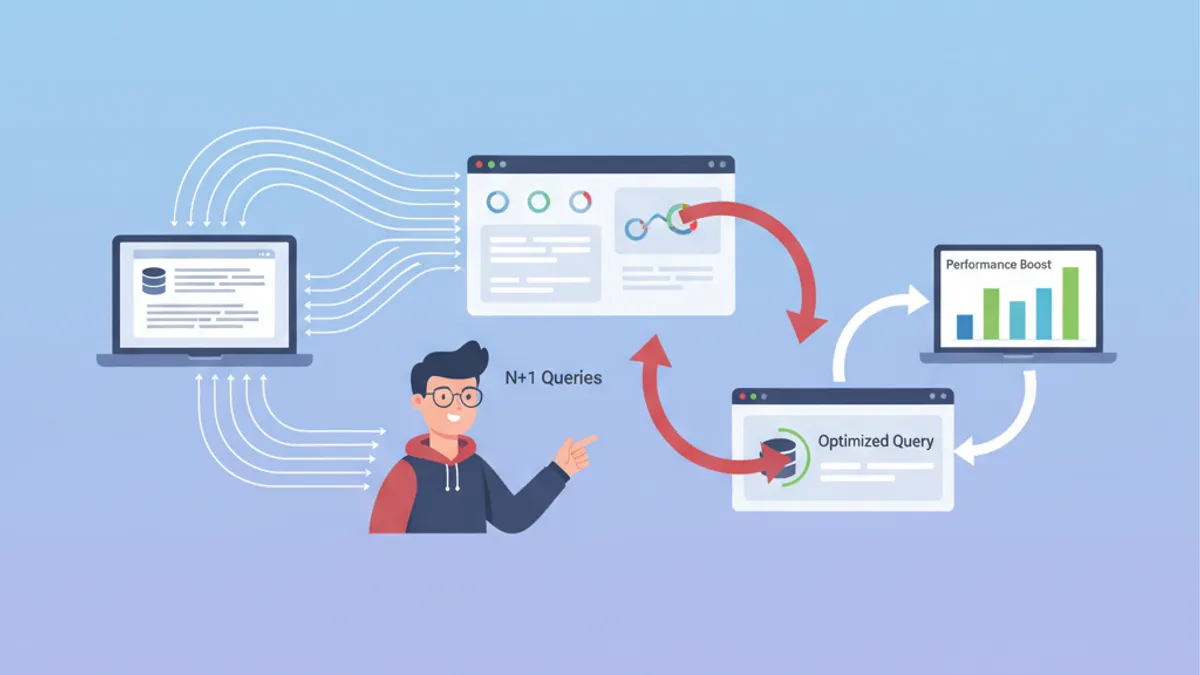
ActiveRecord: rozwiązywanie problemów z zapytaniami N+1 w Ruby on Rails
Kompletny przewodnik po wykrywaniu i naprawianiu zapytań N+1 w Rails z ActiveRecord. Opanuj includes, preload, eager_load i narzędzia automatycznej detekcji.