Spring Boot YAML vs Properties: Confronto Configurazioni e Domande da Colloquio 2026
Confronto completo tra YAML e Properties in Spring Boot. Sintassi, best practice, gestione profili e domande frequenti nei colloqui tecnici sulla configurazione esternalizzata.
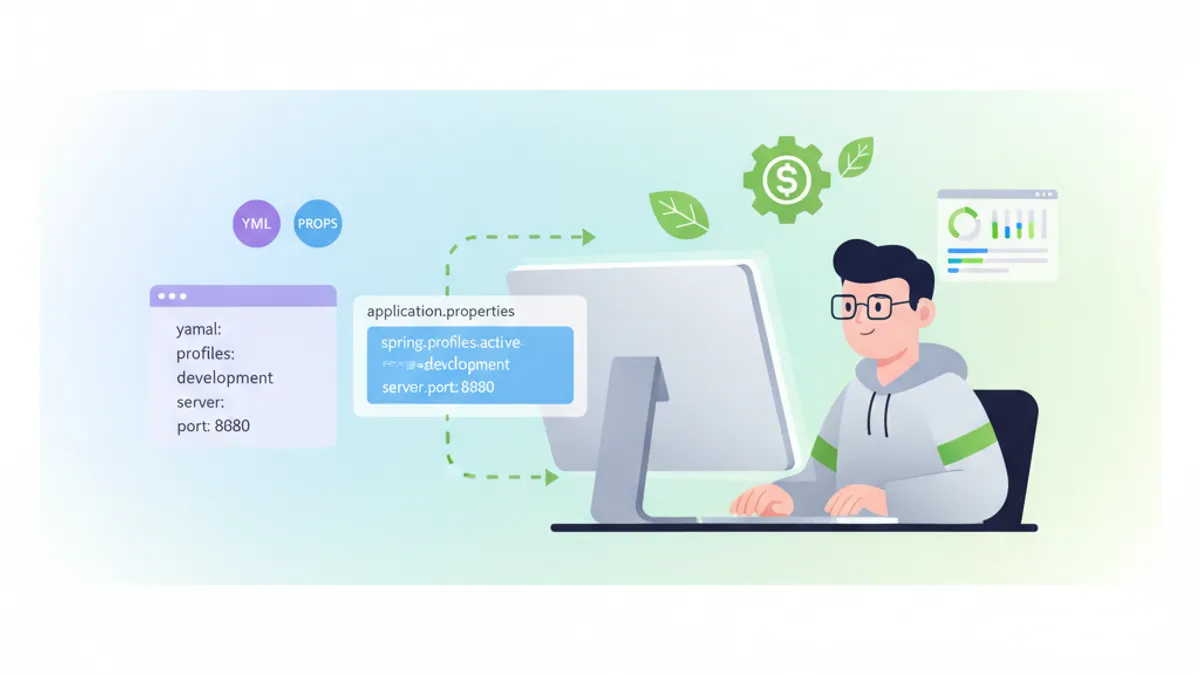
Spring Boot offre due formati principali per la configurazione delle applicazioni: YAML e Properties. Entrambi i formati servono allo stesso scopo, ma differiscono significativamente in sintassi, leggibilità e casi d'uso. Questo articolo esamina entrambi gli approcci in dettaglio e prepara gli sviluppatori per i colloqui tecnici.
Spring Boot 3.4+ supporta sia application.yml che application.properties. La scelta tra i due dipende dai requisiti del progetto, dalla familiarità del team e dalla complessità della configurazione.
Differenze Sintattiche Fondamentali
La differenza fondamentale risiede nella strutturazione dei valori di configurazione. I file Properties utilizzano una struttura piatta chiave-valore, mentre YAML rappresenta dati gerarchici con indentazione.
Formato Properties
# application.properties
server.port=8080
server.servlet.context-path=/api

spring.datasource.url=jdbc:postgresql://localhost:5432/mydb
spring.datasource.username=admin
spring.datasource.password=secret
spring.datasource.driver-class-name=org.postgresql.Driver

spring.jpa.hibernate.ddl-auto=update
spring.jpa.show-sql=true
spring.jpa.properties.hibernate.dialect=org.hibernate.dialect.PostgreSQLDialect
Formato YAML
# application.yml
server:
  port: 8080
  servlet:
    context-path: /api

spring:
  datasource:
    url: jdbc:postgresql://localhost:5432/mydb
    username: admin
    password: secret
    driver-class-name: org.postgresql.Driver
  jpa:
    hibernate:
      ddl-auto: update
    show-sql: true
    properties:
      hibernate:
        dialect: org.hibernate.dialect.PostgreSQLDialect
Vantaggi della Configurazione YAML
YAML offre diversi vantaggi per configurazioni complesse. La struttura gerarchica riduce la ridondanza e migliora significativamente la leggibilità.
# Profili multipli in un singolo file
spring:
  profiles:
    active: development

---
spring:
  config:
    activate:
      on-profile: development
  datasource:
    url: jdbc:h2:mem:devdb
    driver-class-name: org.h2.Driver

logging:
  level:
    root: DEBUG
    com.example: TRACE

---
spring:
  config:
    activate:
      on-profile: production
  datasource:
    url: jdbc:postgresql://prod-server:5432/proddb
    driver-class-name: org.postgresql.Driver

logging:
  level:
    root: WARN
    com.example: INFO
La separazione dei documenti con --- permette di definire più profili in un singolo file. Questo consolidamento semplifica la gestione delle impostazioni specifiche per ambiente.
Liste e Strutture Dati Complesse
YAML gestisce liste e strutture nidificate in modo più naturale rispetto ai file Properties.
# Lista di server
application:
  servers:
    - host: server1.example.com
      port: 8080
      ssl: true
    - host: server2.example.com
      port: 8081
      ssl: false

  allowed-origins:
    - https://example.com
    - https://app.example.com
    - https://admin.example.com

  features:
    authentication:
      enabled: true
      providers:
        - oauth2
        - ldap
    caching:
      enabled: true
      ttl: 3600
Il formato Properties equivalente richiede notazione indicizzata:
# Stessa configurazione in Properties
application.servers[0].host=server1.example.com
application.servers[0].port=8080
application.servers[0].ssl=true
application.servers[1].host=server2.example.com
application.servers[1].port=8081
application.servers[1].ssl=false

application.allowed-origins[0]=https://example.com
application.allowed-origins[1]=https://app.example.com
application.allowed-origins[2]=https://admin.example.com

application.features.authentication.enabled=true
application.features.authentication.providers[0]=oauth2
application.features.authentication.providers[1]=ldap
application.features.caching.enabled=true
application.features.caching.ttl=3600
Binding delle Configuration Properties
Spring Boot consente il binding type-safe della configurazione con l'annotazione @ConfigurationProperties:
import org.springframework.boot.context.properties.ConfigurationProperties;
import org.springframework.stereotype.Component;
import java.util.List;

@Component
@ConfigurationProperties(prefix = "application")
public class ApplicationConfig {

    private List<ServerConfig> servers;
    private List<String> allowedOrigins;
    private FeaturesConfig features;

    // Getters and setters

    public static class ServerConfig {
        private String host;
        private int port;
        private boolean ssl;

        // Getters and setters
    }

    public static class FeaturesConfig {
        private AuthConfig authentication;
        private CacheConfig caching;

        // Getters and setters
    }

    public static class AuthConfig {
        private boolean enabled;
        private List<String> providers;

        // Getters and setters
    }

    public static class CacheConfig {
        private boolean enabled;
        private int ttl;

        // Getters and setters
    }
}
Variabili d'Ambiente e Esternalizzazione
Entrambi i formati supportano l'override tramite variabili d'ambiente. Spring Boot converte automaticamente tra i formati:
# Override dei valori di configurazione
export SPRING_DATASOURCE_URL=jdbc:postgresql://prod:5432/db
export SPRING_DATASOURCE_USERNAME=produser
export SERVER_PORT=9090

# Le liste possono essere separate da virgole
export APPLICATION_ALLOWED_ORIGINS=https://a.com,https://b.com# Riferimento a variabili d'ambiente in YAML
spring:
datasource:
url: ${DB_URL:jdbc:h2:mem:default}
username: ${DB_USER:sa}
password: ${DB_PASSWORD:}
application:
api-key: ${API_KEY}
secret: ${APP_SECRET:default-secret}Validazione con Bean Validation
Le proprietà di configurazione possono essere validate con Jakarta Bean Validation:
import jakarta.validation.constraints.*;
import org.springframework.boot.context.properties.ConfigurationProperties;
import org.springframework.validation.annotation.Validated;

@Validated
@ConfigurationProperties(prefix = "application.security")
public class SecurityConfig {

    @NotBlank(message = "JWT secret is required")
    private String jwtSecret;

    @Min(value = 300, message = "Token expiration must be at least 5 minutes")
    @Max(value = 86400, message = "Token expiration cannot exceed 24 hours")
    private int tokenExpiration = 3600;

    @NotEmpty(message = "At least one allowed origin is required")
    private List<@URL String> allowedOrigins;

    @Email
    private String adminEmail;

    // Getters and setters
}
Configurazione Specifica per Profilo
Spring Boot supporta file di configurazione specifici per profilo per entrambi i formati:
src/main/resources/
├── application.yml              # Configurazione comune
├── application-dev.yml          # Ambiente di sviluppo
├── application-staging.yml      # Ambiente di staging
├── application-prod.yml         # Ambiente di produzione
└── application-test.yml # Ambiente di test# application-prod.yml
spring:
datasource:
hikari:
maximum-pool-size: 20
minimum-idle: 5
connection-timeout: 30000
logging:
level:
root: WARN
file:
name: /var/log/app/application.log
management:
endpoints:
web:
exposure:
include: health,info,metricsPronto a superare i tuoi colloqui su Spring Boot?
Pratica con i nostri simulatori interattivi, flashcards e test tecnici.
Domande Frequenti nei Colloqui
Domanda 1: Quando preferire YAML rispetto a Properties?
YAML è più adatto per configurazioni complesse e gerarchiche con proprietà nidificate, liste e profili multipli. I file Properties sono preferibili per configurazioni semplici, sistemi legacy o quando i membri del team non hanno familiarità con la sintassi YAML.
Domanda 2: Come caricare più file di configurazione?
import org.springframework.context.annotation.Configuration;
import org.springframework.context.annotation.PropertySource;

@Configuration
@PropertySource({
    "classpath:database.properties",
    "classpath:messaging.properties"
})
public class AdditionalConfig {
}
Per YAML è necessario utilizzare un PropertySourceFactory:
import org.springframework.beans.factory.config.YamlPropertiesFactoryBean;
import org.springframework.core.env.PropertiesPropertySource;
import org.springframework.core.io.support.EncodedResource;
import org.springframework.core.io.support.PropertySourceFactory;

import java.util.Properties;

public class YamlPropertySourceFactory implements PropertySourceFactory {

    @Override
    public org.springframework.core.env.PropertySource<?> createPropertySource(
            String name, EncodedResource resource) {
        YamlPropertiesFactoryBean factory = new YamlPropertiesFactoryBean();
        factory.setResources(resource.getResource());
        Properties properties = factory.getObject();
        String sourceName = name != null ? name : resource.getResource().getFilename();
        return new PropertiesPropertySource(sourceName, properties);
    }
}
Domanda 3: Qual è l'ordine di priorità delle sorgenti di configurazione?
Spring Boot carica le configurazioni in questo ordine (priorità più alta sovrascrive quella più bassa):
- Argomenti da linea di comando
- SPRING_APPLICATION_JSON (JSON inline)
- Parametri Servlet
- Attributi JNDI
- Java System Properties
- Variabili d'ambiente del sistema operativo
- File specifici per profilo (application-.yml)
- Configurazione applicazione (application.yml)
- Annotazioni @PropertySource
- Valori predefiniti
Domanda 4: Come gestire i secrets in modo sicuro?
# Utilizzo di Spring Cloud Config Server o Vault
spring:
  cloud:
    vault:
      uri: https://vault.example.com
      token: ${VAULT_TOKEN}
      kv:
        enabled: true
        backend: secret

  config:
    import:
      - vault://secret/application
      - vault://secret/database
Domanda 5: Come funziona il Relaxed Binding?
Spring Boot supporta diverse convenzioni di scrittura per la stessa proprietà:
# Tutte queste forme sono equivalenti
application:
  apiKey: value      # Camel Case
  api-key: value     # Kebab Case (raccomandato)
  api_key: value     # Underscore
  API_KEY: value     # Uppercase (per variabili d'ambiente)
Best Practice per Ambienti di Produzione
# application-prod.yml con pratiche raccomandate
spring:
  datasource:
    url: ${DATABASE_URL}
    username: ${DATABASE_USERNAME}
    password: ${DATABASE_PASSWORD}
    hikari:
      maximum-pool-size: ${DB_POOL_SIZE:10}
      leak-detection-threshold: 60000

  jpa:
    open-in-view: false
    properties:
      hibernate:
        jdbc:
          batch_size: 50
        order_inserts: true
        order_updates: true

server:
  shutdown: graceful
  tomcat:
    accept-count: 100
    max-connections: 10000
    threads:
      max: 200
      min-spare: 10

management:
  server:
    port: 8081
  endpoints:
    web:
      exposure:
        include: health,info,prometheus
  endpoint:
    health:
      show-details: when_authorized
      probes:
        enabled: true

logging:
  pattern:
    console: "%d{ISO8601} [%thread] %-5level %logger{36} - %msg%n"
  level:
    root: INFO
    org.springframework.web: WARN
    org.hibernate.SQL: WARN
Conclusione
La scelta tra YAML e Properties dipende dai requisiti specifici del progetto. YAML offre migliore leggibilità e struttura per configurazioni complesse, mentre i file Properties offrono semplicità e ampio supporto degli strumenti. Le applicazioni Spring Boot moderne tendono verso YAML grazie alla rappresentazione naturale dei dati gerarchici e alla possibilità di definire più profili in un singolo file. Indipendentemente dal formato scelto, i dati sensibili dovrebbero sempre essere forniti tramite variabili d'ambiente o servizi di configurazione esterni come HashiCorp Vault o Spring Cloud Config Server.
Sapresti trovare il bug in Spring Boot?
Uno snippet reale, un bug nascosto, un tentativo al giorno. Senza account per provare.

Scritto da
Anthony Fillion-MailletFondatore di SharpSkill
Sviluppatore fullstack da oltre 10 anni. Guida SharpSkill e risponde di tutto ciò che vi viene pubblicato.
Aggiornato il 26 agosto 2026
Tag
Condividi
Articoli correlati

Colloquio Spring Boot: Propagazione delle Transazioni
Padroneggia la propagazione delle transazioni in Spring Boot: REQUIRED, REQUIRES_NEW, NESTED e altro. 12 domande di colloquio con codice e trappole comuni.

30 Domande per Colloqui Spring Boot: Guida Completa per Sviluppatori Java
Prepara i tuoi colloqui Spring Boot con queste 30 domande essenziali su auto-configurazione, starter, Spring Data JPA, Security 7 e testing.
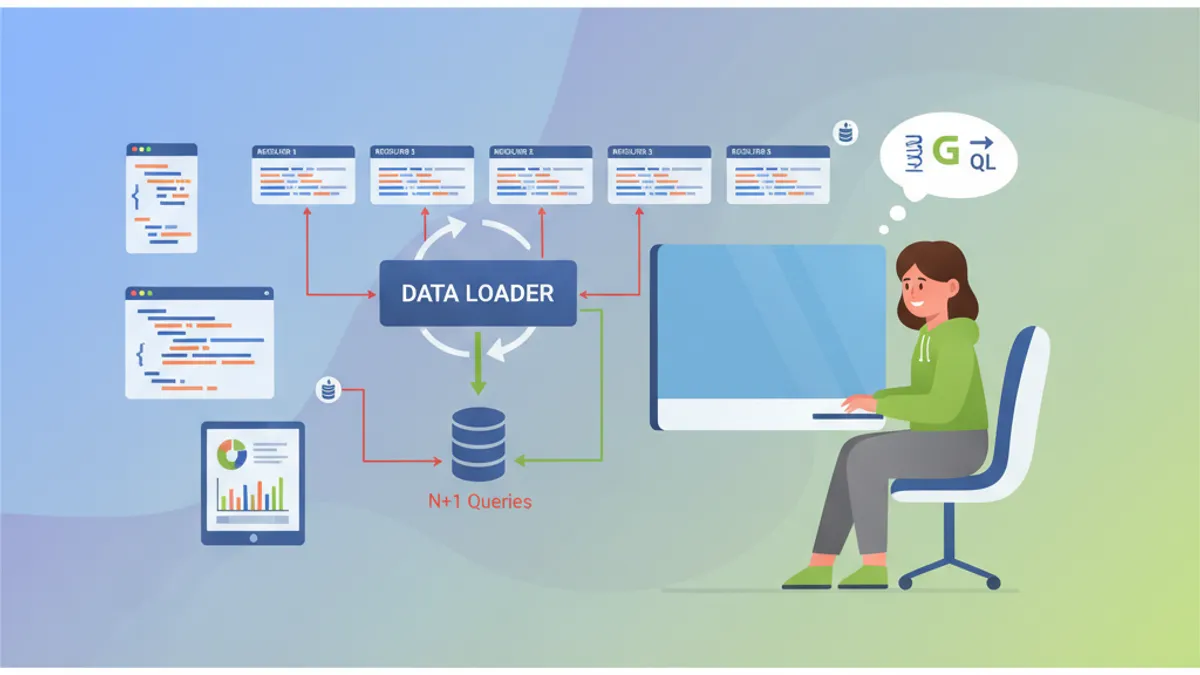
Colloquio Spring GraphQL: Resolver, DataLoader e Soluzioni al Problema N+1
Preparazione ai colloqui Spring GraphQL con questa guida completa. Resolver, DataLoader, gestione del problema N+1, mutation e migliori pratiche per le domande tecniche.