Combine vs async/await in Swift: Pattern di Migrazione Progressiva
Guida completa alla migrazione da Combine ad async/await in Swift: strategie progressive, pattern di bridging e coesistenza dei paradigmi nelle codebase iOS.

L'arrivo di Swift Concurrency con async/await ha trasformato le pratiche di programmazione asincrona su iOS. Per i progetti che utilizzano Combine, la questione della migrazione si pone naturalmente. Bisogna riscrivere tutto? I due approcci possono coesistere? Quali pattern permettono una transizione fluida? Questa guida esplora le strategie di migrazione progressiva, consentendo di adottare async/await senza abbandonare bruscamente Combine.
Questa guida presenta pattern concreti per migrare progressivamente da Combine ad async/await, con esempi di bridging bidirezionale e strategie di coesistenza adatte alle codebase esistenti.
Comprendere le Differenze Fondamentali
Prima di iniziare una migrazione, è essenziale comprendere ciò che distingue Combine da async/await. I due approcci rispondono a esigenze diverse, e alcuni casi d'uso restano meglio serviti da Combine.
Il Modello Mentale di Combine
Combine si basa su un modello di flussi di dati. Un Publisher emette valori nel tempo, gli operatori trasformano questi valori e un Subscriber riceve il risultato finale. Questo modello eccelle per i flussi continui come eventi UI, notifiche o WebSocket.
// Event stream with Combine - stream-based model
import Combine

class SearchViewModel {
    @Published var searchText = ""
    private var cancellables = Set<AnyCancellable>()

    // Combine excels for continuous streams with transformations
    func setupSearch() {
        $searchText
            // Wait 300ms pause in typing
            .debounce(for: .milliseconds(300), scheduler: RunLoop.main)
            // Ignore consecutive duplicates
            .removeDuplicates()
            // Filter searches that are too short
            .filter { $0.count >= 3 }
            // Transform text into network request
            .flatMap { query in
                self.searchAPI(query: query)
                    // Local error handling
                    .catch { _ in Just([]) }
            }
            // Final subscription
            .sink { results in
                self.updateUI(with: results)
            }
            .store(in: &cancellables)
    }

    private func searchAPI(query: String) -> AnyPublisher<[SearchResult], Error> {
        // Network implementation
    }
}
Questo codice illustra la forza di Combine: concatenare operatori dichiarativi per trattare un flusso continuo di eventi.
Il Modello Mentale di async/await
Async/await adotta un modello sequenziale: un'operazione inizia, il codice attende il suo risultato, poi prosegue. Questo modello risulta più intuitivo per operazioni puntuali come richieste di rete isolate o letture di file.
// One-off operations with async/await - sequential model
import Foundation

actor SearchService {
    // async/await excels for sequential operations
    func performSearch(query: String) async throws -> [SearchResult] {
        // Pre-validation - clear sequential reading
        guard query.count >= 3 else {
            return []
        }

        // Network request with await
        let url = URL(string: "https://api.example.com/search?q=\(query)")!
        let (data, response) = try await URLSession.shared.data(from: url)

        // Response verification
        guard let httpResponse = response as? HTTPURLResponse,
              httpResponse.statusCode == 200 else {
            throw SearchError.invalidResponse
        }

        // Result decoding
        let results = try JSONDecoder().decode([SearchResult].self, from: data)
        return results
    }
}
La lettura è lineare, gli errori si propagano naturalmente con try e il flusso d'esecuzione risulta immediatamente comprensibile.
Combine resta rilevante per i flussi continui (eventi UI, timer, WebSocket). Async/await è più adatto per le operazioni puntuali (richieste API, lettura di file, calcoli isolati).
Fare il Bridging da Combine ad async/await
Il primo passo di una migrazione consiste spesso nel consumare Publisher esistenti in codice async/await. Swift fornisce strumenti nativi per questo bridging.
Usare AsyncSequence con Publisher.values
Da Swift 5.5, ogni Publisher espone una proprietà .values che restituisce un AsyncPublisher. Questa sequenza asincrona permette di iterare sui valori emessi con un ciclo for await.
// Publisher → AsyncSequence conversion via .values
import Combine

class NotificationObserver {
    private let notificationPublisher: AnyPublisher<Notification, Never>

    init() {
        // Existing Combine Publisher
        notificationPublisher = NotificationCenter.default
            .publisher(for: UIApplication.didBecomeActiveNotification)
            .eraseToAnyPublisher()
    }

    // Consuming the Publisher with async/await
    func observeNotifications() async {
        // .values converts the Publisher to AsyncSequence
        for await notification in notificationPublisher.values {
            // Process each notification
            await handleAppBecameActive(notification)
        }
        // This line is never reached for an infinite Publisher
    }

    private func handleAppBecameActive(_ notification: Notification) async {
        // Async processing logic
    }
}
Questo approccio preserva il Publisher originale permettendone al contempo il consumo in un contesto asincrono.
Ottenere un Singolo Valore con firstValue
Per i Publisher che emettono un singolo valore (come una richiesta di rete), la proprietà .values.first(where:) o un'estensione personalizzata semplificano il bridging.
// Extension to extract a single value from a Publisher
import Combine

extension Publisher where Failure == Never {
    // Awaits and returns the first emitted value
    var firstValue: Output {
        get async {
            await withCheckedContinuation { continuation in
                var cancellable: AnyCancellable?
                cancellable = self.first()
                    .sink { value in
                        continuation.resume(returning: value)
                        cancellable?.cancel()
                    }
            }
        }
    }
}

extension Publisher {
    // Throwing version for Publishers with errors
    var firstValueThrowing: Output {
        get async throws {
            try await withCheckedThrowingContinuation { continuation in
                var cancellable: AnyCancellable?
                cancellable = self.first()
                    .sink(
                        receiveCompletion: { completion in
                            if case .failure(let error) = completion {
                                continuation.resume(throwing: error)
                            }
                            cancellable?.cancel()
                        },
                        receiveValue: { value in
                            continuation.resume(returning: value)
                        }
                    )
            }
        }
    }
}

// Usage in async code
class UserRepository {
    private let apiClient: APIClient

    func fetchCurrentUser() async throws -> User {
        // Consume an existing Publisher asynchronously
        try await apiClient.userPublisher().firstValueThrowing
    }
}
Questa estensione incapsula la complessità del bridging e offre un'API pulita.
Pronto a superare i tuoi colloqui su iOS?
Pratica con i nostri simulatori interattivi, flashcards e test tecnici.
Fare il Bridging da async/await a Combine
La migrazione inversa risulta anch'essa necessaria: consumare codice async in pipeline Combine esistenti.
Creare un Publisher da una Funzione async
L'approccio più diretto utilizza Future combinato con un Task per incapsulare la chiamata async.
// async → Publisher conversion via Future
import Combine

extension Publisher {
    // async flatMap operator for Combine pipelines
    func asyncMap<T>(
        _ transform: @escaping (Output) async throws -> T
    ) -> AnyPublisher<T, Error> {
        flatMap { value in
            Future { promise in
                Task {
                    do {
                        // Execute the async transformation
                        let result = try await transform(value)
                        promise(.success(result))
                    } catch {
                        promise(.failure(error))
                    }
                }
            }
        }
        .eraseToAnyPublisher()
    }
}

// Usage in a Combine pipeline
class ImageProcessor {
    @Published var selectedImageURL: URL?
    private var cancellables = Set<AnyCancellable>()

    func setupProcessingPipeline() {
        $selectedImageURL
            .compactMap { $0 }
            // Use an async function in the Combine pipeline
            .asyncMap { url in
                // downloadImage is an async function
                try await self.downloadImage(from: url)
            }
            .asyncMap { imageData in
                // processImage is also async
                try await self.processImage(imageData)
            }
            .receive(on: DispatchQueue.main)
            .sink(
                receiveCompletion: { completion in
                    if case .failure(let error) = completion {
                        print("Error: \(error)")
                    }
                },
                receiveValue: { processedImage in
                    self.displayImage(processedImage)
                }
            )
            .store(in: &cancellables)
    }

    private func downloadImage(from url: URL) async throws -> Data {
        let (data, _) = try await URLSession.shared.data(from: url)
        return data
    }

    private func processImage(_ data: Data) async throws -> UIImage {
        // Async image processing
    }
}
Publisher Personalizzato per Stream Async
Per esigenze più avanzate, un Publisher personalizzato può incapsulare un flusso AsyncSequence completo.
// Publisher wrapper for AsyncSequence
import Combine

struct AsyncSequencePublisher<S: AsyncSequence>: Publisher {
    typealias Output = S.Element
    typealias Failure = Error

    private let sequence: S

    init(_ sequence: S) {
        self.sequence = sequence
    }

    func receive<Sub>(subscriber: Sub) where Sub: Subscriber,
                                              Failure == Sub.Failure,
                                              Output == Sub.Input {
        let subscription = AsyncSubscription(
            sequence: sequence,
            subscriber: subscriber
        )
        subscriber.receive(subscription: subscription)
    }
}

private final class AsyncSubscription<S: AsyncSequence, Sub: Subscriber>: Subscription
where Sub.Input == S.Element, Sub.Failure == Error {

    private var task: Task<Void, Never>?
    private var subscriber: Sub?
    private let sequence: S

    init(sequence: S, subscriber: Sub) {
        self.sequence = sequence
        self.subscriber = subscriber
    }

    func request(_ demand: Subscribers.Demand) {
        // Start asynchronous iteration
        task = Task {
            do {
                for try await element in sequence {
                    // Check subscription is still active
                    guard subscriber != nil else { break }
                    _ = subscriber?.receive(element)
                }
                subscriber?.receive(completion: .finished)
            } catch {
                subscriber?.receive(completion: .failure(error))
            }
        }
    }

    func cancel() {
        task?.cancel()
        subscriber = nil
    }
}

// Convenience extension for any AsyncSequence
extension AsyncSequence {
    var publisher: AsyncSequencePublisher<Self> {
        AsyncSequencePublisher(self)
    }
}
Strategie di Coesistenza in una Codebase
La migrazione completa di una codebase importante richiede tempo. Ecco i pattern per far coesistere armoniosamente Combine e async/await.
Architettura a Strati con Astrazione
Definire protocolli che astraggono l'implementazione permette di migrare progressivamente senza modificare il codice chiamante.
// Abstraction enabling two implementations
import Combine

// Protocol defining the contract
protocol UserRepositoryProtocol {
    // Modern async interface
    func fetchUser(id: String) async throws -> User

    // Legacy Combine interface (optional with default implementation)
    func fetchUserPublisher(id: String) -> AnyPublisher<User, Error>
}

// Default Publisher implementation based on async
extension UserRepositoryProtocol {
    func fetchUserPublisher(id: String) -> AnyPublisher<User, Error> {
        Future { promise in
            Task {
                do {
                    let user = try await self.fetchUser(id: id)
                    promise(.success(user))
                } catch {
                    promise(.failure(error))
                }
            }
        }
        .eraseToAnyPublisher()
    }
}

// Modern implementation - async first
class UserRepository: UserRepositoryProtocol {
    private let apiClient: APIClient

    init(apiClient: APIClient) {
        self.apiClient = apiClient
    }

    func fetchUser(id: String) async throws -> User {
        // Native async implementation
        let url = URL(string: "https://api.example.com/users/\(id)")!
        let (data, _) = try await URLSession.shared.data(from: url)
        return try JSONDecoder().decode(User.self, from: data)
    }

    // fetchUserPublisher is provided by the default extension
}
Questo approccio permette ai nuovi chiamanti di utilizzare async/await mentre il codice legacy continua a usare i Publisher.
Durante il bridging, le Task create possono sopravvivere agli oggetti che le hanno create. Conviene utilizzare sempre [weak self] o annullare esplicitamente le task per evitare leak di memoria.
ViewModel Ibrido
Un ViewModel può esporre entrambe le interfacce durante il periodo di transizione.
// ViewModel supporting both Combine and async/await
import Combine
import SwiftUI

@MainActor
class ProfileViewModel: ObservableObject {
    // Published state for SwiftUI (Combine)
    @Published private(set) var user: User?
    @Published private(set) var isLoading = false
    @Published private(set) var errorMessage: String?

    private let repository: UserRepositoryProtocol
    private var cancellables = Set<AnyCancellable>()
    private var loadTask: Task<Void, Never>?

    init(repository: UserRepositoryProtocol) {
        self.repository = repository
    }

    // Async interface for modern UIKit or SwiftUI with .task
    func loadUser(id: String) async {
        isLoading = true
        errorMessage = nil

        do {
            user = try await repository.fetchUser(id: id)
        } catch {
            errorMessage = error.localizedDescription
        }

        isLoading = false
    }

    // Combine interface for legacy code
    func loadUserPublisher(id: String) {
        isLoading = true
        errorMessage = nil

        repository.fetchUserPublisher(id: id)
            .receive(on: DispatchQueue.main)
            .sink(
                receiveCompletion: { [weak self] completion in
                    self?.isLoading = false
                    if case .failure(let error) = completion {
                        self?.errorMessage = error.localizedDescription
                    }
                },
                receiveValue: { [weak self] user in
                    self?.user = user
                }
            )
            .store(in: &cancellables)
    }

    // Clean cancellation
    func cancelLoading() {
        loadTask?.cancel()
        cancellables.removeAll()
        isLoading = false
    }
}
Migrare gli Operatori Combine Comuni
Alcuni operatori Combine non hanno equivalenti diretti in async/await. Ecco come riprodurli.
Equivalente di Debounce con async
// Debounce implementation with async/await
import Foundation

actor Debouncer {
    private var task: Task<Void, Never>?
    private let duration: Duration

    init(duration: Duration) {
        self.duration = duration
    }

    // Cancels previous execution and schedules a new one
    func debounce(_ operation: @escaping @Sendable () async -> Void) {
        task?.cancel()

        task = Task {
            do {
                // Wait for the specified duration
                try await Task.sleep(for: duration)
                // Execute operation if not cancelled
                await operation()
            } catch {
                // Task cancelled - expected behavior
            }
        }
    }
}

// Usage in a ViewModel
@MainActor
class SearchViewModel: ObservableObject {
    @Published var searchText = ""
    @Published private(set) var results: [SearchResult] = []

    private let debouncer = Debouncer(duration: .milliseconds(300))
    private let searchService: SearchService

    init(searchService: SearchService) {
        self.searchService = searchService
    }

    func onSearchTextChanged(_ text: String) {
        Task {
            await debouncer.debounce { [weak self] in
                guard let self else { return }
                await self.performSearch(text)
            }
        }
    }

    private func performSearch(_ query: String) async {
        guard query.count >= 3 else {
            results = []
            return
        }

        do {
            results = try await searchService.search(query: query)
        } catch {
            // Error handling
        }
    }
}
Equivalente di Merge con TaskGroup
// Combining multiple async streams with TaskGroup
import Foundation

struct AsyncMerge {
    // Executes multiple async operations in parallel and returns all results
    static func merge<T>(
        _ operations: [@Sendable () async throws -> T]
    ) async throws -> [T] {
        try await withThrowingTaskGroup(of: T.self) { group in
            // Launch all operations in parallel
            for operation in operations {
                group.addTask {
                    try await operation()
                }
            }

            // Collect results
            var results: [T] = []
            for try await result in group {
                results.append(result)
            }
            return results
        }
    }

    // Streaming version that emits results as they arrive
    static func mergeStream<T: Sendable>(
        _ operations: [@Sendable () async throws -> T]
    ) -> AsyncThrowingStream<T, Error> {
        AsyncThrowingStream { continuation in
            Task {
                await withThrowingTaskGroup(of: T.self) { group in
                    for operation in operations {
                        group.addTask {
                            try await operation()
                        }
                    }

                    do {
                        for try await result in group {
                            continuation.yield(result)
                        }
                        continuation.finish()
                    } catch {
                        continuation.finish(throwing: error)
                    }
                }
            }
        }
    }
}

// Usage
class DataAggregator {
    func fetchAllData() async throws -> AggregatedData {
        // Execute three requests in parallel
        let results = try await AsyncMerge.merge([
            { try await self.fetchUsers() },
            { try await self.fetchPosts() },
            { try await self.fetchComments() }
        ])

        return AggregatedData(
            users: results[0] as! [User],
            posts: results[1] as! [Post],
            comments: results[2] as! [Comment]
        )
    }
}
Pronto a superare i tuoi colloqui su iOS?
Pratica con i nostri simulatori interattivi, flashcards e test tecnici.
Casi d'Uso in cui Combine Resta Preferibile
Nonostante i vantaggi di async/await, alcuni scenari restano meglio serviti da Combine.
Stream di Eventi UI Reattivi
SwiftUI e UIKit generano flussi continui di eventi in cui gli operatori Combine (debounce, throttle, combineLatest) brillano.
// Combine remains optimal for reactive UI events
import Combine
import SwiftUI

class FormViewModel: ObservableObject {
    @Published var email = ""
    @Published var password = ""
    @Published var confirmPassword = ""

    // Derived states computed via Combine
    @Published private(set) var isEmailValid = false
    @Published private(set) var isPasswordStrong = false
    @Published private(set) var passwordsMatch = false
    @Published private(set) var canSubmit = false

    private var cancellables = Set<AnyCancellable>()

    init() {
        setupValidation()
    }

    private func setupValidation() {
        // Email validation with debounce
        $email
            .debounce(for: .milliseconds(300), scheduler: RunLoop.main)
            .map { email in
                let regex = /^[\w-\.]+@([\w-]+\.)+[\w-]{2,4}$/
                return email.wholeMatch(of: regex) != nil
            }
            .assign(to: &$isEmailValid)

        // Password strength validation
        $password
            .map { password in
                password.count >= 8 &&
                password.rangeOfCharacter(from: .uppercaseLetters) != nil &&
                password.rangeOfCharacter(from: .decimalDigits) != nil
            }
            .assign(to: &$isPasswordStrong)

        // Password matching
        Publishers.CombineLatest($password, $confirmPassword)
            .map { password, confirm in
                !password.isEmpty && password == confirm
            }
            .assign(to: &$passwordsMatch)

        // Final combination to enable submit button
        Publishers.CombineLatest3($isEmailValid, $isPasswordStrong, $passwordsMatch)
            .map { $0 && $1 && $2 }
            .assign(to: &$canSubmit)
    }
}
Questo pattern dichiarativo risulterebbe molto più verboso con async/await.
Gestione delle Connessioni WebSocket
I WebSocket emettono messaggi in modo continuo, un caso d'uso naturale per Combine.
// WebSocket with Combine for continuous stream
import Combine
import Foundation

class WebSocketManager: ObservableObject {
    @Published private(set) var messages: [ChatMessage] = []
    @Published private(set) var connectionState: ConnectionState = .disconnected

    private var webSocketTask: URLSessionWebSocketTask?
    private let messageSubject = PassthroughSubject<ChatMessage, Never>()
    private var cancellables = Set<AnyCancellable>()

    // Exposed Publisher for consumers
    var messagePublisher: AnyPublisher<ChatMessage, Never> {
        messageSubject.eraseToAnyPublisher()
    }

    func connect(to url: URL) {
        webSocketTask = URLSession.shared.webSocketTask(with: url)
        webSocketTask?.resume()
        connectionState = .connected

        // Start reception loop
        receiveMessages()

        // Message processing pipeline
        messageSubject
            // Buffer messages to avoid too frequent UI updates
            .collect(.byTime(RunLoop.main, .milliseconds(100)))
            // Accumulate in history
            .scan([ChatMessage]()) { accumulated, new in
                accumulated + new
            }
            .assign(to: &$messages)
    }

    private func receiveMessages() {
        webSocketTask?.receive { [weak self] result in
            switch result {
            case .success(let message):
                if case .string(let text) = message,
                   let data = text.data(using: .utf8),
                   let chatMessage = try? JSONDecoder().decode(ChatMessage.self, from: data) {
                    self?.messageSubject.send(chatMessage)
                }
                // Continue reception
                self?.receiveMessages()

            case .failure(let error):
                self?.connectionState = .error(error.localizedDescription)
            }
        }
    }
}
Checklist di Migrazione Progressiva
Una migrazione riuscita segue un approccio metodico. Ecco le tappe raccomandate.
Fase 1: Preparazione
- ✅ Identificare i Publisher utilizzati nella codebase
- ✅ Categorizzare: stream continui vs operazioni puntuali
- ✅ Creare estensioni di bridging (firstValue, asyncMap)
- ✅ Definire protocolli astratti per i repository
Fase 2: Migrazione delle Operazioni Puntuali
- ✅ Convertire le richieste di rete semplici ad async/await
- ✅ Migrare le letture di file
- ✅ Trasformare le operazioni di database
- ✅ Preservare i Publisher tramite implementazioni di default
Fase 3: Adattamento dei ViewModel
- ✅ Aggiungere metodi async ai ViewModel esistenti
- ✅ Utilizzare
.taskin SwiftUI per le nuove schermate - ✅ Mantenere i binding @Published per la compatibilità
Fase 4: Pulizia
- ✅ Rimuovere i metodi Combine diventati inutili
- ✅ Eliminare le estensioni di bridging non utilizzate
- ✅ Documentare i pattern Combine conservati intenzionalmente
Conclusione
La migrazione da Combine ad async/await rappresenta un'evoluzione naturale per i progetti Swift moderni. L'approccio progressivo, utilizzando pattern di bridging bidirezionali, permette di adottare i vantaggi di async/await senza rotture brusche.
Punti chiave da ricordare:
- ✅ Combine e async/await rispondono a esigenze diverse
- ✅
.valuesconverte un Publisher in AsyncSequence - ✅
Future+Taskincapsulano codice async in un Publisher - ✅ I protocolli astratti facilitano la coesistenza
- ✅ Combine resta rilevante per gli stream UI reattivi
- ✅ Operatori come debounce possono essere ricreati in async
- ✅ La migrazione progressiva riduce i rischi di regressione
L'obiettivo non è eliminare Combine, ma scegliere lo strumento giusto per ogni contesto: async/await per le operazioni puntuali, Combine per gli stream continui di eventi.
Inizia a praticare!
Metti alla prova le tue conoscenze con i nostri simulatori di colloquio e test tecnici.
Sapresti trovare il bug in iOS?
Uno snippet reale, un bug nascosto, un tentativo al giorno. Senza account per provare.

Scritto da
Anthony Fillion-MailletFondatore di SharpSkill
Sviluppatore fullstack da oltre 10 anni. Guida SharpSkill e risponde di tutto ciò che vi viene pubblicato.
Aggiornato il 1 maggio 2026
Tag
Condividi
Articoli correlati
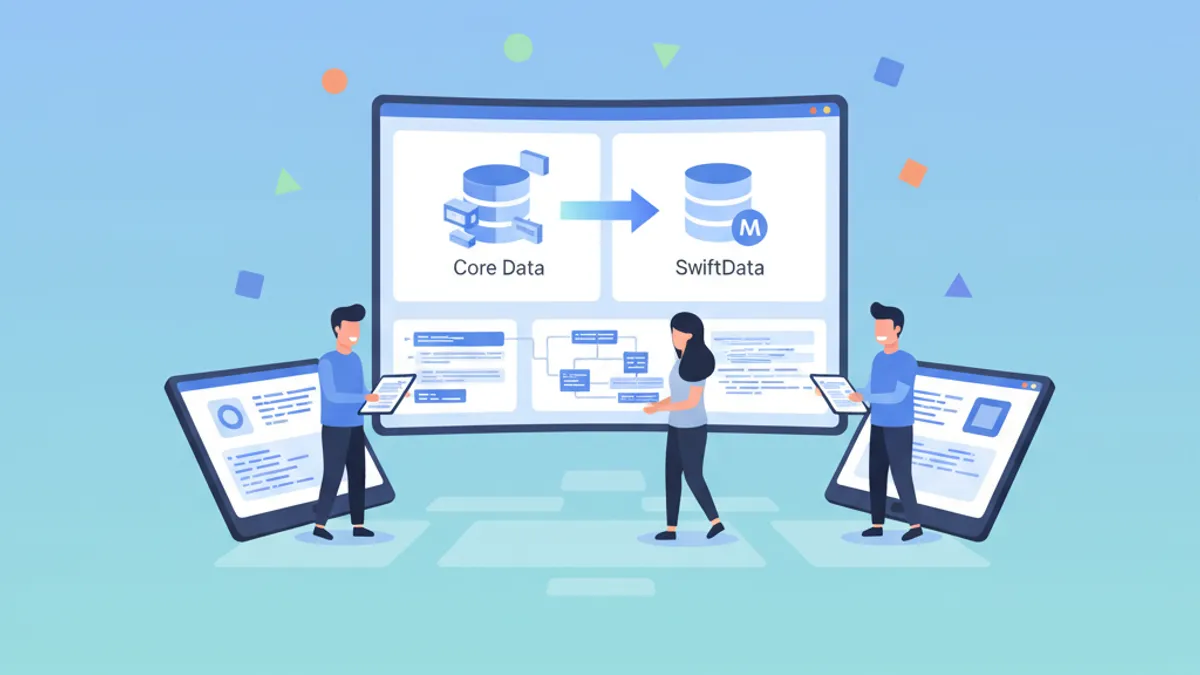
Migrazione da Core Data a SwiftData: Guida Passo Passo 2026
Guida completa per migrare un'applicazione iOS da Core Data a SwiftData con esempi pratici, strategie di coesistenza e migliori pratiche.

Lavoro sviluppatore iOS 2026: dove cercare, stipendi e preparazione ai colloqui
Il mercato del lavoro per sviluppatori iOS nel 2026: dove trovare offerte, fasce salariali attuali e come prepararsi efficacemente ai colloqui tecnici.
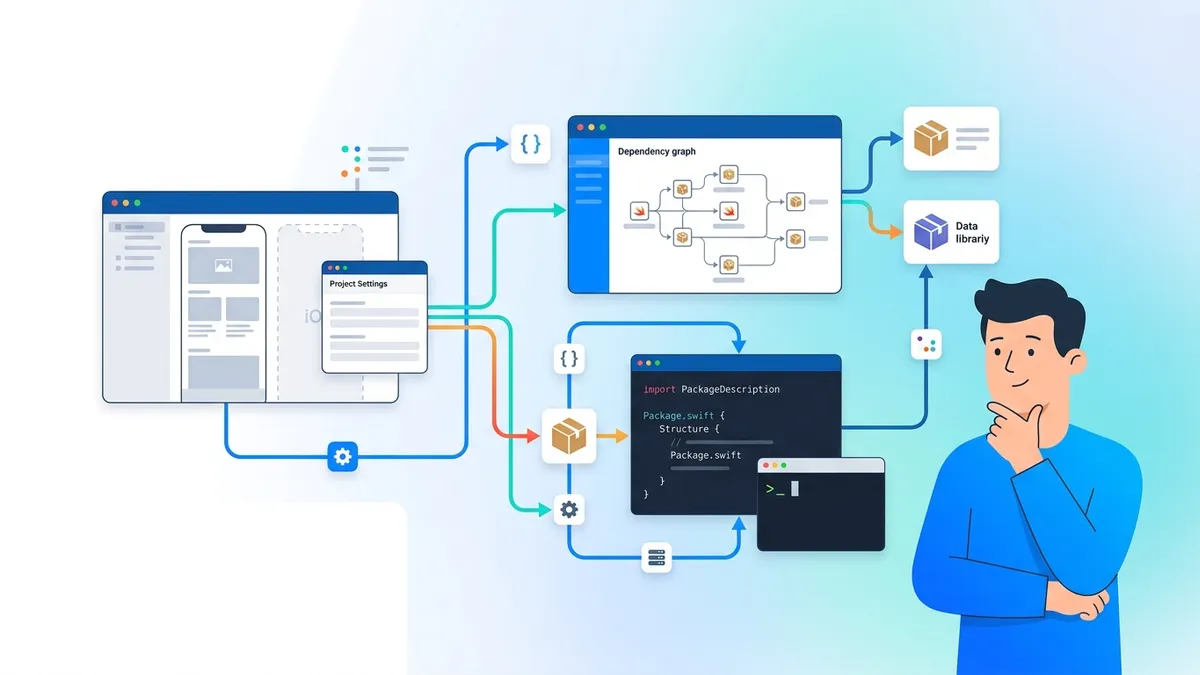
Swift Package Manager nel 2026: Creare, Pubblicare Pacchetti e Domande da Colloquio
Guida completa a Swift Package Manager per sviluppatori iOS. Come creare pacchetti, gestire dipendenze, pubblicare librerie e rispondere alle domande tecniche sui colloqui SPM.