React Server Components in produzione: pattern e insidie
React Server Components in produzione: pattern collaudati, anti-pattern comuni e strategie di debug per applicazioni Next.js 15 robuste.

I React Server Components (RSC) cambiano in modo radicale come funziona il rendering lato server in Next.js 15, ma l'adozione in produzione rivela insidie che la documentazione ufficiale non sempre copre. Questo articolo scompone i pattern che funzionano, quelli che si rompono e come diagnosticare i problemi prima che raggiungano la produzione.
Un Server Component viene eseguito esclusivamente sul server e invia zero JavaScript al browser. Un Client Component (marcato con "use client") viene eseguito su entrambi i lati. La regola: mantenere i Client Components il più piccoli possibile e il più in basso possibile nell'albero.
Il confine server-client: capire il pattern di boundary
L'insidia più comune con gli RSC riguarda il confine tra Server e Client Components. Una volta che un componente porta la direttiva "use client", tutti i suoi figli importati diventano Client Components, anche senza la direttiva.
import { ProductDetails } from './ProductDetails'
import { AddToCartButton } from './AddToCartButton'

export default async function ProductPage({ params }: { params: Promise<{ id: string }> }) {
  const { id } = await params
  const product = await getProduct(id)

  return (
    <div>
      {/* Server Component: accesso diretto al DB */}
      <ProductDetails product={product} />
      {/* Client Component: interattività isolata */}
      <AddToCartButton productId={product.id} price={product.price} />
    </div>
  )
}'use client'
import { useState } from 'react'
export function AddToCartButton({ productId, price }: { productId: string; price: number }) {
const [adding, setAdding] = useState(false)
async function handleAdd() {
setAdding(true)
await fetch('/api/cart', {
method: 'POST',
body: JSON.stringify({ productId, quantity: 1 }),
})
setAdding(false)
}
return (
<button onClick={handleAdd} disabled={adding}>
{adding ? 'Aggiunta...' : `Aggiungi al carrello — $${price}`}
</button>
)
}Il pattern chiave: passare i dati come prop serializzabili dal Server Component al Client Component. Funzioni, classi e oggetti Date non possono attraversare questo confine.
Anti-pattern: il wrapper Client Component non necessario
Un errore frequente è creare un Client Component che incapsula figli Server Component, costringendo l'intero sottoalbero al lato client.
'use client'

import { useState } from 'react'

// Tutto il contenuto figlio diventa lato client
export function PageWrapper({ children }: { children: React.ReactNode }) {
  const [theme, setTheme] = useState('light')
  return (
    <div className={theme}>
      <button onClick={() => setTheme(t => t === 'light' ? 'dark' : 'light')}>
        Cambia tema
      </button>
      {children}
    </div>
  )
}La soluzione: passare i Server Components come children (pattern slot). I figli passati come prop restano Server Components anche quando il padre è un Client Component. Il codice sopra funziona correttamente finché children proviene da un padre Server Component.
import { PageWrapper } from './PageWrapper'
import { HeavyServerContent } from './HeavyServerContent'

export default function Layout() {
  return (
    <PageWrapper>
      {/* Resta Server Component nonostante il wrapper client */}
      <HeavyServerContent />
    </PageWrapper>
  )
}
Questo pattern di composizione preserva i benefici del rendering lato server per i contenuti pesanti, abilitando al contempo l'interattività a livello di wrapper.
Gestione dati asincroni: il pattern fetch-nel-componente
React 19 e Next.js 15 supportano async/await direttamente nei Server Components. Questo pattern semplifica il fetching dei dati rispetto al vecchio approccio getServerSideProps.
import { cache } from 'react'

// Deduplica chiamate identiche all'interno dello stesso render
const getUser = cache(async (userId: string) => {
  const res = await fetch(`https://api.example.com/users/${userId}`, {
    next: { revalidate: 3600 }, // Cache per 1 ora
  })
  if (!res.ok) throw new Error('User not found')
  return res.json()
})

export default async function UserProfile({ userId }: { userId: string }) {
  const user = await getUser(userId)

  return (
    <section>
      <h2>{user.name}</h2>
      <p>{user.email}</p>
      <p>Membro dal {new Date(user.createdAt).toLocaleDateString('it-IT')}</p>
    </section>
  )
}
Tre punti critici:
- Il
cache()di React deduplica chiamate identiche durante un singolo render server next: { revalidate }controlla la durata della cache lato Next.js- Gli errori in un Server Component asincrono attivano il
error.tsxpiù vicino
Insidia di serializzazione: cosa non attraversa il confine
I dati scambiati tra Server e Client Components devono essere serializzabili in JSON. Ecco cosa provoca errori silenziosi o crash.
// INSIDIA: passare tipi non serializzabili
// Funzione — non funziona
<ClientComp onSubmit={async (data) => { /* server action */ }} />
// Usare una Server Action importata
import { submitForm } from '@/lib/actions/form'
<ClientComp onSubmit={submitForm} />

// Oggetto Date — non funziona
<ClientComp createdAt={new Date()} />
// Stringa ISO — funziona
<ClientComp createdAt={new Date().toISOString()} />

// Map, Set, RegExp — non funziona
<ClientComp data={new Map([['key', 'value']])} />
// Oggetto semplice o array — funziona
<ClientComp data={{ key: 'value' }} />
Le Server Actions (funzioni marcate con "use server") sono l'eccezione: possono essere passate come prop a un Client Component perché Next.js le trasforma in endpoint HTTP.
Pronto a superare i tuoi colloqui su React / Next.js?
Pratica con i nostri simulatori interattivi, flashcards e test tecnici.
Streaming e Suspense: pattern di caricamento progressivo
Lo streaming SSR con Suspense invia HTML al browser in modo progressivo. Il pattern ottimale usa boundary Suspense granulari intorno a ogni sezione asincrona.
import { Suspense } from 'react'
import { RevenueChart } from './RevenueChart'
import { RecentOrders } from './RecentOrders'
import { UserStats } from './UserStats'

export default function DashboardPage() {
  return (
    <div className="grid grid-cols-2 gap-6">
      <Suspense fallback={<ChartSkeleton />}>
        <RevenueChart />
      </Suspense>

      <Suspense fallback={<StatsSkeleton />}>
        <UserStats />
      </Suspense>

      <Suspense fallback={<TableSkeleton />}>
        <RecentOrders />
      </Suspense>
    </div>
  )
}
Ogni sezione si carica in modo indipendente. Se RevenueChart impiega 3 secondi e UserStats 200 ms, le statistiche appaiono all'istante senza attendere il grafico.
Il contenuto all'interno di una boundary Suspense è renderizzato lato server e incluso nell'HTML iniziale. I crawler vedono il contenuto completo. Lo streaming influisce solo sulla velocità di consegna al browser, non sulla visibilità SEO.
Debug in produzione: tracciare i problemi RSC
Gli errori RSC sono spesso criptici. Tre tecniche diagnostiche funzionano in produzione.
1. Identificare i mismatch di idratazione
'use client'

import { useEffect, useState } from 'react'

export function HydrationDebug() {
  const [isClient, setIsClient] = useState(false)

  useEffect(() => {
    setIsClient(true)
  }, [])

  if (process.env.NODE_ENV !== 'development') return null

  return (
    <div style={{ position: 'fixed', bottom: 0, right: 0, padding: '4px 8px', fontSize: 12 }}>
      {isClient ? 'Client' : 'Server'}
    </div>
  )
}
2. Loggare il payload RSC
In Next.js 15, abilitare il logging RSC in next.config.ts:
const nextConfig = {
  logging: {
    fetches: {
      fullUrl: true, // Mostra le URL complete dei fetch
    },
  },
}

export default nextConfig
3. Controllare la dimensione del payload
Un payload RSC sovradimensionato (> 128 KB) degrada le prestazioni. Monitorare le richieste di rete con il content type text/x-component nei DevTools.
Pattern avanzato: composizione con Server Actions
Le Server Actions combinate con i Server Components creano un pattern CQRS naturale: letture sul server (RSC), scritture tramite action.
import { getTodos } from '@/lib/services/todo'
import { TodoForm } from './TodoForm'
import { deleteTodo } from '@/lib/actions/todo'

export default async function TodoList() {
  const todos = await getTodos()

  return (
    <div>
      <TodoForm />
      <ul>
        {todos.map(todo => (
          <li key={todo.id}>
            {todo.title}
            <form action={deleteTodo}>
              <input type="hidden" name="id" value={todo.id} />
              <button type="submit">Elimina</button>
            </form>
          </li>
        ))}
      </ul>
    </div>
  )
}'use server'
import { revalidatePath } from 'next/cache'
import { TodoService } from '@/lib/services/todo'
export async function deleteTodo(formData: FormData) {
const id = formData.get('id') as string
await TodoService.delete(id)
revalidatePath('/todos')
}La chiamata a revalidatePath innesca un nuovo render del Server Component con dati aggiornati, senza un ricaricamento completo della pagina.
Per una preparazione al colloquio più approfondita su questi argomenti, consultare il modulo Next.js Server Actions e il modulo Next.js Data Fetching su SharpSkill. La documentazione ufficiale React copre l'intera specifica dei Server Components.
Conclusione
- Mantenere i Client Components piccoli e isolati nella parte bassa dell'albero dei componenti
- Usare il pattern slot (
children) per preservare i Server Components dentro un wrapper client - Verificare sempre la serializzabilità delle prop attraverso il confine server-client
- Posizionare boundary Suspense granulari intorno a ogni sezione asincrona indipendente
- Monitorare la dimensione del payload RSC in produzione (target < 128 KB)
- Combinare Server Components (letture) e Server Actions (scritture) per un pattern CQRS naturale
- Usare il
cache()di React per deduplicare le richieste all'interno di un singolo render server
Inizia a praticare!
Metti alla prova le tue conoscenze con i nostri simulatori di colloquio e test tecnici.

Scritto da
Anthony Fillion-MailletSviluppatore fullstack, fondatore di SharpSkill
Sviluppatore fullstack da oltre 10 anni. Guida SharpSkill e risponde di tutto ciò che vi viene pubblicato.
Aggiornato il 4 maggio 2026
Tag
Condividi
Articoli correlati

Zustand vs Redux Toolkit nel 2026: quale state manager React scegliere?
Un confronto pratico del 2026 tra Zustand 5 e Redux Toolkit 2.x per la gestione dello stato React: configurazione, recupero dati asincrono con RTK Query, prestazioni e domande da colloquio.
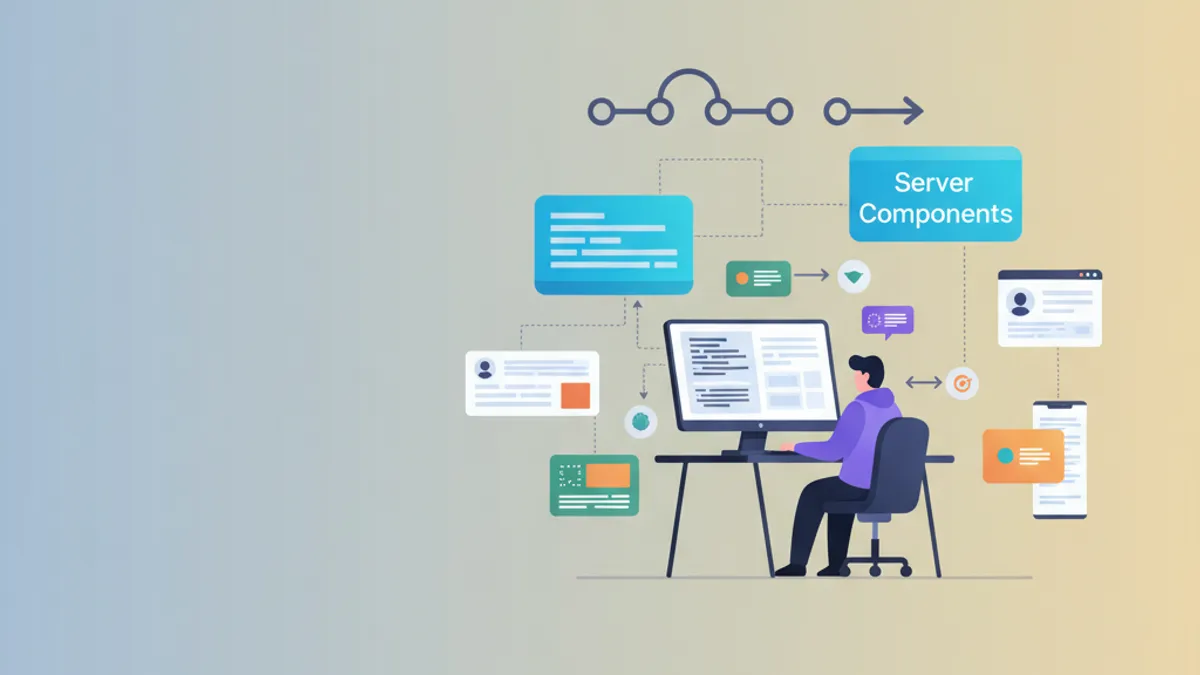
React 19: Server Components in produzione - La guida completa
Implementare i Server Components di React 19 in produzione. Architettura, pattern, streaming, caching e ottimizzazioni per applicazioni ad alte prestazioni.
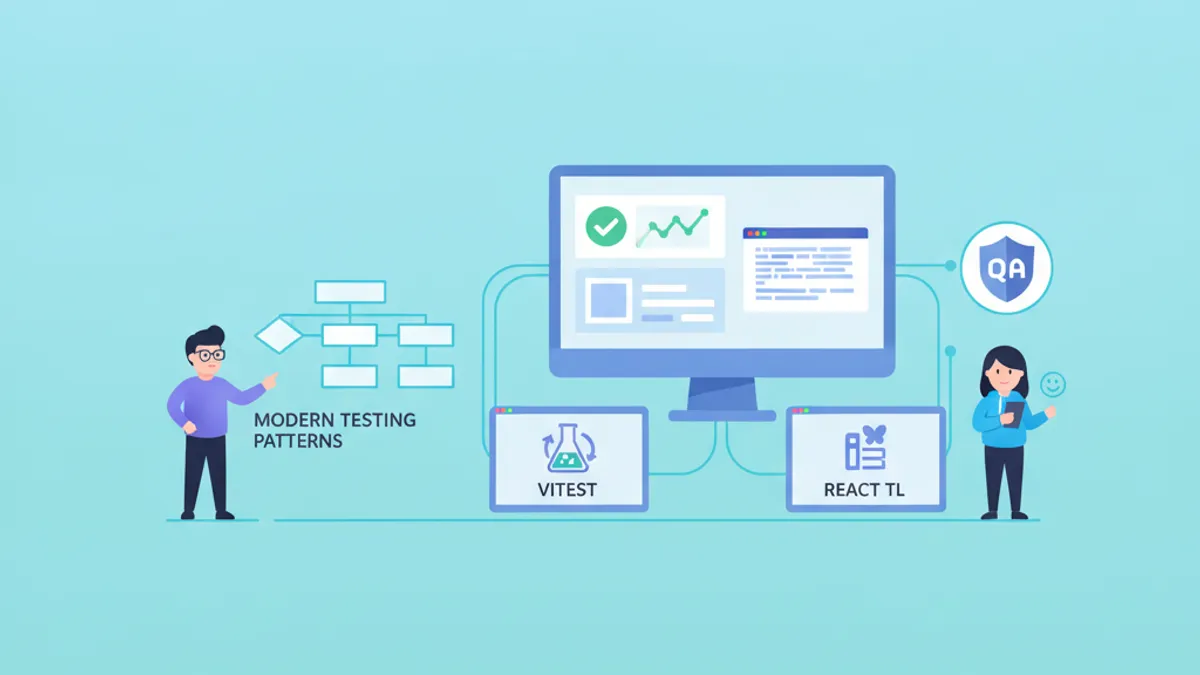
React Testing nel 2026: Vitest, React Testing Library e Best Practice
Strategie professionali per il testing di React nel 2026 con Vitest come test runner e React Testing Library per test dei componenti basati sul comportamento.